


A 720Hz headline is easy to notice; the resolution beside it deserves equal attention. ASRock Taichi TCO27QXB gives competitive players two different display choices, rather than one setting that delivers every headline number at once. For a South African upgrade, the useful question is whether that choice improves the games you play enough to justify waiting or spending more.
Quick Answer
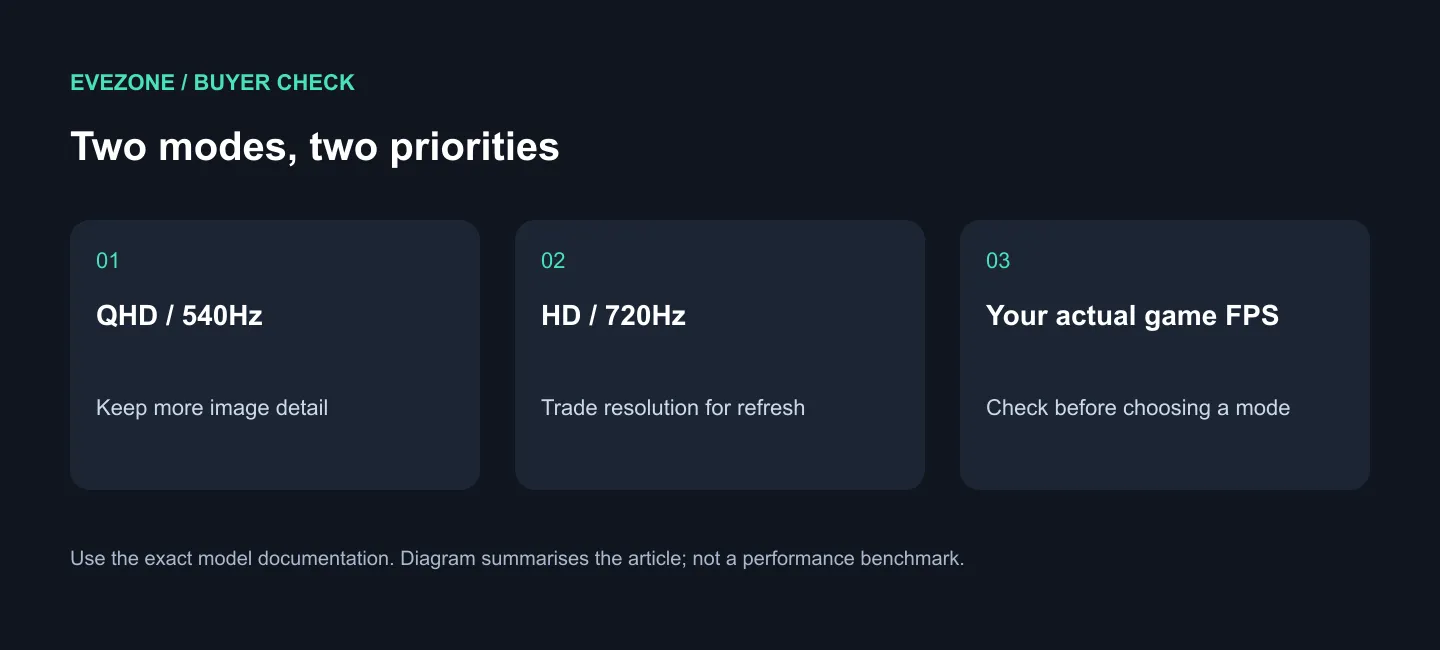
The TCO27QXB runs at QHD 540Hz or HD 720Hz, using a Tandem WOLED panel. Its September announcement clarifies the dual-mode option previewed at Computex. For a local comparison, Evetech listed the AOC Q27G41ZDP QHD 240Hz WOLED at R9,999 on 17 September 2026, marked In Stock with Evetech; this is an alternative's price, not a Taichi quote.
🎯 Pick the resolution you will actually keep
Start with your ordinary evening, not a demonstration clip. A player who spends most sessions in a fast competitive shooter may be happy to trade detail for the highest refresh setting. Someone who alternates between strategy games, cinematic adventures and a desktop full of text might spend much more time in QHD instead.
That distinction matters because the advertised 720Hz figure belongs to HD mode. Buying for that figure while expecting the same detail as QHD would set the wrong expectation before the screen even arrived. Write down your preferred resolution first, then decide how much you value the second operating mode.
The refreshed announcement also separates this model from its siblings. The TCO27QXA is a QHD QD-OLED option, while the TCO27QXB uses Tandem WOLED. Similar model names are a reason to read the full listing carefully, especially when comparing an imported review with a local quotation.
🖥️ Put the whole PC in the decision
A display cannot supply frames that the computer never renders. Before changing your screen, use your current games to establish whether you want clearer motion, a sharper picture or simply more consistent performance. Those are different problems and can lead to different purchases.
Spend a few sessions recording the settings you actually use. If you keep reducing detail to maintain the experience you want, reserve part of the budget for the PC itself. If you already like the image and performance but want a more responsive display, a monitor upgrade has a clearer purpose. This is a buying method, not a promised benchmark gain for any particular graphics card.
Explore gaming monitors by resolution and refresh target, rather than assuming the largest number is automatically the best fit. The R9,999 comparison is useful because it gives the decision a real local starting point without pretending that the two products are equivalent.
🔌 Count the desk features too
ASRock's announced Taichi range includes a KVM, USB-C with 65W Power Delivery and modern HDMI and DisplayPort connections. Those features deserve space in the comparison if one screen will serve a laptop and a gaming tower. A convenient desk arrangement may matter more every day than a mode reserved for one game.
Do not treat USB-C charging as a promise that every gaming laptop can run at full load from the monitor. Match the laptop's power needs and the exact display input specification before deciding which cables and charger stay on the desk. Browse cable options only after mapping those connections.
For a purchase today, compare the available local monitor's complete specification and price. For a planned build, keep the Taichi on the shortlist until the exact local model and Rand quotation suit the budget. Neither choice requires guessing a South African release date.
Frequently Asked Questions
Is 720Hz available at QHD?
No. ASRock pairs 720Hz with HD; QHD is the 540Hz mode on this model. Choose the picture detail you need before deciding which figure matters.
Was this monitor first shown in September?
The TCO27QXB appeared in ASRock's Computex preview. The September launch announcement spells out the QHD and HD refresh choices.
Is R9,999 the Taichi price?
No. It is the dated Evetech listing for the AOC Q27G41ZDP, used to anchor the local comparison. Recheck the chosen product's price when ordering.
Choose the mode that fits your games. Compare Evetech's monitor range with your usual resolution and PC performance in mind, then spend on the features you will use every day.











