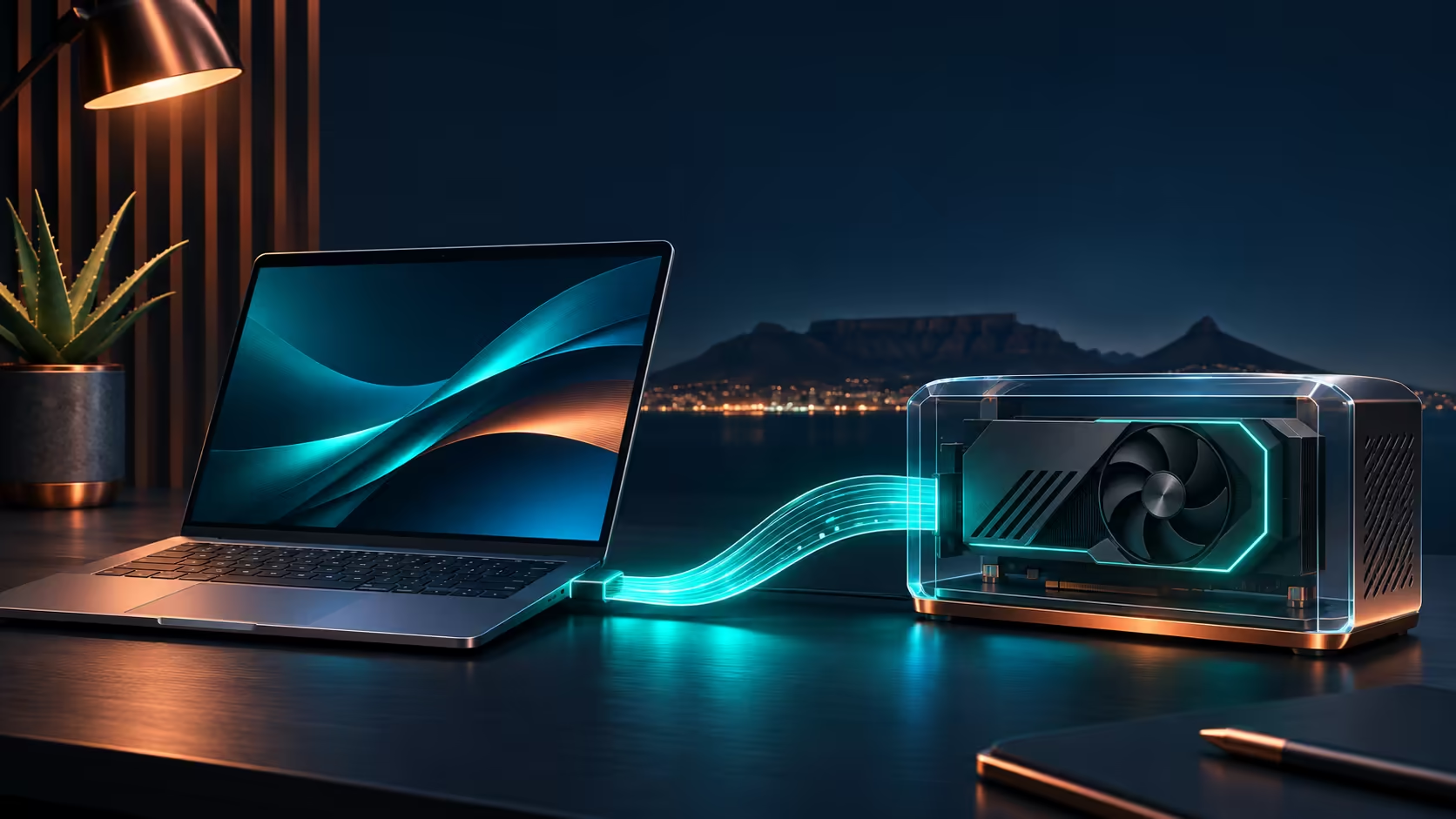
The ASUS XG Station 3 turns the external-GPU question into a whole-desk decision. A November 3 announcement, published on the brand's November 4 press page, details the Thunderbolt 5 dock. For a South African laptop owner, the useful question is whether an existing computer can sensibly anchor that setup, rather than whether a fast cable sounds impressive.
Quick Answer
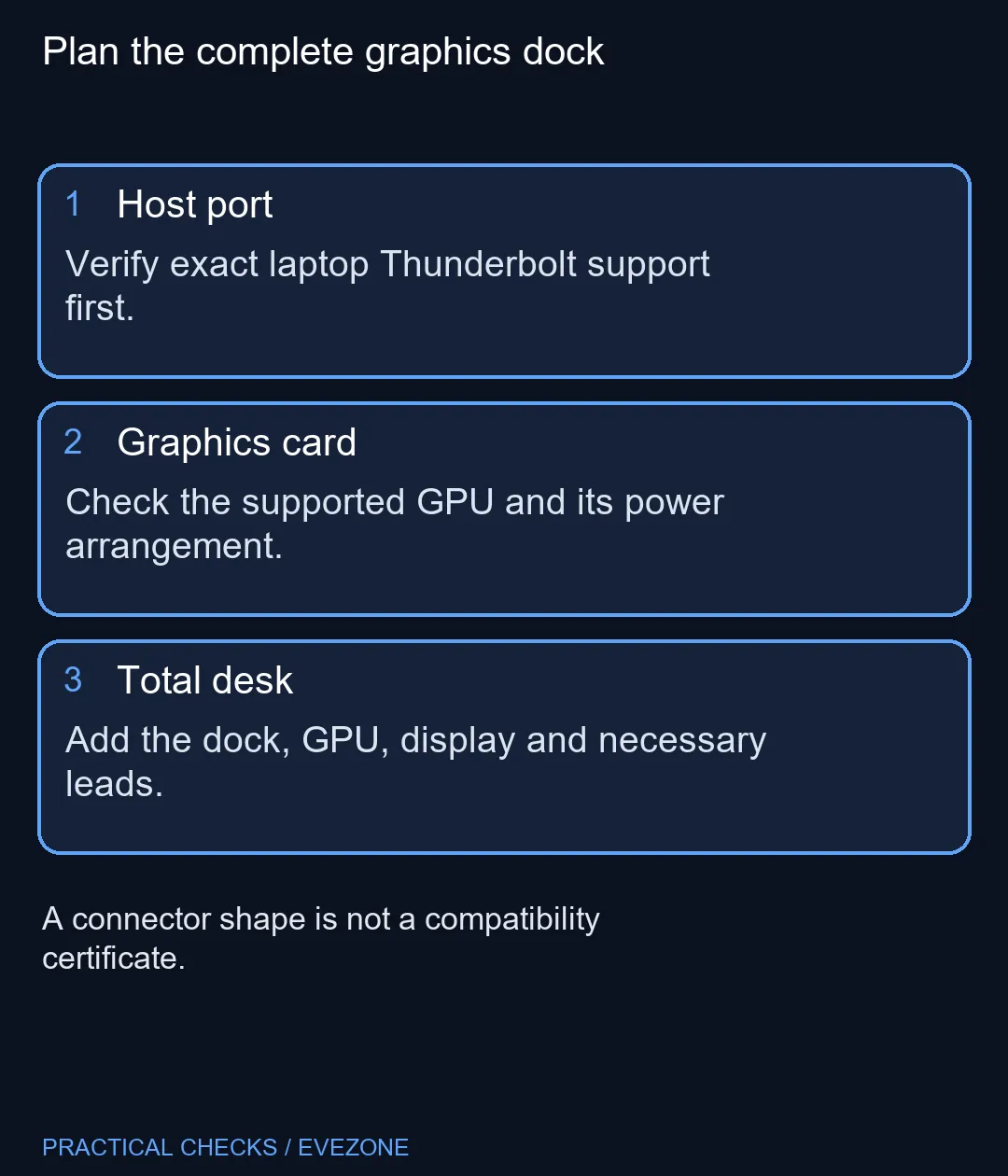
Start with the exact laptop's Thunderbolt support, then check the intended graphics card and total setup price. Spend R0 on that inventory before ordering hardware. The XG Station 3 is graphics expansion for a compatible host; it does not make every USB-C laptop an upgradeable gaming system.
🔌 Identify the actual host connection
Write down the laptop model and the port you intend to use. A charging symbol or USB-C socket is insufficient evidence for the required connection. Inspect the manufacturer's specification for that precise configuration, particularly where several laptops share a similar marketing name.
ASUS specifies 80Gbps bidirectional Thunderbolt 5 and up to 120Gbps in a video Bandwidth Boost mode. Keep those descriptions attached to their operating context. They are interface capabilities, not an FPS promise, and they do not remove the need to assess your particular applications.
If you are also replacing the computer, compare suitable options in all laptops on special before committing to the dock route. Buying a new laptop specifically to make another purchase work deserves a different budget from reusing a machine already on your desk.
🧩 Separate the card from the dock
The open-frame arrangement accommodates a separate graphics card. ASUS also describes BTF 2.5 compatibility through its GC-HPWR connection, alongside conventional cards with visible power cables. Check the exact card's supported installation instead of treating BTF as a label applying to every GPU.
When browsing all graphics cards, record the full card model, power requirements and physical arrangement you intend to use. A catalogue listing for a different GPU establishes neither a supported dock combination nor a local price for this dock. Ask for a quotation that names both components separately.
Place the assembly where cables and the exposed card will not be knocked by a chair, pet or regularly moved laptop bag. Think about the daily unplugging routine as well as the attractive desk photograph. A workstation must remain practical when you leave with the computer.
🧮 Compare a usable system
Up to 140W of host charging may simplify a compatible setup, but check the laptop's own charging needs. A single cable is a convenience only when the actual workload and power arrangement support it. Retain the existing charger until that is established.
Add the dock, GPU, display connection and any additional leads to the total. Then compare that sum with keeping the current laptop unchanged or building a separate desktop. Existing equipment can make one route attractive without making it universally cheaper.
Do not buy on an assumed local release date. The announcement establishes the product's features, while South African availability and a Rand selling price remain separate questions. Wait for an exact configuration and a complete quotation if those answers decide the purchase.
Frequently Asked Questions
Is this the same as XG Mobile?
Keep the full product name on the quotation. XG Station 3 is the external graphics-card dock described here; another dock name is not a substitute.
Will every USB-C laptop work?
No. The USB-C shape alone does not establish the required Thunderbolt capability. Check the specification for the exact laptop port.
Does 120Gbps mean that much GPU bandwidth?
No. ASUS describes 80Gbps bidirectional operation and a 120Gbps video Bandwidth Boost mode. Those are not a measured game-performance result.
Is a graphics card included?
Confirm the actual bundle. The dock and the graphics card are distinct items in the buying plan, so do not assume a GPU is supplied.
Can I use it instead of my laptop charger?
Up to 140W host charging is specified. Compare your laptop requirements and supported charging mode before leaving its original adapter behind.
Is there a confirmed South African price?
No exact-model local price is established here. Obtain a complete Rand quotation rather than converting a foreign announcement into a selling price.
Choose the whole setup
Compare your laptop and GPU plan before committing to graphics expansion.