The HATOR Pulsar 4 Wireless has a November 3 UK launch behind it, but a mouse purchase still starts with the hand using it. Three connection modes and a high sensor-resolution figure do not tell you whether the shell suits your grip. South African shoppers should separate the regional release from a confirmed local listing and choose the practical requirements first.
Quick Answer
Compare the 123x68x38mm shell with a familiar mouse, then choose the connection and configuration method you need. Budget R0 for checking those requirements before replacing working gear. The published USB polling specification is up to 1000Hz; do not carry that number over to Bluetooth without supporting evidence.
🖐️ Start with a shape you understand
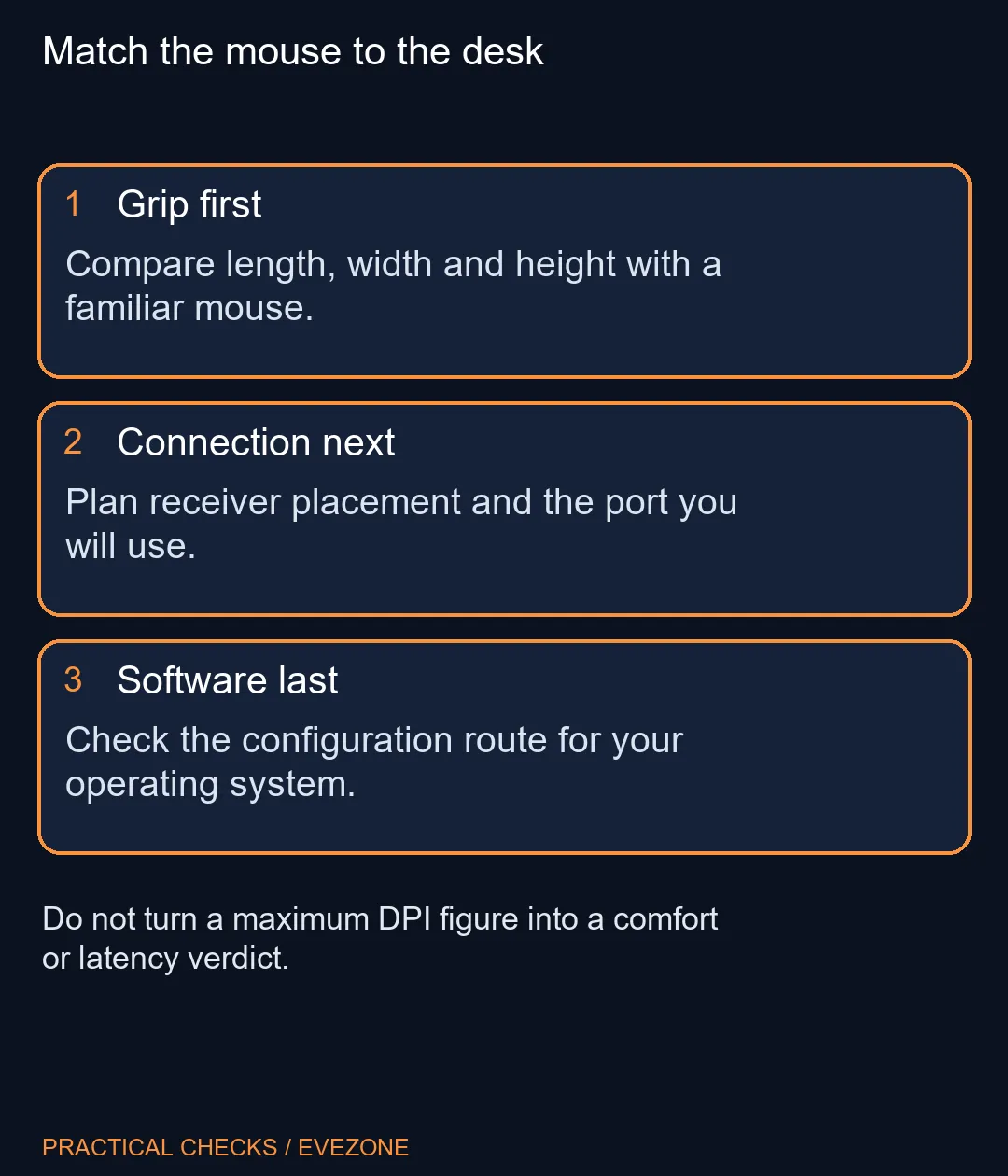
Measure or look up the mouse you currently use. Decide whether its length, rear height or width is the uncomfortable part. That creates a useful comparison with the HATOR dimensions without pretending a specification sheet can reproduce how a shell feels during a long session.
The advertised 59 plus or minus 2g excludes glides. Small measurement qualifiers matter when lightweight models are compared closely. Use a consistent basis rather than treating a one-gram headline difference as proof that one mouse will control better.
Browse all mouse with a short requirements list: preferred hand position, connection, button access and desk space. Keep the full HATOR model name on your notes. The word Pulsar in this product name must not become an assumption about another manufacturer's range.
📡 Pick the connection for the task
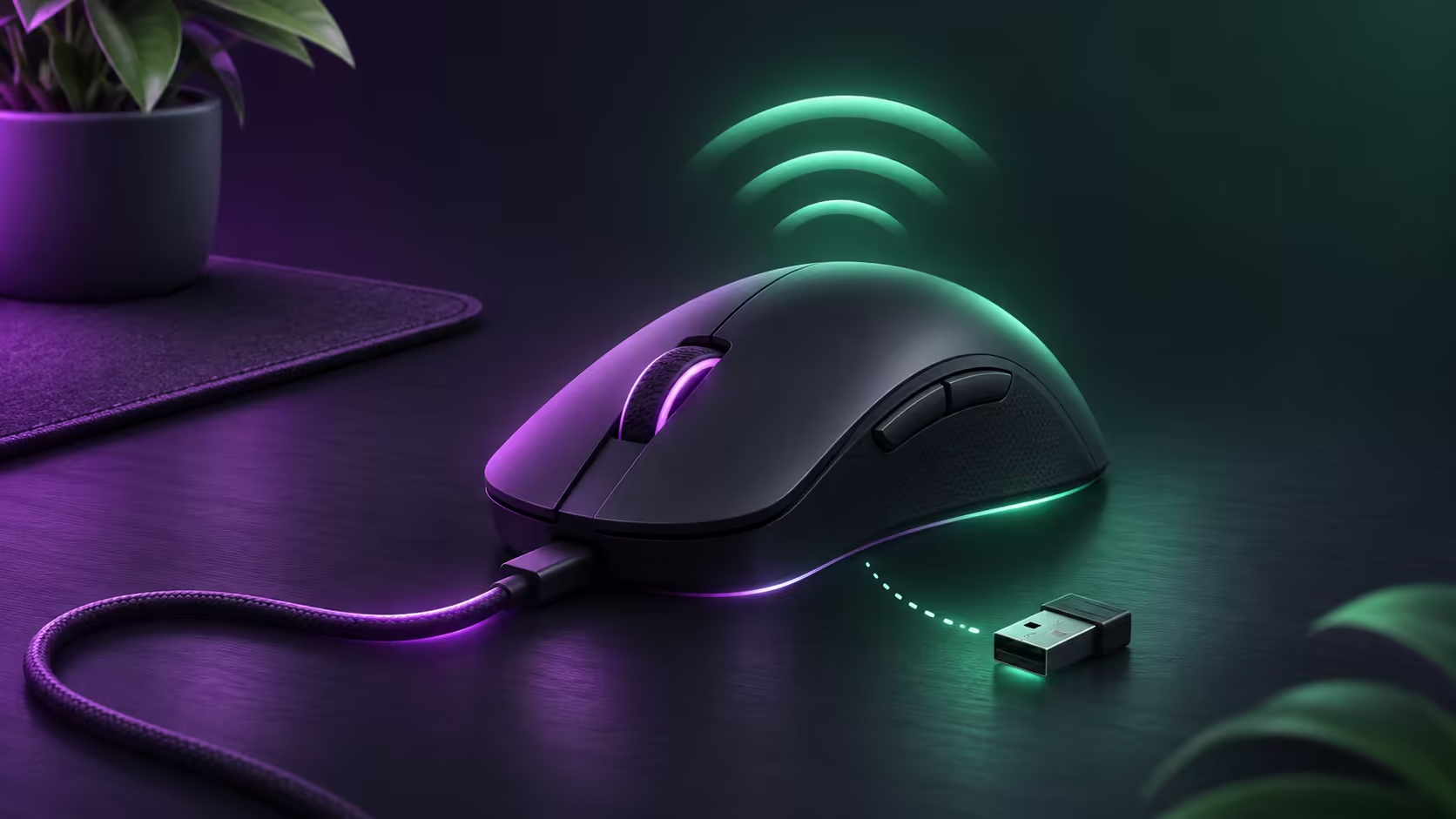
USB, 2.4GHz wireless and Bluetooth 5.1 are listed. Plan which computer uses which connection and where the receiver can sit. A port buried behind a crowded desktop is a different practical arrangement from an accessible receiver near the mousepad.
The PAW3315 sensor is listed with up to 16,000 DPI. Choose a sensitivity that gives useful control on your actual screen and desk; the largest selectable number is not a recommendation to use it. Leave familiar settings unchanged while comparing a new mouse so the shell is easier to judge.
Check the surface as well. A clean, sufficiently large area from mousepads may be relevant to comfortable movement, but no particular pad is required by the launch information here. Avoid ordering several accessories before finding out what your present setup lacks.
💻 Confirm the configuration route
HATOR lists browser-based Web SyncHUB and a Windows desktop application. The launch release describes a macOS desktop version as forthcoming in November, so do not treat the calendar alone as proof it has shipped. Check the actual supported download before relying on a desktop-only workflow.
Battery figures also need a mode and lighting setting attached. The product page separates Bluetooth and 2.4GHz conditions; a broad up-to claim cannot predict your own working week. Decide whether easy cable access matters more than a marketing maximum.
For an SA purchase, compare complete local options and obtain a Rand quotation for the exact model if it becomes available. The UK launch supplies a dated regional milestone, not a local arrival promise. Keep a working mouse until grip, connection and configuration requirements are resolved; an unverified import price is not a sound reason to rush.
Frequently Asked Questions
Which brand makes this Pulsar 4?
This is the HATOR Pulsar 4 Wireless. Retain the manufacturer name when comparing listings so it is not confused with another brand using Pulsar.
What are the listed dimensions?
The manufacturer specifies 123mm length, 68mm width and 38mm height. Compare those measurements with a mouse whose fit you already know.
Is the quoted weight ready-to-use weight?
The 59 plus or minus 2g figure excludes the installed glides. Keep that qualifier when comparing another mouse measured differently.
Does Bluetooth use the stated 1000Hz USB rate?
Do not assume so. The specification labels up to 1000Hz as USB polling; it is not a promise for every connection mode.
Is desktop software required for all configuration?
HATOR offers browser-based Web SyncHUB as well as a desktop application. Check supported features for your actual browser and operating system.
Has South African stock been established?
No exact-model local stock or Rand price is established by the UK announcement. Existing local mouse listings are separate alternatives.
Find a comfortable match
Choose mouse shape and connection around the way you actually use the desk.