FINAL FANTASY RESONANCE does not demand a flagship PC on paper. Its official Steam tiers focus on 1080p, making this a useful case for checking the weakest component before spending on an entirely new machine.
Quick Answer
The minimum tier targets 1080p at 30 fps on Low with 8GB RAM, 15GB storage and Radeon RX 6400, Intel Arc A580 or GeForce GTX 1650-class graphics. The recommended tier targets 1080p at 60 fps on Highest, still with 8GB RAM and 15GB storage. Compare those targets with the exact parts in the PC, then upgrade only the component that falls short.
🎮 Read the two performance targets correctly
Minimum and recommended lists describe different experiences. Meeting the minimum does not promise the highest preset or a locked 60 fps. Square Enix's Steam listing attaches a useful performance note to each tier: 30 fps at Low for the minimum, and 60 fps at Highest for the recommended hardware.
That detail matters more than treating each named graphics card as a pass or fail badge. A player happy with a 30 fps role-playing experience can use the lower tier as a practical baseline. Someone targeting smoother camera motion should compare against the recommended tier. Both tiers specify Windows 11, DirectX 12, 8GB RAM and 15GB of available space.
If the current machine is difficult to identify, check Windows System Information for the processor and memory, Device Manager for the graphics adapter, and drive properties for free space. A complete replacement from the budget gaming PC range only becomes sensible when several major parts miss the target or the old platform has no useful upgrade path.
🧩 Upgrade the actual bottleneck
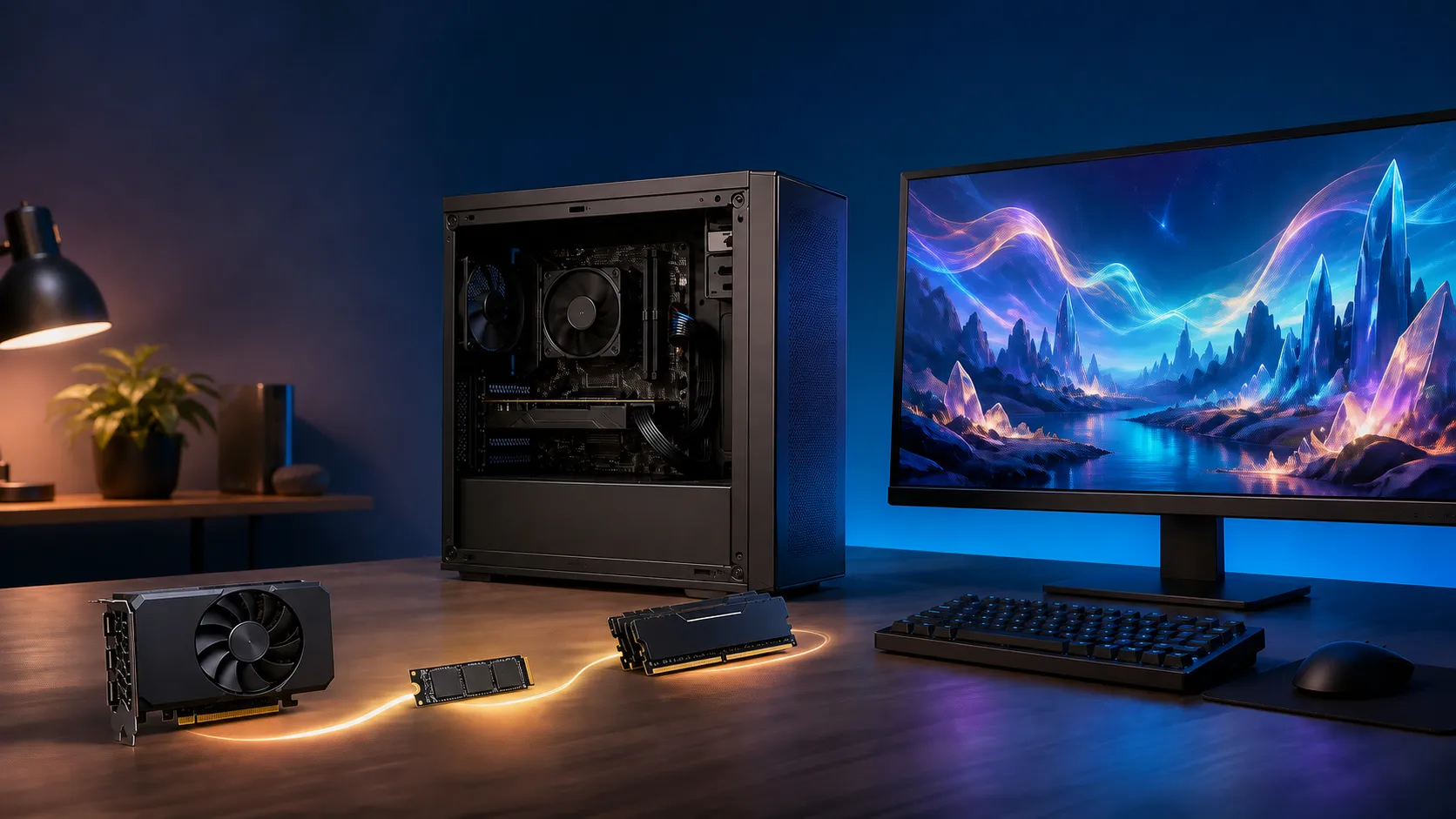
Start with graphics because it carries the clearest gap between the listed cards and the intended frame rate. Compare the full model name, not only the Radeon, Arc or GeForce family. The graphics card category is useful for seeing current options, but a faster card still needs a suitable power supply, physical case clearance and compatible display connection.
Memory is less complicated here because both official tiers list 8GB. That does not mean every 8GB Windows PC will feel identical. Browsers, launchers, capture tools and security software consume memory before the game starts. Close unnecessary background applications during the first test instead of assuming a memory purchase is required.
Storage capacity is modest at 15GB, but the drive should have extra working room for downloads, unpacking and patches. If an older hard drive is the main cause of slow loading, browse internal SSD options after confirming the available connector and form factor.
🧪 Test before and after launch
Requirements can change before release, so save the current component list and revisit the official store page near 22 October 2026. At launch, begin with the preset associated with the matching tier, use the native display resolution, and observe a repeatable scene rather than an opening cinematic.
Watch frame time as well as the average frame rate. Regular stutter can come from background tasks, shader compilation or a drive that is nearly full, not only from a weak GPU. Change one setting at a time. Shadows, effects and resolution scaling often recover performance with less visual cost than reducing every control together.
The official PC disclosure also names Denuvo. That is a sourced compatibility detail, not proof of a particular performance result. Judge the shipping game on the actual system and avoid attributing any stutter to one cause without a matched test.
Frequently Asked Questions
When is FINAL FANTASY RESONANCE scheduled for PC?
Square Enix lists 22 October 2026. Recheck the official listing close to release because requirements and release details can change.
Is 8GB RAM enough according to the listing?
Yes, both official tiers list 8GB. Leave as much of it as possible available to the game by closing unnecessary background software.
Does the recommended tier require a modern flagship GPU?
No. The current recommended list names Radeon RX 5500 XT, Intel Arc A580 or GeForce GTX 1650-class graphics for its stated 1080p target.
Ready to match the PC to the game instead of guessing?
Compare the installed parts with the official tier, choose the intended frame-rate target, and replace only the component that blocks it.