



ASUS ROG Swift OLED PG27UCWM: UK release and SA checks
The ASUS ROG Swift OLED PG27UCWM is on sale in the UK. Check its two refresh modes and what the overseas listing means for South African buyers.
Read moreCheck display connections, memory and what ships in the box before putting the MSI Cubi NUC WCG on a South African mini PC shortlist.
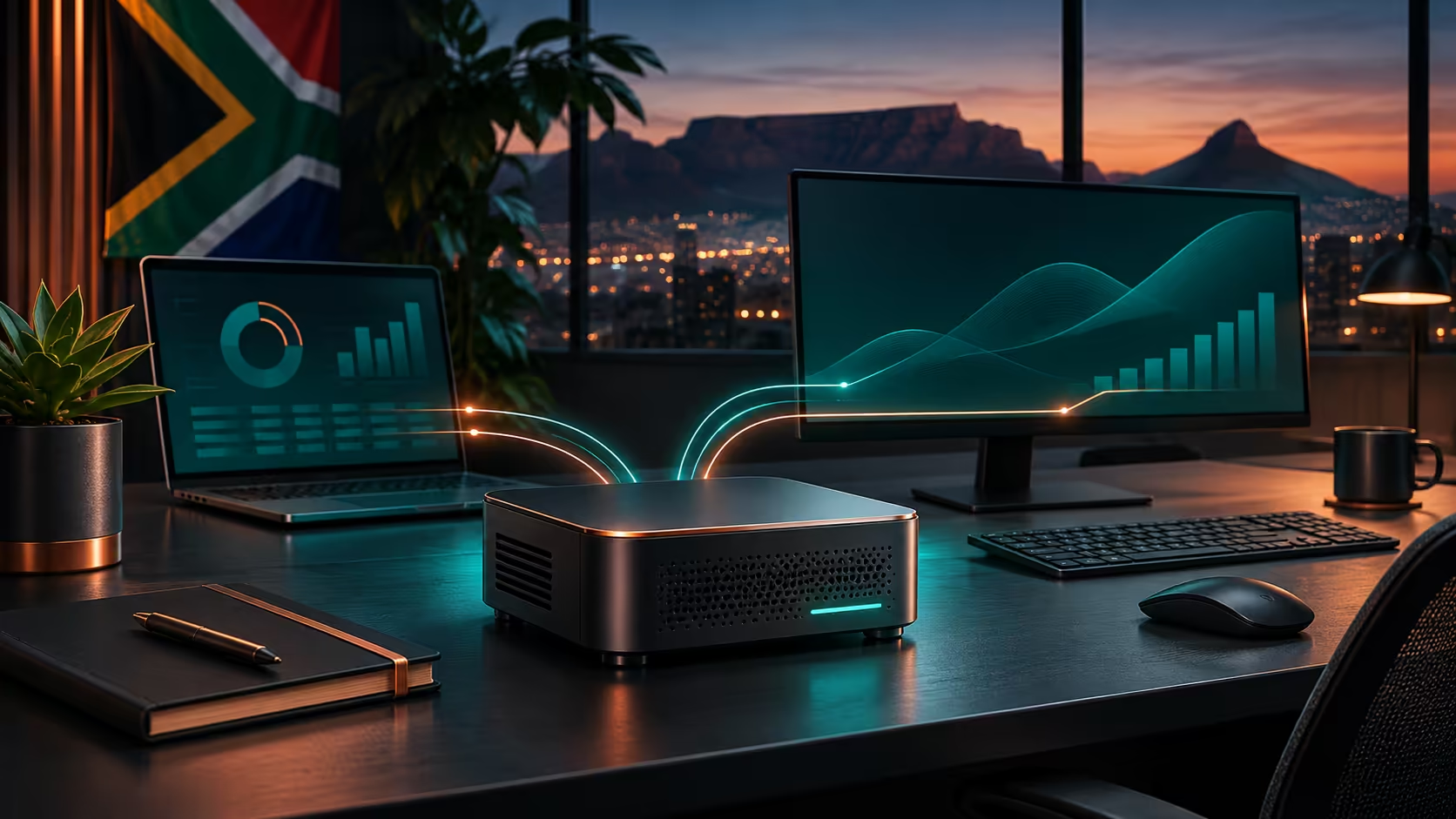
The MSI Cubi NUC WCG is a small Core Series 3 desktop listed in MSI's business range. Check the exact CPU, included memory and storage, and the ports you need before buying. The November announcement describes two DDR5 SO-DIMM slots and one M.2 2280 SSD position. A local price for this exact model is unconfirmed.
A mini PC makes sense when the desk already has a usable screen and keyboard and the workload fits a compact desktop. Start with what runs every day: browser sessions, video calls and spreadsheets can put different demands on a machine from rendering or PC gaming. The Cubi name appears on more than one MSI system, so copy the WCG suffix into your notes before comparing listings.
The November report gives two memory slots. That is useful when planning upgrades, but a slot count does not tell you how many modules are fitted. Ask whether the unit is sold complete or needs parts. If one slot is already occupied, get the memory specification and confirm any intended pairing before buying a second module. Treat an M.2 slot as room for a compatible drive, rather than evidence that an SSD ships inside.
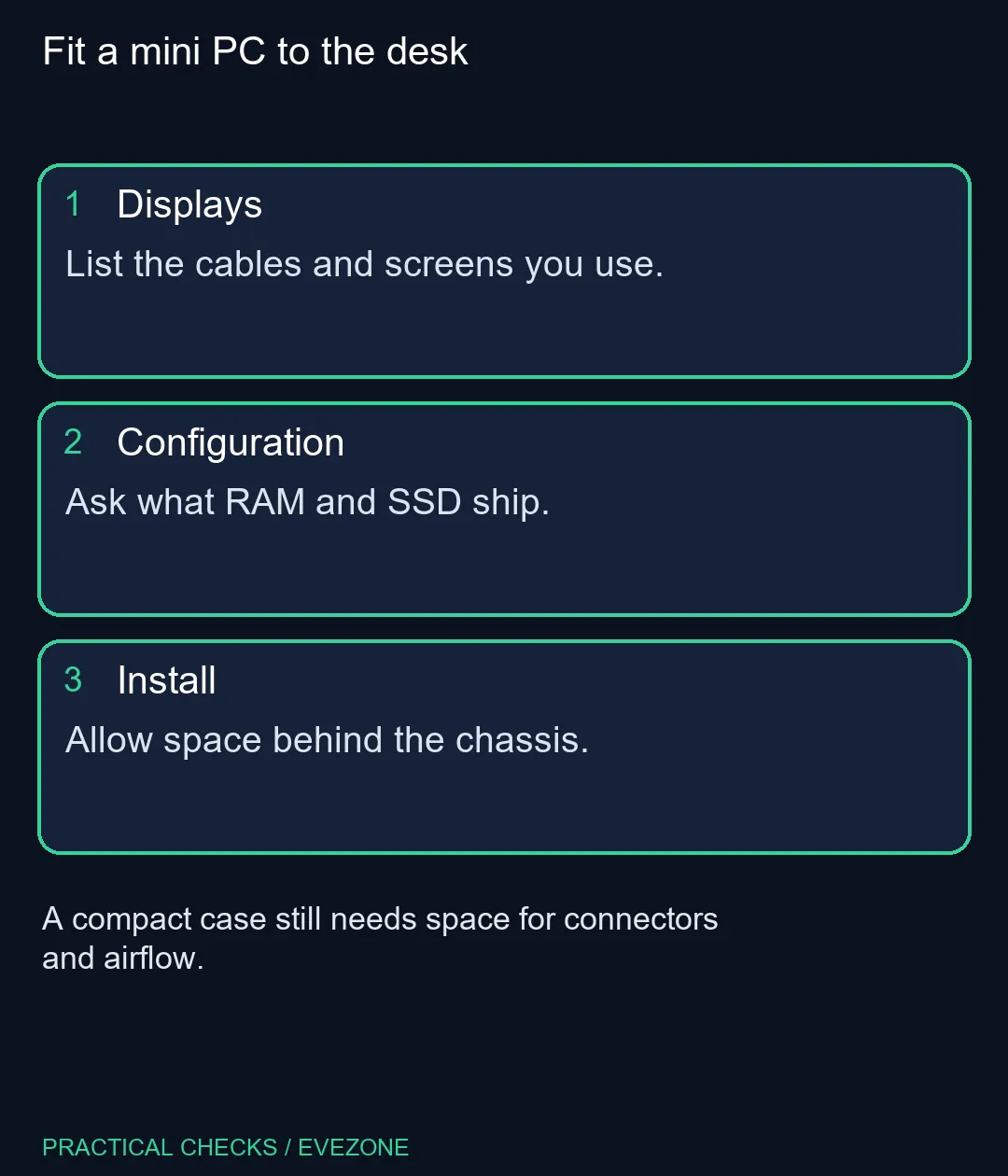
Make a short list of everything you plan to leave plugged in: screen, keyboard, mouse, headset, Ethernet and any removable storage. On a small chassis, the number of ports and their placement affect whether a rigid plug or an adapter blocks the adjacent socket. Decide what you want to reach from the front and what can sit behind the machine.
For a second display, trace both cable routes to the actual ports. Check the screen's input and the desktop's output before assuming an adapter will carry the mode you want. Two monitors with the same connector may still have different resolution or refresh requirements. Also measure where the power cable and monitor plugs bend. Those few centimetres can matter more than the width of the computer if it sits against a wall.
The active local mini pcs range showed a Ninkear M7 V2 configuration at R6,999 at writing time. That listing named 16GB of memory and a 512GB SSD, and it is a different machine. The useful comparison is a total for the configuration you would actually take home: the system, any missing memory and SSD, and any cables or mount needed at the desk. The exact Cubi WCG did not appear in the active Evetech product-name search.
A new desktop does not require a new screen if the old one has the right input and still fits your work. If you are buying both, check the inputs on the gaming monitors shortlist before budgeting for a cable. It is easier to plan around a matching port than discover after unpacking that your preferred resolution needs a different route.
Wait if the Cubi's footprint or port arrangement is the main reason for replacing a working desktop. Confirm the local CPU, memory and SSD configuration together when it appears. If you need a PC now, choose a locally listed kit with its full parts and outputs named, then compare the assembled cost. You should be able to describe exactly what plugs in and what starts up on day one before treating any barebone price as a working setup price.
It is listed in MSI's compact business PC range. Check the workload and graphics needs before comparing it with a gaming tower.
The launch report describes two DDR5 SO-DIMM slots. A seller must confirm the fitted modules.
The launch coverage identifies an M.2 2280 position. Check the supported interface and installed capacity on the exact listing.
No. It was for a Ninkear M7 V2 in the local mini PC category at writing time.
No. Confirm the operating system and licence with the exact local configuration.
If the display input and PC output support the connection and mode you need, it may be suitable to reuse.
Plan the complete desk List the ports and supplied parts before comparing compact desktops.
It is listed in MSI's compact business PC range. Check the workload and graphics needs before comparing it with a gaming tower.
The launch report describes two DDR5 SO-DIMM slots. A seller must confirm the fitted modules.
The launch coverage identifies an M.2 2280 position. Check the supported interface and installed capacity on the exact listing.
No. It was for a Ninkear M7 V2 in the local mini PC category at writing time.
No. Confirm the operating system and licence with the exact local configuration.
If the display input and PC output support the connection and mode you need, it may be suitable to reuse.
The ASUS ROG Swift OLED PG27UCWM is on sale in the UK. Check its two refresh modes and what the overseas listing means for South African buyers.
Read more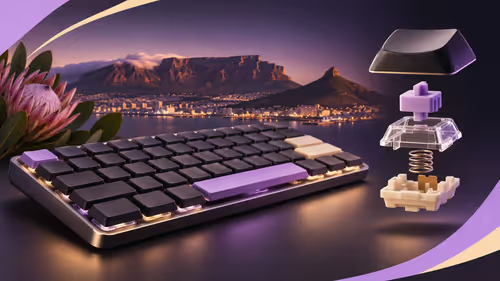
Compare the 84-key and 100-key Lofree Flow Lite 2 layouts, wireless modes and switch fit before waiting for a South African listing.
Read more
Check what the limited Signature controller adds, what it supports and whether it makes sense to wait for a South African listing.
Read more
FSP1200-50ADA is a 1200W fixed-cable ATX 3.1 power supply announced in November. Compare the exact build requirements, connector layout and cable space before choosing capacity from a graphics-card headline.
Read more
PhaseSheet PTM Pro is an electrically non-conductive phase-change thermal sheet. Its November update changes handling and composition; check the contact surface and mounting instructions before replacing paste.
Read more
HATOR Pulsar 4 Wireless combines USB, 2.4GHz and Bluetooth connections in a compact gaming mouse. The November UK launch is a regional milestone; assess grip, receiver placement and software before an SA purchase.
Read more
Firefox can mute one noisy tab using its speaker button or context menu. Check the tab control before changing Windows volume or replacing a working headset.

ASUS PA329CDV combines a 4K 120Hz QD-OLED panel with USB-C charging and Auto KVM. Compare colour work, laptop power and desk connections before treating overseas availability as an SA offer.

Teclast N30 Pro pairs Core 3 304 with 12GB memory and USB4. Its expansion connection is useful, but an external graphics plan needs a complete cost and compatibility check.

Firefox private browsing separates a temporary session from normal browsing history. It does not make you anonymous online, and files or bookmarks you deliberately save can remain after the last private window closes.

Set Firefox as the default browser to open normal web links from other apps in it. Use Firefox Settings or Windows Default apps, then test an outside link; opening Firefox manually does not prove the default changed.
Firefox can mute one noisy tab using its speaker button or context menu. Check the tab control before changing Windows volume or replacing a working headset.

Firefox has a startup-cache control on its Troubleshooting Information page. Use it for a focused interface test and keep it separate from clearing website data or refreshing the profile.

Firefox Primary Password protects access to locally saved logins. It is separate from a website or Mozilla account password, and forgetting it can put saved credentials at risk during reset.
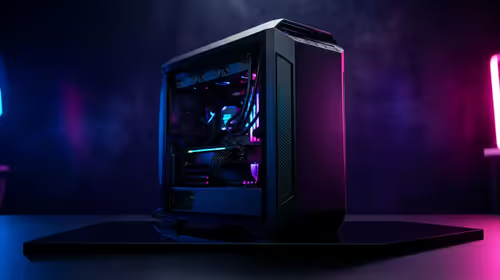
The Outlast Trials PC build planning should match the game, R30,000 target, and SA parts market. Check GPU tier, CPU balance, RAM, SSD space, cooling, and upgrade room before choosing parts.
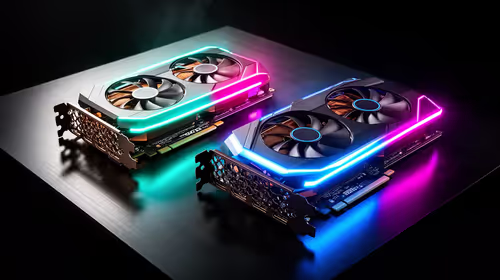
RTX 5070 Ti vs RX 9070 XT at 1440p in Mass needs a workload-first comparison. For SA buyers, judge real performance, platform fit, warranty path, power needs, and upgrade timing before choosing either side.

Best gaming setup for running local AI should be shortlisted around the job it must do. South African buyers should compare fit, performance, compatibility, and upgrade room, warranty path, and upgrade room before treating any pick as best.

What WITS Architecture Students in Menlo Park Actually Buy needs a cautious look at fit, budget, workload, support, and timing. Use the title as a planning prompt, then compare practical specs, setup limits, and South African buying context before deciding.