



Lofree Flow Lite 2: choose the layout first
Compare the 84-key and 100-key Lofree Flow Lite 2 layouts, wireless modes and switch fit before waiting for a South African listing.
Read moreThe ASUS ROG Swift OLED PG27UCWM is on sale in the UK. Check its two refresh modes and what the overseas listing means for South African buyers.
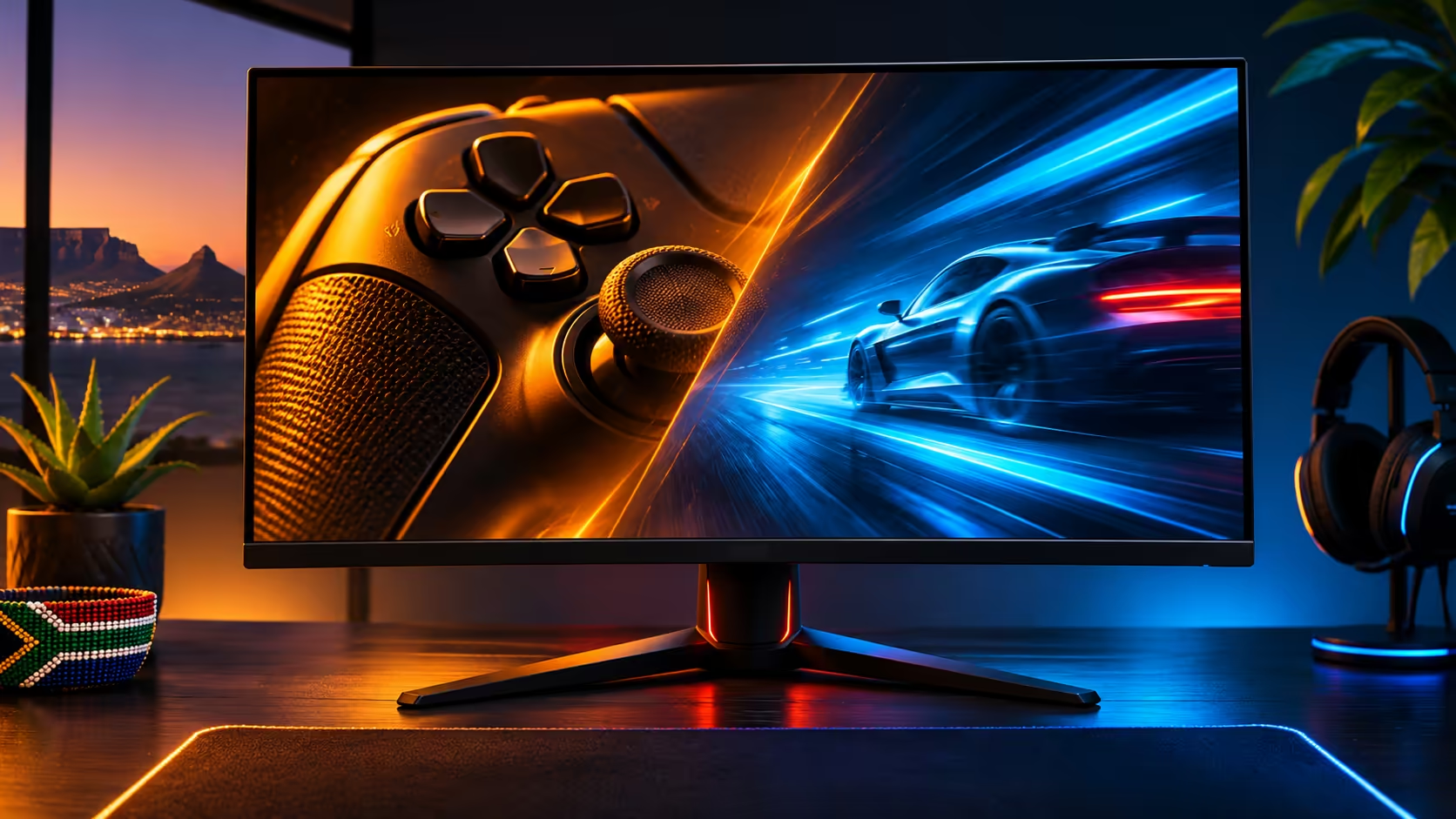
The ASUS ROG Swift OLED PG27UCWM is a 26.5-inch dual-mode screen: 4K at up to 240Hz or Full HD at up to 480Hz. A November UK retail update makes it worth watching, but does not establish local availability. Compare the two modes against frame rates your PC already delivers before planning an upgrade.
TFTCentral's November tracker shows the PG27UCWM available to buy in the UK. ASUS had already detailed the display, so this is a retail availability development. It does not establish a South African release date or a stock commitment. It also refers to the 26.5-inch PG27UCWM; the similarly named PG32UCWM is a separate screen. Copy the full model code when setting a local watch.
ASUS describes the PG27UCWM as a Tandem RGB OLED with a glossy coating. A bright window behind your chair can be part of the decision even when the screen's specifications look ideal. Before changing the desk, sit in your normal playing position with the current display off and look for obvious reflections. That gives you a useful check on where you could place a glossy monitor.
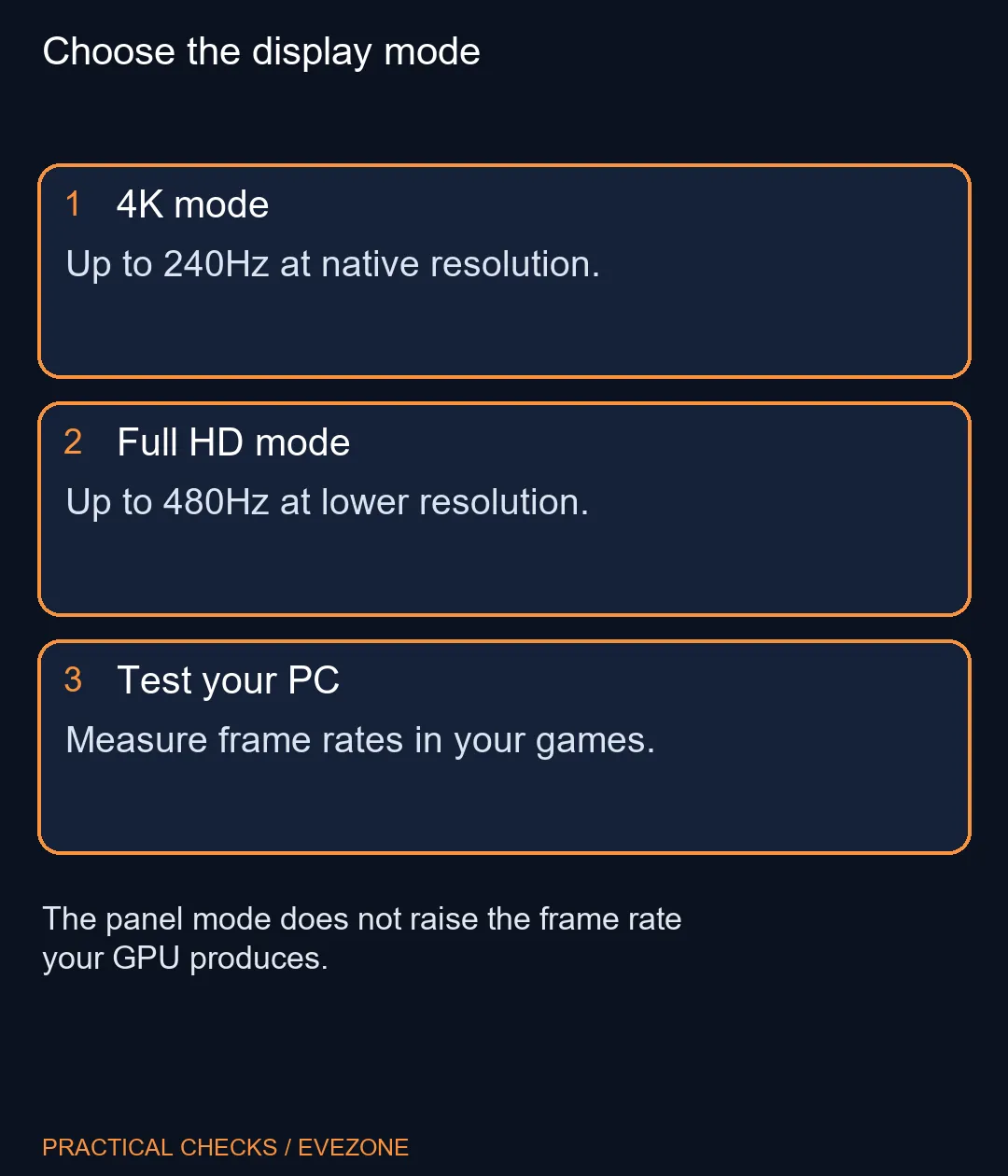
Native 4K is the obvious starting point for a desktop where you read small text or want fine scenery detail. The 480Hz mode drops the resolution to 1080p. It may suit a competitive game where movement matters more to you than fine detail, provided the PC keeps generating frames fast enough. Neither refresh ceiling is a guarantee about the frame rate in a particular game.
Use a frame counter in two games you know, ideally in a demanding match or level rather than a menu. Check whether the faster parts are representative or whether long stretches run below the rate you expected. Then decide if the lower resolution would bother you for menus, text or everyday work. A dual-mode screen is useful only if the compromise fits how you would switch between those jobs.
Look at the graphics output and cable you intend to use. A laptop dock, capture setup or adapter is a separate part of that signal path. Check its supported mode if you cannot plug directly into the graphics output. Likewise, decide whether the monitor needs to serve a console or a second device so that the headline PC mode does not distract from the connection you will actually use.
The local gaming monitors category showed a Dell SE2426H at R1,899 at writing time. That is a basic 144Hz category reference, not an OLED alternative at the same specification. Use the oled monitors listings if OLED and desk size are the features you are shopping for. The exact PG27UCWM did not appear in the active product-name check, so do not turn a UK listing into a Rand quote.
If both modes solve a problem for you, wait for a South African listing with the exact code and compare its price against the screen you would otherwise buy. If you only need a smoother secondary monitor, a simpler screen could meet that use today. Decide in advance which resolution you will run most often; it will keep a rare peak refresh figure from setting the whole budget.
ASUS lists a 26.5-inch panel for this model.
No. The advertised 480Hz mode runs at Full HD. The 4K mode goes up to 240Hz.
No. The PG27UCWM and PG32UCWM have separate model codes and screen sizes.
No. It is evidence for UK retail availability only.
The display mode does not raise the PC's rendering rate. The game, settings and hardware determine the frame rate.
No. That local Dell is a category price reference, not a Tandem OLED equivalent.
Measure the games you play Compare display modes with your real frame rates and the input you use.
ASUS lists a 26.5-inch panel for this model.
No. The advertised 480Hz mode runs at Full HD. The 4K mode goes up to 240Hz.
No. The PG27UCWM and PG32UCWM have separate model codes and screen sizes.
No. It is evidence for UK retail availability only.
The display mode does not raise the PC's rendering rate. The game, settings and hardware determine the frame rate.
No. That local Dell is a category price reference, not a Tandem OLED equivalent.
Compare the 84-key and 100-key Lofree Flow Lite 2 layouts, wireless modes and switch fit before waiting for a South African listing.
Read more
Check display connections, memory and what ships in the box before putting the MSI Cubi NUC WCG on a South African mini PC shortlist.
Read more
Check what the limited Signature controller adds, what it supports and whether it makes sense to wait for a South African listing.
Read more
FSP1200-50ADA is a 1200W fixed-cable ATX 3.1 power supply announced in November. Compare the exact build requirements, connector layout and cable space before choosing capacity from a graphics-card headline.
Read more
PhaseSheet PTM Pro is an electrically non-conductive phase-change thermal sheet. Its November update changes handling and composition; check the contact surface and mounting instructions before replacing paste.
Read more
HATOR Pulsar 4 Wireless combines USB, 2.4GHz and Bluetooth connections in a compact gaming mouse. The November UK launch is a regional milestone; assess grip, receiver placement and software before an SA purchase.
Read more
Firefox can mute one noisy tab using its speaker button or context menu. Check the tab control before changing Windows volume or replacing a working headset.

ASUS PA329CDV combines a 4K 120Hz QD-OLED panel with USB-C charging and Auto KVM. Compare colour work, laptop power and desk connections before treating overseas availability as an SA offer.

Teclast N30 Pro pairs Core 3 304 with 12GB memory and USB4. Its expansion connection is useful, but an external graphics plan needs a complete cost and compatibility check.

Firefox private browsing separates a temporary session from normal browsing history. It does not make you anonymous online, and files or bookmarks you deliberately save can remain after the last private window closes.

Set Firefox as the default browser to open normal web links from other apps in it. Use Firefox Settings or Windows Default apps, then test an outside link; opening Firefox manually does not prove the default changed.
Firefox can mute one noisy tab using its speaker button or context menu. Check the tab control before changing Windows volume or replacing a working headset.

Firefox has a startup-cache control on its Troubleshooting Information page. Use it for a focused interface test and keep it separate from clearing website data or refreshing the profile.

Firefox Primary Password protects access to locally saved logins. It is separate from a website or Mozilla account password, and forgetting it can put saved credentials at risk during reset.

Turn on Firefox HTTPS-Only Mode and understand what to do when an old device page has no encrypted connection.

Find the Firefox address autofill controls if available, and tell saved addresses apart from regular form-history suggestions.

Adjust Firefox smooth scrolling on desktop and isolate whether uncomfortable page movement comes from the browser or just one site.

Create Firefox tab groups, tell collapse apart from save and close, and recover a named group without searching through every open tab.