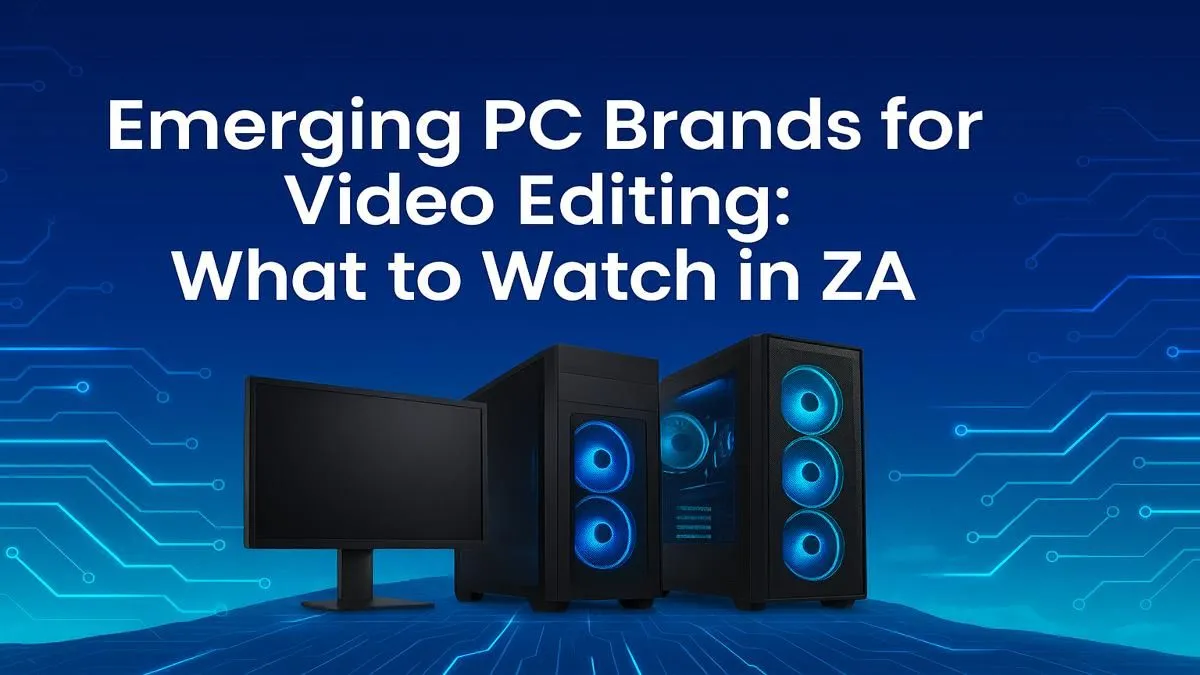
Tired of your timeline stuttering every time you add a colour grade? For South African creators, from Johannesburg YouTubers to Cape Town filmmakers, a sluggish PC is a creativity killer. Finding the right video editing PC in South Africa used to mean choosing between a few big, expensive names. But the landscape is changing. The most powerful emerging "brands" aren't brands at all… they're custom-built powerhouses designed for one thing: seamless content creation. 🚀
Core Components for a Modern Video Editing PC
Before we talk about brands, let's break down what actually matters. A powerful video editing PC isn't just one magic component; it's a balanced system where every part works together. Getting this balance right is the key to conquering 4K timelines and complex effects without wanting to throw your mouse across the room.
The Brains: CPU (Central Processing Unit)
Your CPU does the heavy lifting for encoding, decoding, and rendering. More cores and higher clock speeds mean faster exports and smoother playback. For years, Intel was the default choice, but today, the competition is fierce. High-core-count options from both Intel's Core i7/i9 series and AMD's Ryzen 7/9 chips offer incredible performance for multithreaded tasks like video rendering, making them top contenders for any serious editing rig.
The Visual Muscle: GPU (Graphics Processing Unit)
While the CPU is crucial, the GPU accelerates effects, transitions, and timeline scrubbing. Software like DaVinci Resolve and Adobe Premiere Pro lean heavily on the GPU. This is where choosing between NVIDIA's powerful GeForce GPUs, with their widely supported CUDA cores, and the excellent price-to-performance of modern AMD Radeon graphics cards becomes a key decision for your build.
Productivity Pro Tip ⚡
For a smoother editing workflow, enable GPU acceleration in your software's preferences (e.g., Mercury Playback Engine in Premiere Pro). This offloads processing from your CPU to your graphics card, resulting in real-time playback of complex sequences and much faster rendering for GPU-accelerated effects. It's a simple switch that makes a huge difference.
RAM and Storage: The Unsung Heroes
Don't skimp here. 32GB of RAM is the new standard for 4K editing, with 64GB recommended for heavy visual effects or 8K footage. For storage, a fast NVMe SSD for your operating system and active projects is non-negotiable. It dramatically cuts down on load times for both your software and your media files. ✨
The Real Emerging Trend: Custom-Built Powerhouses
So, what are the top emerging brands for a video editing PC in South Africa? The answer isn't a single name. The smartest creators are realising that the best brand is a custom one, tailored to their specific workflow and budget.
Instead of a one-size-fits-all solution, you can focus your budget where it counts. Need to smash through renders? Invest more in the CPU. Doing heavy colour grading and effects? Prioritise the GPU. This approach gives you far more power for your Rand.
This is where meticulously designed workstation PCs shine. They are built from the ground up with stability and performance for creative workloads in mind. Alternatively, many high-end expertly assembled pre-built PCs now offer the perfect balance of components for video editing, taking the guesswork out of building it yourself. You get a machine optimised for your software, ready to handle anything you throw at it right out of the box.
Ultimately, the best video editing PC for a South African creator is one that empowers your vision without bottlenecks. By focusing on a balanced system with quality components, you're not just buying a computer; you're investing in a faster, more creative future.
Ready to Build Your Creative Engine?
The power to create without limits is closer than you think. For maximum performance, choice, and value in South Africa, a purpose-built PC is unbeatable. Explore our specialised range of Workstation PCs and find the perfect machine to bring your vision to life.