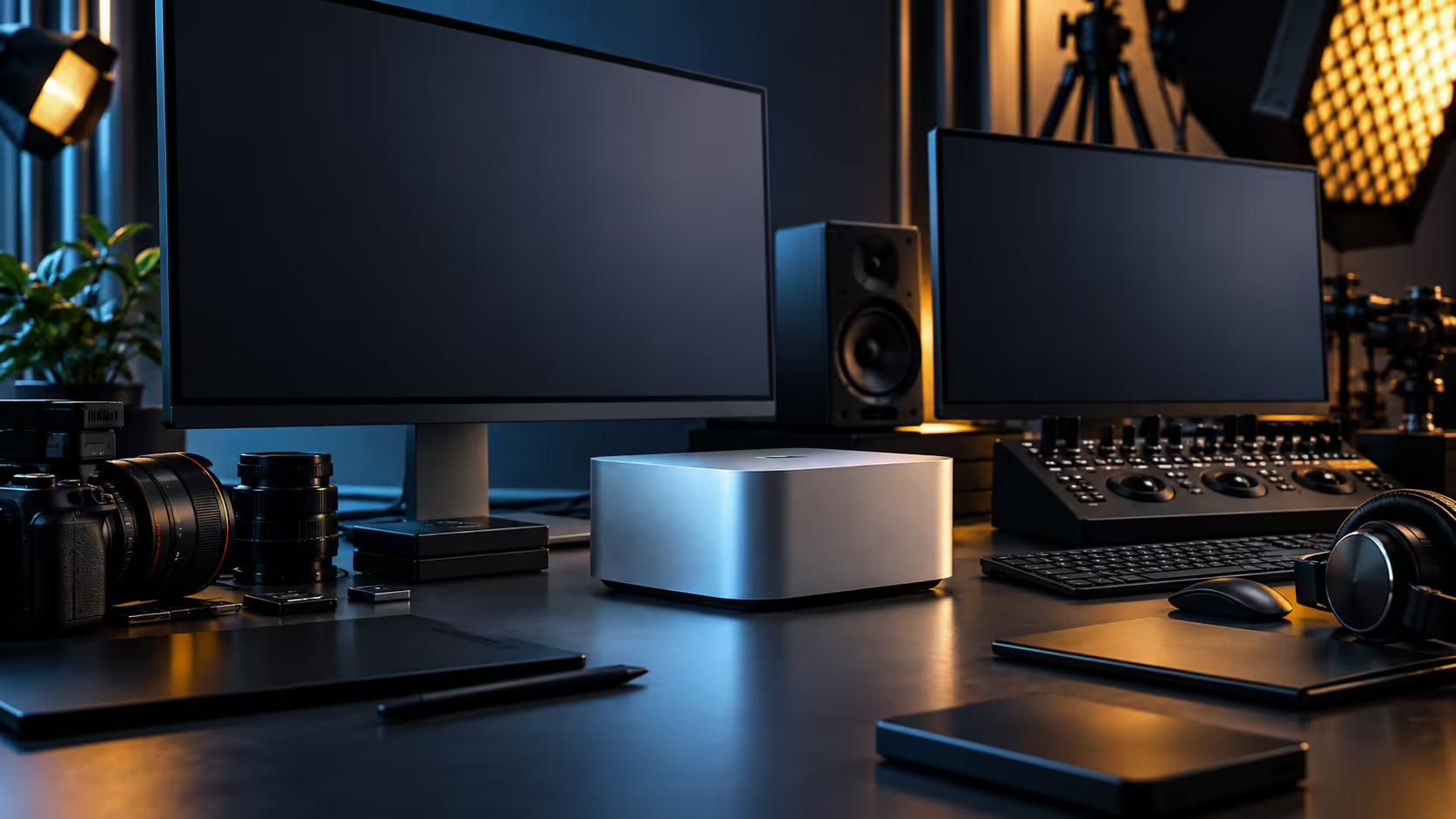
Ask what a machine can do and most spec sheets answer with a list. The honest answer for the Mac Studio M5 Max is that it's built for work that keeps every part of the chip busy at the same time, rather than handing tasks off one at a time to whichever component is free.
Quick Answer
The Mac Studio M5 Max is built for AI, 3D rendering and video editing that overlap in the same session: eighteen processor cores, thirty-two graphics cores and a dedicated Neural Engine of sixteen more all pull from one 36GB pool, so an editor, a renderer and a local AI model aren't fighting over separate memory. It sells for R49,499.
🎬 Video editing: where the shared pool shows up first
Editing rarely happens in isolation, and this is where unified memory earns its keep in daily use.
A 4K timeline with several layers, a colour grade running live, and an export happening in the background can all draw from the same 36GB pool at once, since decoded footage, graded output and the export process never need to be copied between separate CPU and GPU memory the way a traditional tower would require. The 32-core GPU handles the heavy visual processing while the CPU cores manage everything around it, and the Neural Engine takes on AI-assisted features like object masking or audio cleanup without pulling cycles from either.
🧊 3D rendering: memory holds the scene, the GPU renders it
Complex 3D work tests the shared pool differently from video, and it's worth understanding the distinction.
Scene geometry, textures and simulation data all have to sit in memory at once for a render to proceed, and the 32-core GPU with hardware-accelerated ray tracing then processes that scene directly from the same pool it's stored in. The practical benefit shows up most clearly in scenes that mix live-action reference footage with 3D elements, exactly the kind of combined workflow the workstation range is built to compare against.
🤖 AI: the Neural Engine runs alongside, not instead of, everything else
This is the part that changes what's actually practical to run during a working session, not just in isolation.
Machine-learning work runs on its own dedicated silicon here, the 16-core Neural Engine, rather than borrowing cycles from the CPU or GPU, which is why an AI-assisted feature inside your editing or 3D software doesn't steal processing time from the render or the timeline it's running alongside. For a locally run language model working alongside creative software, the constraint becomes the shared 36GB pool rather than the processing itself, since the model and the rest of your session are drawing water from the same well.
🖇️ Why the overlap matters more than any single benchmark
A benchmark measures one task running alone. Real work almost never looks like that.
If your actual sessions involve editing while a render finishes in the background, or running an AI-assisted tool while reviewing footage, the architecture behind this machine is built specifically around that overlap rather than around winning a single isolated test. Buyers comparing this machine purely on individual benchmark numbers against a tower build with a separate CPU and GPU memory pool are often comparing the wrong thing for how they actually work day to day. Weigh it instead against the mini PC range as a whole, and against the compact PC lineup specifically, where the same overlap-first question applies more directly.
Frequently Asked Questions
Can the Mac Studio M5 Max edit video and render 3D at the same time?
Yes, within the limits of the shared 36GB memory pool. Both tasks draw on the same processor resources, so heavier combined sessions are worth testing against your specific projects.
Does running an AI feature slow down video editing on this machine?
The 16-core Neural Engine handles AI tasks separately from the CPU and GPU, so it generally doesn't compete for the same processing resources, though all three still share the same memory pool.
Is this machine better for 3D rendering than a tower with a dedicated GPU?
It depends on your software. A workflow that keeps shuttling data between the processor, the graphics engine and AI-assisted steps benefits from a shared pool; software built specifically around one dedicated GPU's own VRAM may still favour a tower.
What is the practical benefit of unified memory for creative workflows?
Data doesn't need to be copied between separate CPU and GPU memory pools, which speeds up workflows that move footage, scene data or AI results between different types of processing within the same session.
Should I judge this machine by a single benchmark score?
Not on its own. Real creative and AI work usually overlaps several tasks in one session, which a single-task benchmark doesn't capture well.
Ready to see how this machine handles your actual overlapping workflow?
Compare the Mac Studio M5 Max against workstation builds for your combined editing, rendering and AI needs.