Ever missed a clutch headshot in a high-stakes Warzone lobby because your reticle drifted slightly to the left? It is a frustrating reality for many South African gamers. Finding the best controller deadzone settings PC players can use is the fastest way to reclaim your aim. Whether you are battling local lag or pushing for a higher rank... precision starts with your stick calibration.
Why Deadzones Matter for Competitive Gaming
A deadzone is the small area around the centre of your analogue stick that does not register movement. If this area is too large... your aim feels sluggish. If it is too small... you might experience "stick drift" where your character moves on their own. Most professional players in 2026 aim for the smallest possible deadzone to ensure instant response times.
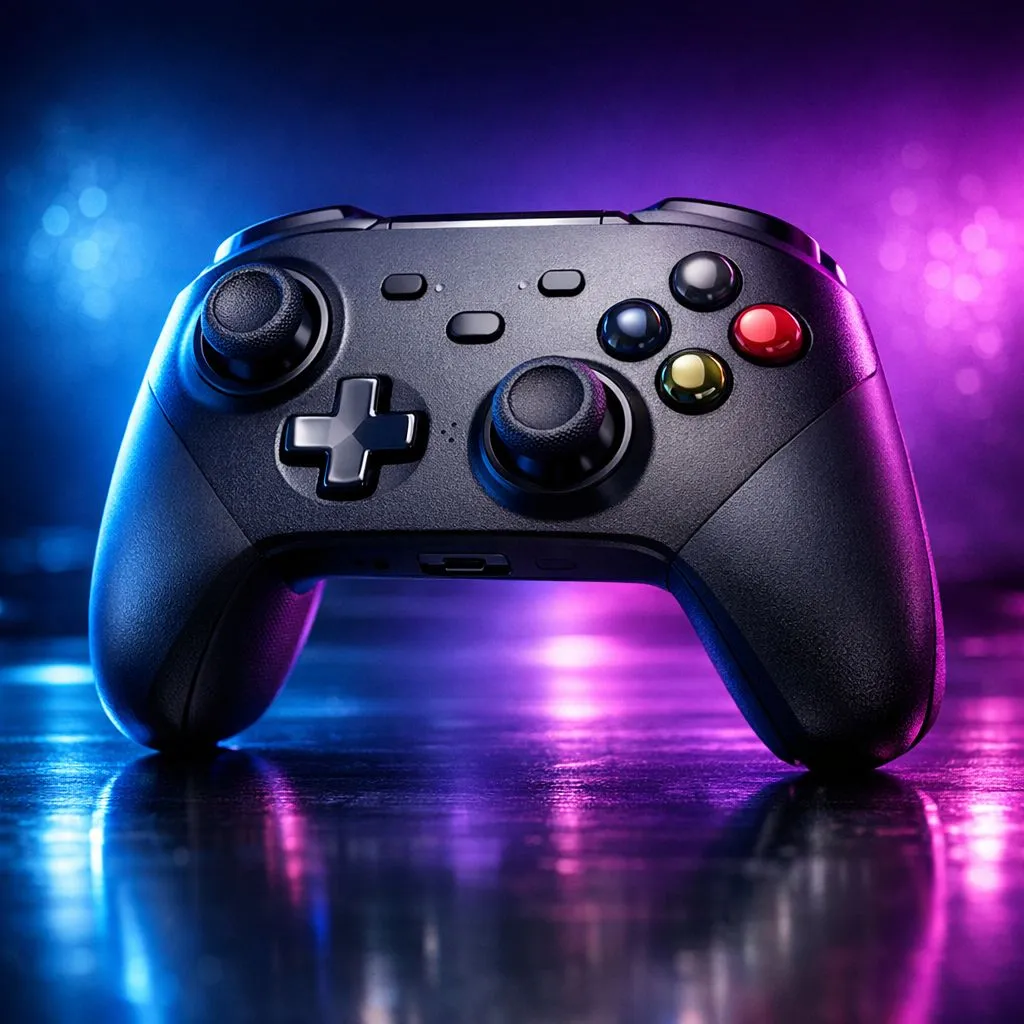
When you buy gaming controllers from a reputable source, the hardware quality often dictates how low you can push these numbers. Higher-quality sensors allow for tighter tolerances, which is vital for flick shots and tracking.
Finding Your Best Controller Deadzone Settings PC
To find your perfect "sweet spot," you need to follow a simple calibration process. Start by setting your inner deadzone to zero in your favourite game. You will likely notice your camera drifting. Slowly increase the value by 0.01 increments until the movement stops.
For most modern titles like Apex Legends or Call of Duty, a value between 0.03 and 0.07 is usually ideal. If you are using premium hardware like the Razer Wolverine V3 Tournament Edition 8K, you can often get away with even lower settings due to the superior build quality and hall-effect sensors. At roughly R2,499 to R3,299 depending on local promos... it is a solid investment for serious competitors.
Pro Calibration Tip ⚡
Always calibrate your deadzones in-game rather than just using Windows settings. Many modern titles have "Raw Input" modes that bypass OS-level adjustments, meaning your Windows calibration might not actually help when you are in a match.
Hardware vs Software Solutions
While software can mask stick drift... hardware eventually wears out. If you find yourself needing a deadzone higher than 0.15 to stop the drift... your controller might be reaching the end of its life.
Many local pros prefer the reliability of Razer gaming controllers because they offer dedicated software for fine-tuning. This allows you to set a "global" deadzone that applies to every game you play. This consistency is key when you are switching between different shooters.
Adjusting Outer Deadzones
Don't forget the outer deadzone. This setting determines how far you need to push the stick to reach 100% input. Reducing this slightly can make your movements feel faster... but be careful not to overdo it. A value of 0.95 is often a safe bet for those who want a snappier feel without losing the nuance of a full tilt.
Conclusion: The Path to Precision
The best controller deadzone settings PC users should use are ultimately personal. It depends on your thumb tension... your controller age... and the games you play. Start low, test frequently, and don't be afraid to adjust as your hardware wears in.
Ready to Find Your Perfect Match?
Stick drift shouldn't hold you back from the podium. For maximum precision, choice, and value in South Africa, upgrading your hardware is the ultimate fix. Explore our massive range of gaming controllers and find the perfect tool to dominate your next match.