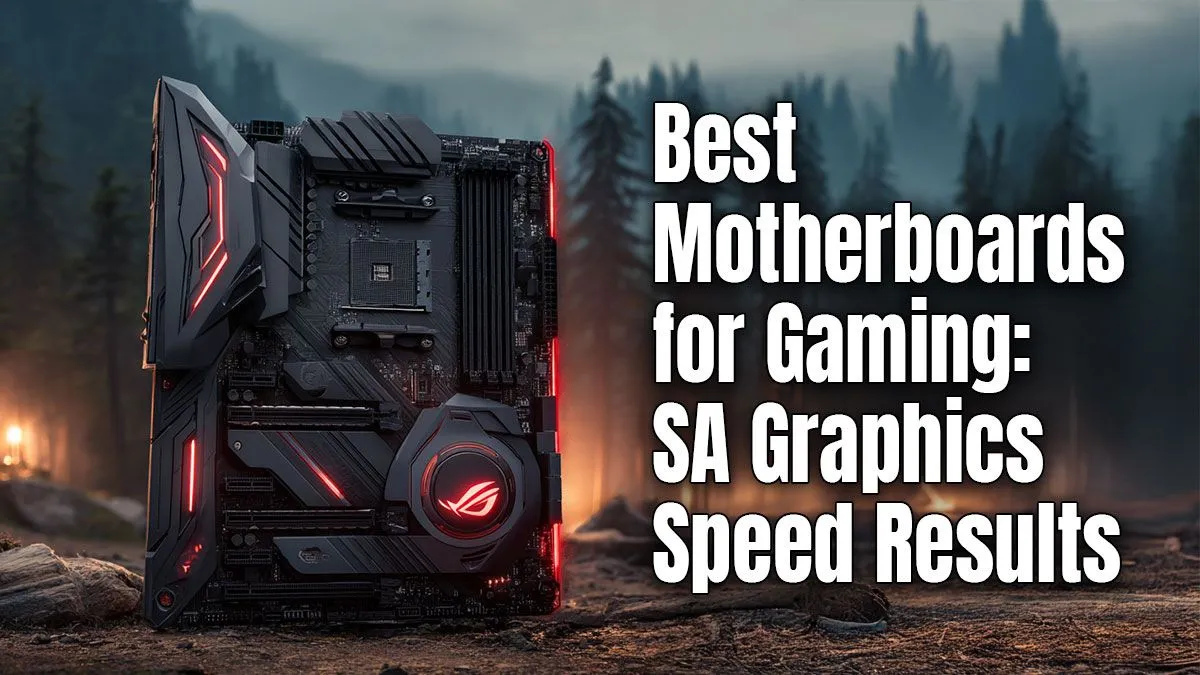
So, you’ve just dropped a serious amount of cash on a beastly new graphics card. You’re dreaming of silky-smooth frame rates and stunning visuals. But hold on... did you skimp on the motherboard? Pairing a high-end GPU with a weak motherboard is like putting retread tyres on a Ferrari. You’re creating a bottleneck that strangles your graphics performance before it even begins. The best gaming motherboard isn't just a component; it's the foundation of your entire rig.
Why Your Motherboard Is Key to Graphics Performance
Think of your motherboard as the central nervous system of your PC. It dictates how fast your components can talk to each other. For your graphics card, the most crucial connection is the PCIe slot. This tiny slot is a super-highway for data, and its speed directly impacts your gaming experience. A modern GPU in an old, slow PCIe slot won't reach its full potential.
But it’s not just about speed. The quality of your motherboard's power delivery system, or VRMs, is critical. Stable, clean power allows your GPU to maintain higher boost clocks for longer periods, giving you more consistent frames per second. Skimping here can lead to stuttering and instability, especially during intense gaming sessions. Even when looking at budget-friendly Intel and AMD based motherboards, paying attention to VRM quality is a smart move.
Finding the Best Gaming Motherboard: Intel vs. AMD 🔧
Choosing the right platform is the first step in your quest for the best gaming motherboard. Both Team Blue and Team Red offer fantastic options, but they have slightly different approaches that might suit your build better.
Intel's Powerhouse Platforms
Intel's Z-series chipsets (like the Z790) are built for enthusiasts who want to overclock and squeeze every drop of performance from their hardware. These boards often feature robust PCIe 5.0 support for both the GPU and NVMe storage, making them future-proof. If you’re building a top-tier rig around a Core i7 or i9, exploring the latest Intel motherboards is the way to go for maximum features and overclocking headroom.
AMD's AM5 Advantage
With the AM5 platform, AMD made PCIe 5.0 a more common feature, even on their mid-range B650 boards. This gives gamers incredible bandwidth for next-gen graphics cards right out of the box. Ryzen CPUs are incredibly efficient and powerful for gaming, and pairing one with one of the many powerful AMD motherboards available creates a balanced and potent gaming machine.
Pro Tip: Check Your Lanes! ⚡
When choosing a motherboard, check how it allocates PCIe lanes. On some boards, populating all the M.2 slots for storage can actually steal bandwidth from your main graphics card slot, dropping it from a full x16 speed to x8. Always check the motherboard manual online to ensure your GPU will have its dedicated, full-speed lane!
SA Performance Insights: What Really Matters for Your Rand
So, do you need to spend R10,000 on a motherboard to get great graphics performance? Absolutely not. For most South African gamers, the sweet spot is a well-built, mid-range board from either the Intel B760 or AMD B650 series. These boards provide all the essential features—like a fast PCIe slot and decent VRMs—needed to support even high-end cards like an RTX 4070 Ti or RX 7800 XT without bottlenecking them.
The real secret to finding the best motherboard for gaming is balance. Match your motherboard to your CPU and GPU. An over-the-top motherboard with a mid-range GPU is wasted money that could have gone towards a better graphics card. A balanced rig ensures every component works in harmony, giving you the best possible performance for your budget. 🚀
Ready to Build a Balanced Rig?
A great GPU needs a great motherboard to shine. The motherboard is your foundation, ensuring you get every single frame you paid for. Explore our massive range of PC components and find the perfect board to unleash your graphics card's true power.