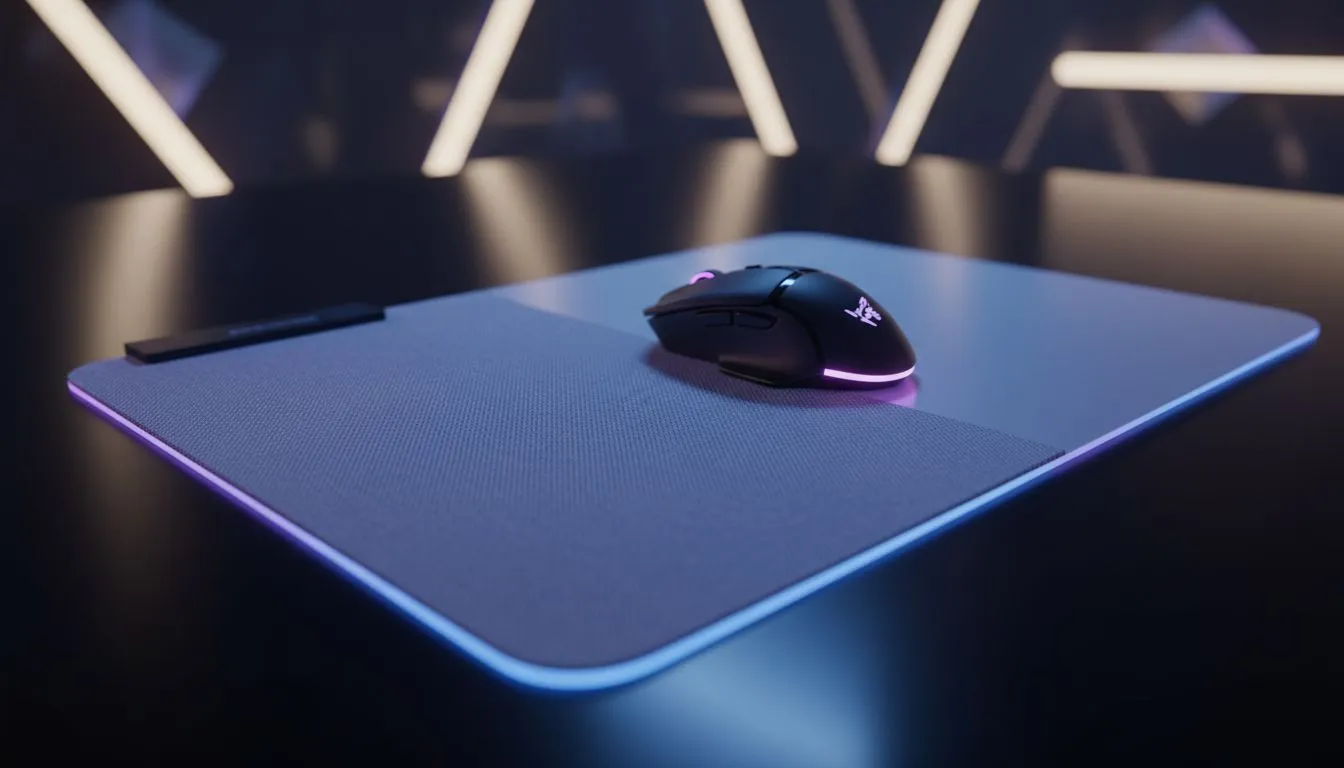
Ever lined up the perfect headshot in Valorant, only for your cursor to skip at the last second? Ja, it’s infuriating. That tiny, rogue stutter might not be your mouse’s fault. It could be a simple, yet critical, mismatch between your mouse sensor and your mousepad. Choosing the best mousepad for your mouse sensor isn't just about aesthetics; it's a core part of your setup that directly impacts your aim and consistency. Let's get it sorted.
Why Your Mouse Sensor and Pad Must Be Best Friends
Think of your mouse sensor as a tiny, high-speed camera. It constantly takes pictures of the surface beneath it to track movement. If the surface is inconsistent, blurry, or too reflective, the "pictures" become unreliable, leading to tracking errors. This is why finding a compatible mousepad for your sensor type is so crucial for performance.
The two main types you'll find in modern gaming mice are Optical and Laser. While they do the same job, they "see" the world very differently, which means they have different preferences for the surface they glide on. Getting this combination right is the first step to unlocking pixel-perfect accuracy. With a huge range of mouse pads available, knowing what your sensor needs is a massive advantage.
Matching Your Mousepad to Your Sensor Type
So, how do you find the perfect partner for your mouse? It starts with identifying what's under the hood. Most product pages will tell you if your mouse uses an optical or laser sensor. Once you know, the choice becomes much clearer.
For Optical Sensors: The Cloth Kings 👑
Most gaming mice today, from entry-level to pro-grade, use advanced optical sensors (like Razer's Focus+ or Logitech's HERO). These sensors use an LED to light up the surface and they perform optimally on non-reflective, textured surfaces.
This is why fabric or cloth mousepads are the undisputed champions for optical mice. Their tightly woven fibres provide a consistent and uniform texture for the sensor to track, resulting in smooth, predictable movement without any jitter. Top-tier brands like Steelseries Gaming Mouse Pads have built their reputation on perfecting these surfaces. Even excellent value options from brands like Marvo Gaming Mousepads offer brilliant tracking for optical sensors. For 99% of gamers, a quality cloth pad is the best mousepad for their mouse sensor.
For Laser Sensors: The Speed Specialists
Laser sensors can track on almost anything, including glass, because a laser can penetrate deeper into the surface's microscopic imperfections. This sounds great, but it can be a double-edged sword. On some cloth pads, a laser sensor might read too much data from the fabric's Z-axis (the depth of the weave), causing small tracking errors that feel like cursor jitter.
For this reason, laser mice often pair best with hard, low-friction surfaces like plastic or polycarbonate pads. These pads offer maximum speed and a perfectly flat plane, giving the laser sensor a clean surface to read. However, modern high-end optical sensors have become so good that they've largely replaced laser sensors in the gaming scene.
Keep It Clean for Flawless Tracking 🔧
Dust, crumbs, and oils from your skin can build up on your mousepad, interfering with your sensor's ability to track accurately. For cloth pads, a gentle scrub with a soft brush, mild soap, and warm water does wonders. Rinse thoroughly and let it air dry completely. For hard pads, a simple wipe with a microfibre cloth and some screen cleaner is all you need. A clean pad ensures your sensor gets a perfect picture every time.
More Than a Sensor: Size and Style Matter Too
Once you've decided on the best surface for your mouse sensor, you can consider the fun stuff. Your setup is a reflection of you, after all.
- Size: Are you a low-DPI arm aimer who needs massive space for wide swipes? An Extended mousepad is a fantastic choice. If you want your entire desk covered in a single, glorious surface, an XXL mousepad gives you ultimate freedom for your keyboard and mouse.
- Aesthetics: Do you want to sync your entire setup's lighting? An RGB mousepad adds that extra flair and can be customised to match your rig's colour scheme. Of course, a minimalist non-RGB setup can look just as slick and professional. Our own Evetech Mousepad range offers fantastic options for every style. ✨
Ultimately, the goal is to create a setup that feels like an extension of yourself, removing any friction between you and the game. Matching your pad to your sensor is the most important technical step on that journey.
Ready to Find Your Perfect Match?
A flawless mousepad is the unsung hero of every great gaming setup. Stop letting tracking errors hold you back. Explore our massive range of gaming mouse pads and find the perfect surface to conquer your world.