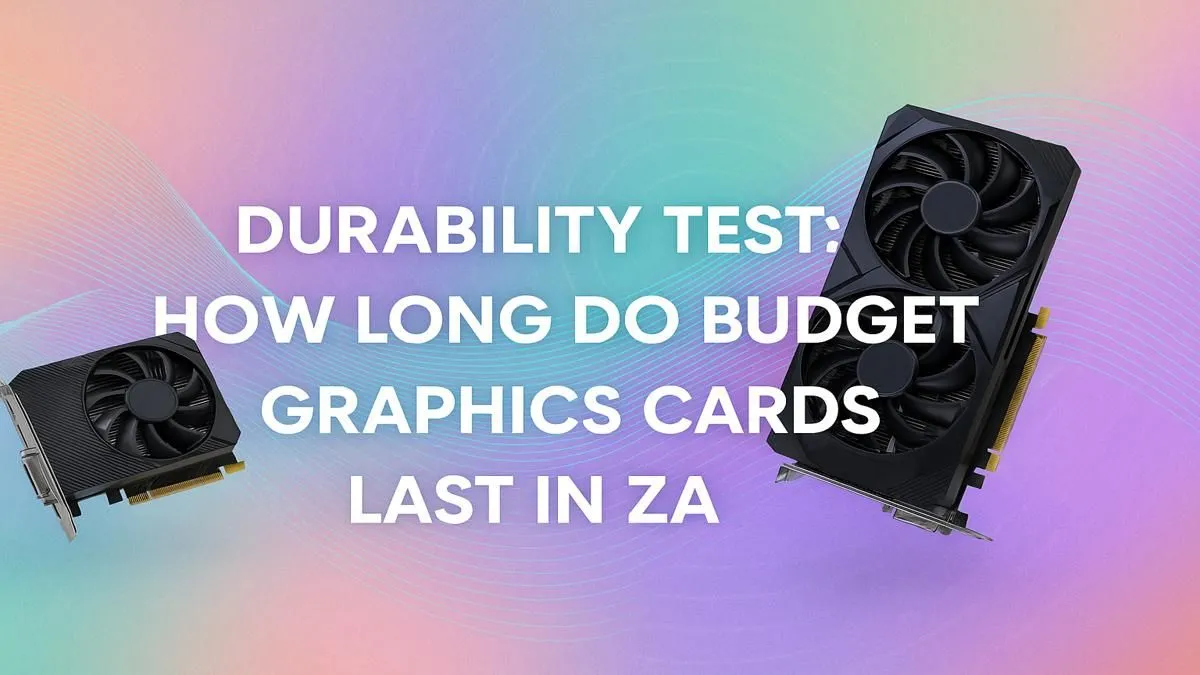
You’ve finally done it. After months of saving, you’ve snagged a sweet budget graphics card, and the glorious world of 1080p gaming awaits. But as you unbox your shiny new hardware, a nagging question pops into your head: how long will this last? It’s a crucial question for every South African gamer trying to get the most bang for their buck. So, let's dive into the real budget graphics card lifespan in ZA and see what you can truly expect.
Understanding a Budget GPU's Lifespan
First, we need to separate two different ideas: physical lifespan and performance lifespan. Physically, a well-made graphics card can last for over 5 years, sometimes even a decade, if treated well. The electronic components are surprisingly durable.
However, for a gamer, the performance lifespan is what really matters. This is the period where your card can still run new games at acceptable settings (think 1080p, 60fps, medium-to-high details). This is where the lifespan of a budget graphics card becomes a bit more complicated. For most entry-level cards in South Africa, you can expect a solid 2 to 4 years of relevant performance before you start having to drop settings to "low" and dream of an upgrade.
Key Factors Affecting GPU Longevity
Not all gaming experiences are created equal, and several factors can shorten or extend how long your budget GPU lasts.
1. Usage Patterns & Workload
Are you gaming for a few hours after work, or are you running your card 24/7 mining crypto? A typical gaming workload is relatively light. The card ramps up during a session and cools down afterward. Constant, heavy workloads are far more stressful on the components. It's also worth noting the difference between gaming cards and specialised workstation graphics cards, which are built for sustained, professional workloads and have a different durability focus.
2. Thermals: The Silent Killer ♨️
Heat is the number one enemy of any PC component. A graphics card that constantly runs hot (above 85°C) will degrade faster. This makes good case airflow and clean fans absolutely critical. The quality of the cooler on the card itself also plays a huge role, which is why trusted brands like MSI often invest in superior cooling solutions even on their budget models.
3. The Performance Cliff
Technology moves fast. A budget card that smashes Apex Legends today might struggle with its sequel in three years. New game engines demand more power, and features like ray tracing can bring older cards to their knees. While upscaling tech like DLSS and FSR can help, eventually your card will hit a "performance cliff" where it just can't keep up anymore. The great news for consumers is that the market is more competitive than ever, with not just NVIDIA but also excellent competitive AMD Radeon options pushing performance forward.
Cooling Pro Tip 🔧
Download a free tool like MSI Afterburner. You can set a custom fan curve that tells your GPU's fans to spin up more aggressively at lower temperatures. This keeps the card cooler during intense gaming sessions, potentially extending its physical lifespan and preventing performance throttling. It’s a simple tweak that makes a big difference!
How to Maximise Your Budget Graphics Card's Lifespan in SA
You’ve invested your hard-earned Rands, so let’s make that GPU last. Following these simple steps can significantly improve your budget graphics card's lifespan.
- Clean Your PC: Dust is an insulator. At least every six months, open your case and give it a good clean with compressed air. Pay special attention to the GPU fans and heatsink.
- Ensure Good Airflow: Make sure your case fans are correctly configured for intake and exhaust. A hotbox PC is a recipe for disaster, especially during our warm summers.
- Stable Power is Key: A reliable Power Supply Unit (PSU) is non-negotiable. Cheap, unreliable PSUs can deliver "dirty" power that damages sensitive components over time. This is extra important in SA with potential power fluctuations.
- Update Your Drivers: Keep your graphics drivers updated. These updates often include performance optimisations and bug fixes that help games run more smoothly, putting less unnecessary strain on your card.
Signs It's Time for an Upgrade 🚀
So, how do you know when your trusty budget card is reaching the end of its performance lifespan? Look for these signs:
- Struggling to Hit 60 FPS: You’re now playing new titles on the lowest possible settings and still can't maintain a smooth frame rate.
- Visual Glitches: You're seeing strange colours, shapes, or "artifacts" on screen, which could indicate failing memory or a dying GPU core.
- No More Driver Support: The manufacturer stops releasing optimised drivers for your card series.
- New Games Won't Launch: An increasing number of new releases list your card below their minimum requirements.
When you start ticking these boxes, it’s time to look at what the current market offers. With exciting new releases and even more players in the game, including fresh options from Intel Arc, there's always a powerful and affordable upgrade waiting for you.
Ready for a Performance Boost?
Understanding your GPU's lifespan is key to smart upgrading. When the time comes, don't settle for lag. Explore our massive range of graphics card deals and find the perfect GPU to dominate your favourite games.