


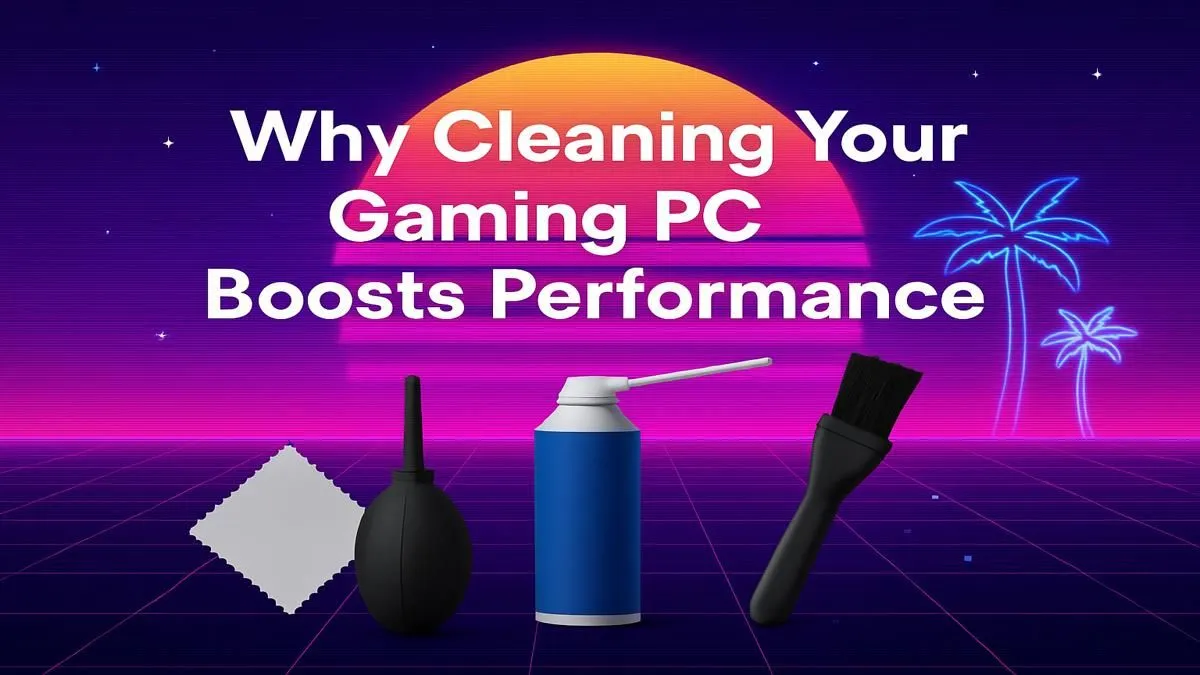
You’re deep in a firefight in Apex Legends, your aim is true… and then it happens. A sudden, infuriating stutter that costs you the match. You blame your internet, maybe your drivers, but the real culprit might be silent and sneaky: dust. That fuzzy grey stuff isn't just ugly; it’s a silent assassin of clean gaming PC performance, slowly choking your machine and robbing you of precious frames. Let's fix that.
How Dust Secretly Sabotages Your Gaming PC Performance
Think of dust as a tiny, unwanted blanket for your expensive components. Your CPU and GPU generate a serious amount of heat, and their cooling systems—fans and heatsinks—are designed to dissipate it fast. When a layer of dust settles on these components, it acts as an insulator, trapping heat and sending temperatures soaring. 🥵
This is where your PC's self-preservation kicks in. To prevent damage, a mechanism called "thermal throttling" automatically reduces the speed of your processor and graphics card. The result? Lower clock speeds, which directly translate to lower FPS, stuttering, and an overall sluggish experience. This affects all machines, from the most powerful gaming rigs over R20k to more modest setups. Achieving peak gaming PC performance starts with a clean interior.
The Prime Targets: Where Dust Hides in Your Rig 🔧
Dust doesn't spread out evenly. It's drawn to areas with high airflow and static electricity, making certain parts of your PC its favourite hiding spots. To win the war on dust, you need to know the enemy's strongholds:
- Intake Fan Filters: These are your first line of defence, and they often get clogged first.
- CPU Cooler: The fins on your CPU heatsink are a magnet for fine dust particles.
- GPU Heatsink & Fans: Your graphics card's cooling system is often the biggest dust collector, hidden just beneath the shroud.
- Power Supply (PSU): The fan inside your PSU also pulls in dust, which can be a serious fire hazard if left unchecked.
Whether you're running one of our budget gaming PCs or a top-tier beast, these spots need regular attention.
The Ultimate Guide to Restoring Your PC's Performance
Ready to reclaim those lost frames? A thorough clean every 3-6 months is crucial for maintaining your PC's health and performance. It’s easier than you think.
Your Basic Toolkit
You don’t need a fancy lab. All you need is:
- A can of compressed air.
- A soft-bristled brush (an unused paintbrush works wonders).
- Isopropyl alcohol (90%+) and some cotton swabs for stubborn spots.
- A microfibre cloth.
The Cleaning Ritual ✨
- Power Down: Shut down your PC completely and unplug all cables. Touch a metal part of the case to ground yourself.
- Head Outside: If possible, take your PC outdoors to avoid blowing dust all over your room.
- Filters First: Remove and clean all your case's dust filters. A simple rinse and dry will do for most.
- Blow it Out: Use short, controlled bursts of compressed air to blow dust off components. Important: Gently hold fan blades in place with a finger while you spray them to prevent them from spinning too fast and getting damaged.
- Detailing: Use the soft brush to gently dislodge any stubborn dust from heatsink fins and tight corners.
Regular maintenance like this is the key to getting the most out of any hardware, especially great value PCs under R20,000 that you want to keep running smoothly for years.
Airflow Pro Tip ⚡
For optimal cooling, aim for 'positive air pressure' inside your case. This means having slightly more intake fans pushing air in than exhaust fans pushing air out. It helps minimise dust buildup by forcing air out of small gaps and cracks, rather than sucking it in.
Beyond the Clean: Knowing When It’s Time for an Upgrade
Sometimes, even a spotless machine can't keep up with the demands of modern games. If you’ve given your PC a thorough clean and you’re still not getting the performance you want in titles like Starfield or the latest Call of Duty, it might be a sign that your hardware is showing its age.
A deep clean is the first step to diagnosing performance issues. If that doesn't solve it, your components might be the bottleneck. It could be the perfect time to check out the latest gaming PC deals and see what a modern setup can do. For gamers who want a guaranteed dust-free, optimised start right out of the box, our range of professionally assembled pre-built PCs offers incredible performance and peace of mind. 🚀
Ready for Dust-Free Dominance? A clean PC is a fast PC, but a brand-new machine is a whole new level of performance. If cleaning isn't cutting it anymore, explore our massive range of PC components and upgrade kits to build the rig that will conquer any game you throw at it.










