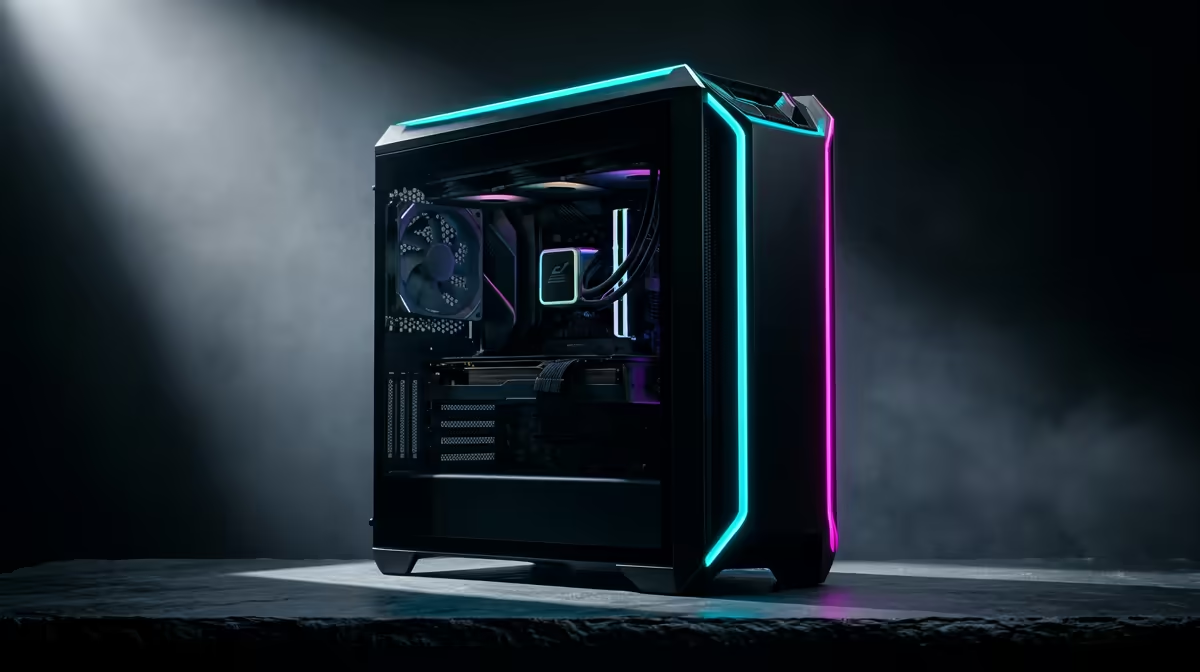
Staring at a stuttering screen during a clutch moment in Warzone is a uniquely South African kind of pain. You’ve got the fibre, the gaming chair, and the team... but do you have the frames? Wondering how your rig stacks up? We're diving deep into a practical gaming PC FPS test for South Africa, benchmarking the hardware that matters against the titles you actually play. Let's see what it takes to achieve buttery-smooth gameplay.
Understanding FPS: Why It's More Than Just a Number
Before we dive into the benchmarks, let's quickly cover the basics. FPS, or Frames Per Second, is the measure of how many unique images your graphics card can produce and send to your monitor every second. A higher FPS means smoother, more responsive gameplay.
- 60 FPS: The gold standard for a smooth, cinematic experience in single-player games.
- 144 FPS: The sweet spot for competitive gamers, offering a clear advantage in fast-paced shooters.
- 240+ FPS: The pro-tier, where every millisecond counts.
A proper gaming PC FPS test isn't just about hitting a number; it's about stability. Consistent frames, without major drops or stutters, are what truly elevate your gaming experience. 🚀
Our Gaming PC FPS Test Methodology
To give you a realistic picture of performance in South Africa, we're focusing on the most popular gaming resolutions: 1080p and 1440p. We benchmarked performance expectations across three demanding but popular titles: the battle royale chaos of Apex Legends, the tactical precision of Valorant, and the graphical beast that is Cyberpunk 2077 (at High settings).
Our goal is to show you what different hardware combinations can achieve, helping you make a smarter choice for your next upgrade or brand-new build.
Benchmarking the Titans: NVIDIA vs. AMD in South Africa
The graphics card (GPU) is the heart of your gaming PC's performance. It does the heavy lifting to render beautiful worlds and high frame rates. In the current market, the battle is fierce between NVIDIA's GeForce and AMD's Radeon cards.
For 1080p competitive gaming, cards like the NVIDIA GeForce RTX 4060 provide excellent value, easily pushing past 144 FPS in titles like Valorant and Apex Legends. If you're looking to step up to 1440p without breaking the bank, the performance from competitive AMD Radeon gaming PCs featuring cards like the RX 7700 XT is seriously impressive. For those who want zero compromises and ray tracing glory in Cyberpunk 2077, exploring high-end rigs powered by NVIDIA's latest cards is the only way to go. ✨
The CPU's Role in Your FPS Test Results
While the GPU renders the frames, the CPU (Central Processing Unit) prepares them. A weak CPU can "bottleneck" a powerful GPU, preventing it from reaching its full potential and causing frustrating frame drops, especially in CPU-intensive games or at lower resolutions.
The debate between Intel and AMD is hotter than ever. Team Blue offers incredible single-core performance, which is fantastic for hitting high frame rates. You can explore our current Intel PC deals to see builds optimised for pure gaming power. On the other hand, AMD's Ryzen processors often provide amazing multi-core value, making them perfect for gamers who also stream or create content. It's worth a look to check out these powerful AMD Ryzen builds if you're a multitasker.
Pro Tip: Spotting a Bottleneck 🔧
Wondering if your CPU or GPU is holding you back? Use monitoring software like MSI Afterburner. If your GPU usage is consistently at 99-100% while gaming, you're GPU-bound (which is good!). If your GPU usage is low but one or more CPU cores are maxed out, you have a CPU bottleneck, and it might be time for an upgrade.
Beyond Gaming: When a Workstation PC Makes Sense
Are you a gamer who also edits your gameplay for YouTube, streams on Twitch, or works with 3D modelling software? Sometimes, a standard gaming PC isn't enough. This is where a workstation comes in.
While they can absolutely handle high-FPS gaming, powerful workstation PCs that can do it all are built with extra CPU cores, more RAM, and certified components designed for stability under heavy, prolonged workloads. For the serious creator in South Africa, investing in a workstation means seamless multitasking—you can render a video in the background without tanking your in-game performance. ⚡
Ready to Dominate the Leaderboard?
A gaming PC FPS test is a great start, but nothing beats experiencing silky-smooth gameplay for yourself. Whether you're Team Intel, AMD, NVIDIA, or Radeon, we have the perfect rig for your budget. Explore our massive range of gaming PCs and find the machine to conquer your world.