Wondering if your rig can handle the latest AAA titles without melting? PC hardware is a serious investment in ZAR. You need to know exactly what your system can do under heavy load. Learning how to use 3DMark for GPU benchmark testing is the ultimate way to measure your PC's raw power. Whether you want higher frame rates or total system stability... this complete guide for 2026 has you covered.
Preparing Your Rig for the Ultimate Test 🚀
Before you click that run button... you need a completely clean slate. Background applications eat up valuable resources. They will definitely skew your final results. Close your web browsers, chat applications, and heavy RGB control software.
Is your current setup struggling just to open the benchmark software? It might be time to browse the best gaming PC deals available right now. Building from scratch is incredibly rewarding. However... our pre-built PC deals offer massive value for gamers wanting a quick plug-and-play solution.
Always make sure your graphics drivers are fully updated. An outdated driver can easily cost you hundreds of points. It can also cause unexpected crashes during the testing phase.
Optimise Your Run ⚡
Always run your benchmark tests at your monitor's native resolution. If you are testing a mobile device, make sure it is plugged into the wall. Battery power severely limits performance and will give you an inaccurate score.
How to Use 3DMark for GPU Benchmark Runs
Open the application and navigate straight to the benchmarks tab. In 2026, Time Spy Extreme and Speed Way remain the absolute industry standards for testing modern hardware.
Select your preferred test and click the run button. Now... step away from the desk. Do not touch your mouse or keyboard during the test. Any input can interrupt the rendering process and invalidate your final score.
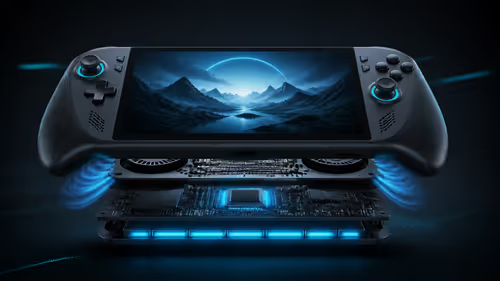
Are you benchmarking one of the latest laptops for sale in South Africa? Keep a close eye on your system temperatures. Thermal throttling is a very common issue. It happens when your components get too hot and artificially slow down to prevent permanent damage.
Reading Your Results Like a Pro 🔧
Once the intense cinematic scenes finally finish... you will receive a final score. This number compares your specific hardware against millions of other users worldwide.
Does your score fall way below the average for your exact hardware combination? You likely have a thermal issue or a severe system bottleneck. Sometimes the results simply confirm that your hardware is showing its age.
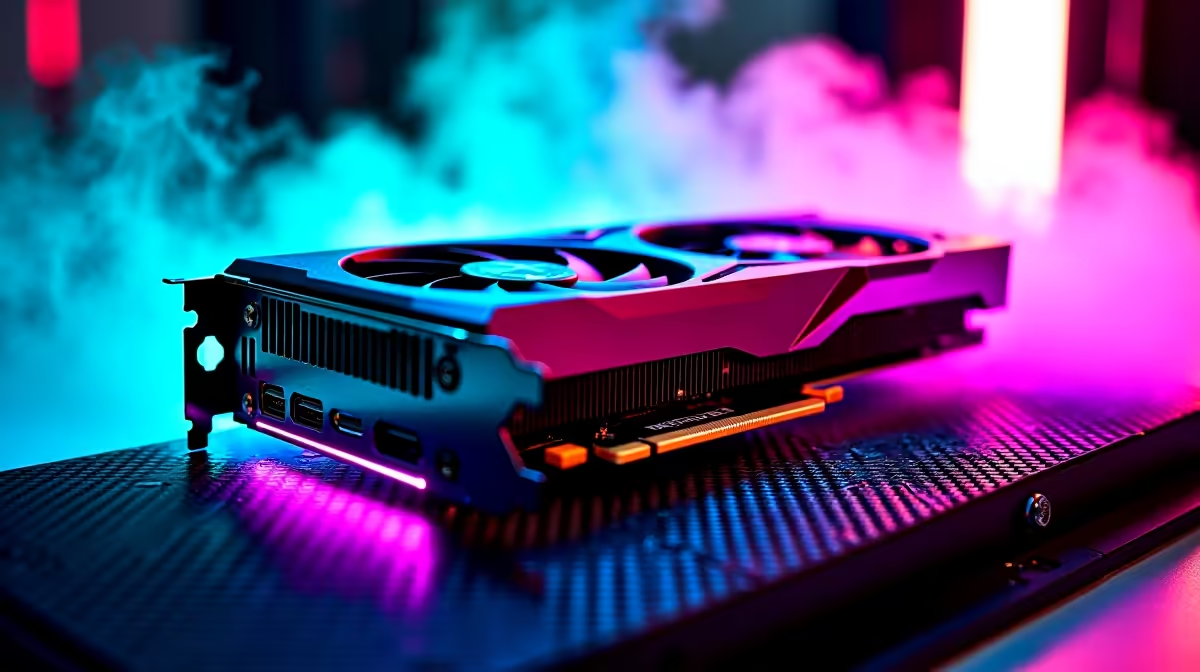
If your benchmark frame rates look more like a slow PowerPoint presentation... it is probably time to buy a new graphics card. Upgrading your GPU is the absolute fastest way to double your gaming performance.
Before you make any big decisions... don't forget to check out our latest tech specials. We constantly update these offers. They are designed to help you stretch your hard-earned rands even further on premium hardware upgrades.
Ready to Push Your Frames to the Limit? Knowing your benchmark score is only half the battle. If your current rig is holding you back from gaming glory, we have the ultimate hardware to fix it. Explore our massive range of PC specials and find the perfect machine to conquer your virtual world.