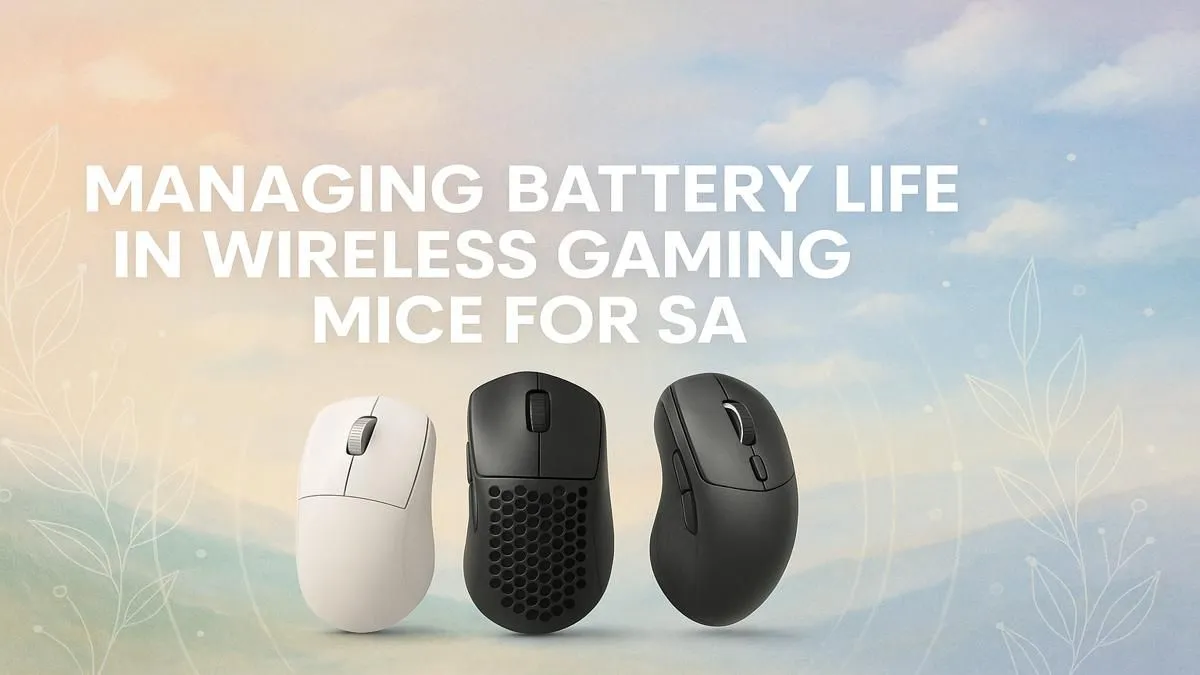
You’re in the final circle in Apex, the bomb is planted in Valorant… and your mouse cursor freezes. That dreaded red light flashes. We've all been there. In South Africa, where a split-second of lag or a dead peripheral can cost you the match, maximising your wireless gaming mouse battery life isn't just convenient—it's a competitive necessity. Forget rage-quitting over a dead battery; let's dive into some pro tips to keep you in the game longer. 🚀
Mastering Your Mouse's Power Settings
The biggest drain on your wireless mouse's battery is often hiding in plain sight: its software settings. Before you blame the hardware, open up your mouse's control panel (like Razer Synapse or Logitech G-Hub) and perform a quick audit.
Tame the RGB Beast
That brilliant rainbow wave looks incredible, but it's also thirsty for power. Your mouse's RGB lighting can be one of the biggest factors affecting its battery life.
- Dim the Brightness: You don't need to turn it off completely. Just lowering the brightness from 100% to 50% can have a huge impact.
- Choose Static Colours: Complex animations like colour cycling use more processing power and energy than a single, static colour.
- Set an Idle Timer: Most software lets you automatically turn off lighting after a few minutes of inactivity.
This optimisation mindset applies to your whole setup. When you're looking for an upgrade, checking out some of the best gaming keyboard deals can get you a device with similar software controls for a unified, power-efficient rig.
The Polling Rate Balancing Act
Polling rate, measured in Hertz (Hz), is how often your mouse reports its position to your PC. A higher polling rate means lower latency but also a much shorter wireless gaming mouse battery life. While 4000Hz or 8000Hz sounds impressive, the real-world benefit for most gamers over 1000Hz is minimal.
Dropping your polling rate from 4000Hz to 1000Hz can literally double your battery life with no noticeable performance difference in most games. Give it a try; your battery will thank you.
Signal Strength Tip 📡
Use the USB extender that came with your mouse! Plugging the dongle into an extender and placing it on your desk, closer to your mouse, ensures a clean, strong signal. This reduces the power the mouse needs to transmit, which can give you a noticeable boost in battery life and reduce interference.
Hardware Habits for Longer Battery Life
Software tweaks are great, but how you physically use and care for your gear also plays a big role. A few simple changes can add hours to your playtime.
Choose the Right Surface
Did you know your mousepad can affect your mouse's battery? Dark, non-reflective, and consistent cloth surfaces are ideal. A sensor on a glossy, uneven, or multi-coloured surface has to work harder to track accurately, using more power with every swipe. A clean, quality mousepad is a simple way to improve tracking and extend battery life.
Firmware is Your Friend 🔧
Manufacturers are always optimising their products. Check for firmware updates for your mouse and its dongle regularly. These updates often include power efficiency improvements that can directly boost your wireless gaming mouse battery life. It only takes a minute and can provide a welcome performance bump.
Your Full Battlestation: A Holistic Approach
Optimising one component is smart, but thinking about your entire setup is how you achieve peak performance. A great mouse is just the start.
Ergonomics, for example, are crucial for endurance. Long gaming sessions are far more comfortable with a proper wrist rest, helping you avoid fatigue and stay focused. The tactile feel of your keyboard is just as important. True enthusiasts know that choosing the perfect keyboard switches can fine-tune your response time and in-game feel.
You can even give your setup a unique personality with custom keyboard keycaps to match your style. And if you're looking for perfect synergy from the get-go, a pre-selected keyboard and mouse combo ensures both components work flawlessly together. Building a great setup doesn't have to be expensive either; starting with one of the cheapest gaming keyboards in South Africa allows you to build a custom rig over time.
Ready to Cut the Cord for Good?
Stop letting battery anxiety hold you back. With these tips, you can enjoy the freedom of wireless without the fear. If it's time for an upgrade to a mouse with next-gen battery performance, we've got you covered. Explore our huge range of wireless gaming mice and find the perfect model to dominate your game.