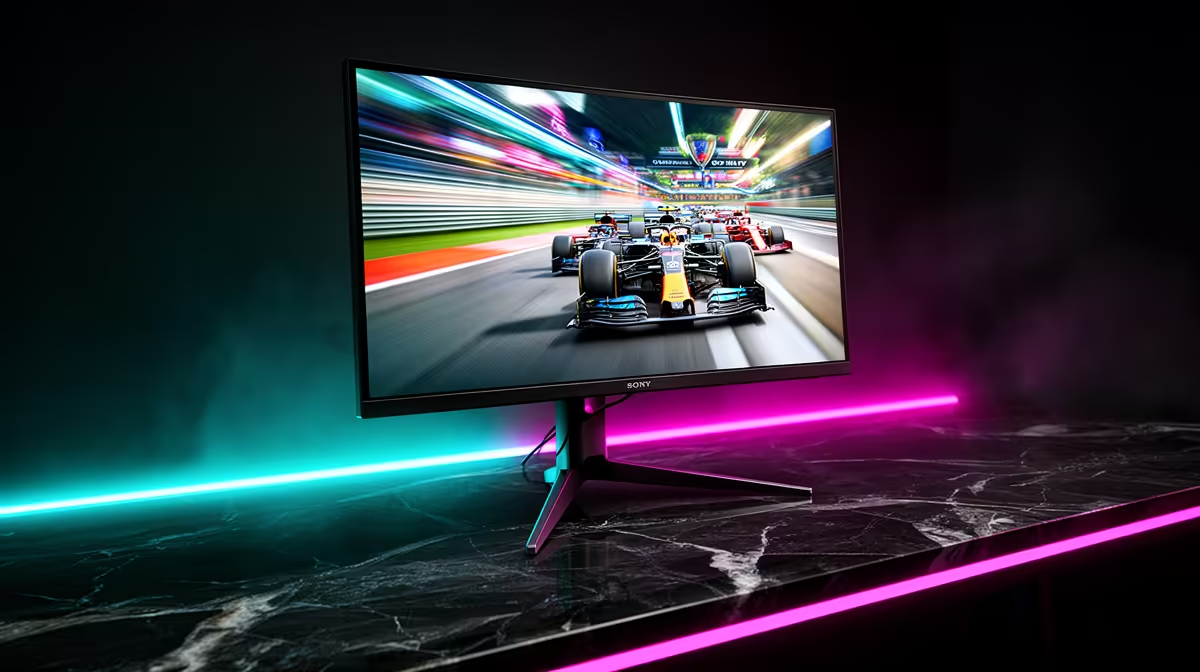
Staring at your screen, wondering why your R20,000 graphics card still feels... sluggish? You’re not alone. The secret to buttery-smooth gameplay isn't just raw power; it's your monitor's refresh rate. For South African gamers, understanding the difference when monitor refresh rates are compared—especially in the 60Hz vs 144Hz vs 240Hz debate—is the key to unlocking the performance you already paid for. Let’s break it down, no jargon allowed.
What is a Monitor Refresh Rate (Hz)?
Think of a refresh rate, measured in Hertz (Hz), as a digital flipbook. It’s the number of times your monitor redraws the image on the screen every second. A 60Hz monitor updates the picture 60 times per second, while a 144Hz monitor does it 144 times. More updates mean smoother motion, less blur, and a more responsive feel. 🚀
This is different from Frames Per Second (FPS), which is how many frames your GPU creates. For the best experience, your FPS and refresh rate should be in sync. There's no point in your GPU pushing 200 FPS if your monitor can only show 60 of them. This is why choosing the right screen from all the available PC monitors is so critical.
Monitor Refresh Rates Compared: The Real-World Difference
So, how does the 60Hz vs 144Hz vs 240Hz battle play out in your favourite games? The difference is more than just numbers; it’s about how the game feels.
The Old Faithful: 60Hz
A 60Hz refresh rate is the standard for most office and general-use displays. It’s perfectly fine for browsing, watching videos, and playing slower-paced games like Civilization VI or The Sims.
However, in fast-paced shooters like Apex Legends or Warzone, 60Hz can feel choppy and blurry during quick movements. It's still the default for many stunning, high-resolution 4K monitors designed for creative work, where colour accuracy is prioritised over speed.
The Gaming Sweet Spot: 144Hz
This is where the magic happens for most gamers. The jump from 60Hz to 144Hz is immediately noticeable. Everything from dragging your mouse cursor across the desktop to flick-shotting an opponent in Valorant feels incredibly fluid and responsive.
For a competitive advantage without breaking the bank, 144Hz offers the best value. It gives you clearer information during fast action, reducing motion blur and making it easier to track targets. It’s the undisputed champion for the vast majority of gamers, and you'll find it across our complete range of gaming monitors.
The Pro-Tier: 240Hz and Beyond
Is there a difference beyond 144Hz? Ja, there is… but it’s subtle. A 240Hz (or even 360Hz) monitor provides the absolute pinnacle of motion clarity. For professional esports athletes or serious competitive players, that tiny reduction in input lag and blur can be the difference between winning and losing a round.
To take advantage of 240Hz, you need a high-end PC that can consistently push 240+ FPS. If your rig is up to the task, the reward is the smoothest visual experience possible. Keep an eye out when you check for monitor deals, as these top-tier screens sometimes pop up at a great price.
Don't Forget to Activate It! ⚡
Buying a high-refresh-rate monitor is only half the battle. Windows often defaults to 60Hz. To fix this, right-click your desktop > Display settings > Advanced display settings. From the dropdown menu, choose your monitor's highest available refresh rate. You have to tell your PC to use the power you paid for!
It's Not Just About Refresh Rate
While the 60Hz vs 144Hz vs 240Hz guide is crucial, other factors complete the picture. Response time (ideally 1ms GTG) prevents "ghosting," while your choice of resolution (1080p, 1440p, or 4K) impacts how hard your GPU has to work.
Panel type also matters. IPS panels offer the best colour, TN panels have the fastest response times, and VA panels provide deep blacks. Many modern immersive curved monitors use VA panels to enhance that wrap-around feeling. Even some impressive high-refresh-rate portable monitors are hitting the market for LANs or on-the-go setups. ✨
Ultimately, the right monitor depends on your games, your rig, and your budget. For most South African gamers, 144Hz is the perfect target for a massive, meaningful upgrade.
Ready to Experience True Fluidity?
From 60Hz workhorses to 240Hz+ esports weapons, the right monitor unlocks your PC's true potential. Explore our massive range of PC monitors and find the perfect screen to dominate your game.