


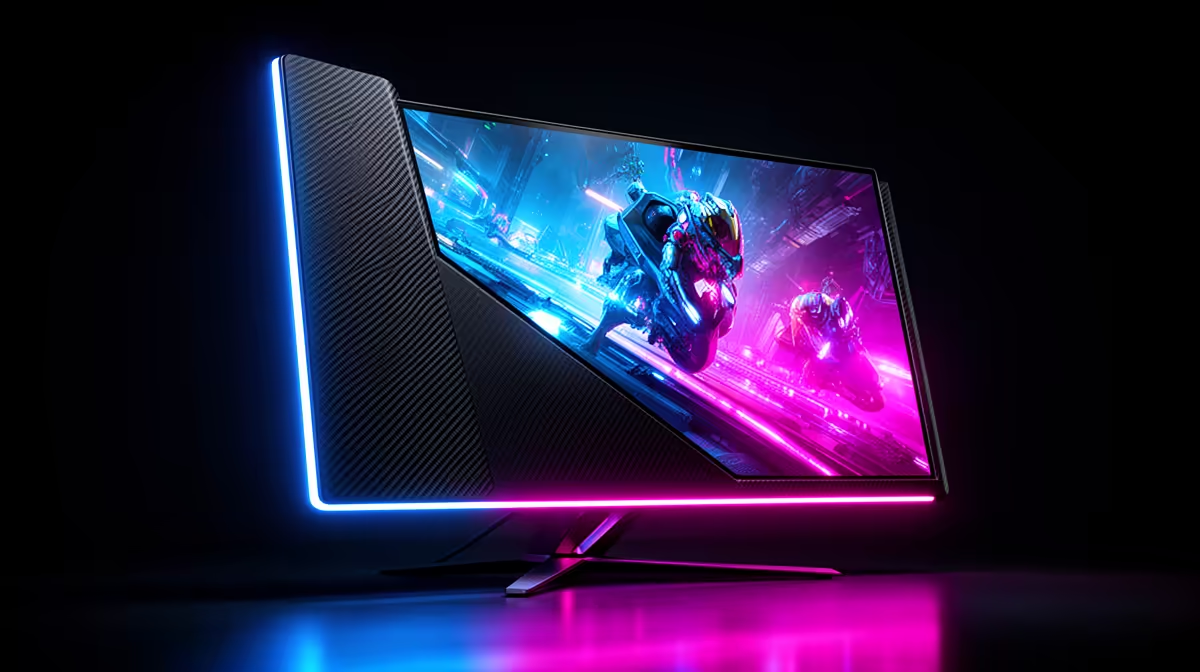
You’re lined up for the perfect shot in Valorant. You click… but the enemy reacts a split-second faster. K.O. Was it your reaction time, or your gear? Often, the culprit is a tiny delay you can’t even see: input lag. Understanding OLED gaming monitor input lag isn't just for pro players; it's the key to unlocking the lightning-fast reflexes you already have and ensuring your hardware never lets you down in a clutch moment. 🚀
What Exactly is OLED Gaming Monitor Input Lag?
Let's clear this up, because it’s a term that gets thrown around a lot. Input lag, or latency, is the total time it takes for your action—like clicking a mouse or pressing a key—to appear on the screen. It's a journey: from your PC, through the graphics card, down the cable, and finally processed by the monitor itself.
It’s often confused with two other specs:
- Response Time: This is how quickly a single pixel can change colour (e.g., from black to white). OLEDs are champions here, with near-instantaneous response times.
- Refresh Rate (Hz): This is how many times your screen updates the image per second. Higher is smoother.
While related, they aren't the same. You can have a monitor with a fast response time but still suffer from high input lag due to slow internal processing. For competitive gaming, minimising OLED gaming monitor input lag is the ultimate goal for peak performance. Many modern PC monitors are designed with this in mind.
Why OLEDs Are Naturally Built for Low Latency
OLED (Organic Light Emitting Diode) technology has a massive advantage. Unlike traditional LCD panels that use a backlight, each pixel in an OLED screen creates its own light. When a pixel needs to be black, it simply turns off completely. This allows for those perfect blacks and insane contrast ratios, but it also means the pixel response is incredibly fast. ✨
This near-zero pixel response time helps reduce motion blur and contributes to a lower overall perceived latency. When pixels can react instantly, the image feels sharper and more connected to your inputs. This is especially noticeable in fast-paced games where tracking moving targets is critical. Whether you're looking at entry-level models or the most stunning 4K monitors, the underlying OLED tech provides a superb foundation for responsive gaming.
Practical Steps to Minimise Input Lag on Your Monitor 🔧
Owning a top-tier OLED monitor is a great start, but you can optimise it further to crush the competition. Reducing the input lag on your OLED gaming monitor often comes down to a few simple tweaks.
Fine-Tune Your Monitor and System Settings
- Enable 'Game Mode': This is the most important step. Almost every gaming monitor has a 'Game Mode' or a similar preset. This setting strips away non-essential image processing (like motion smoothing or noise reduction) that adds milliseconds of delay.
- Use DisplayPort: Whenever possible, use a DisplayPort cable. It typically supports higher refresh rates and bandwidth than HDMI, providing the most direct and fastest signal path from your GPU.
- Disable V-Sync (Wisely): In-game V-Sync can add significant input lag by forcing the GPU to wait for the monitor. Instead, use G-Sync (NVIDIA) or FreeSync (AMD) if your monitor supports it. These technologies synchronise the frames without adding the same latency penalty.
Pro Tip for Peak Responsiveness ⚡
In your graphics card's control panel (NVIDIA Control Panel or AMD Software), set 'Low Latency Mode' to 'Ultra' or 'Anti-Lag' to 'On'. This forces the GPU to prepare frames just in time for the monitor to display them, significantly cutting down the render queue and reducing overall system latency.
Even if you're using one of the latest curved monitors for immersion, these principles still apply. Every millisecond counts.
Does Your Entire Setup Affect Input Lag?
Absolutely. Your monitor is just one piece of the puzzle. A slow peripheral, a cluttered OS, or even a poor network connection in online games can introduce delay. While you might not be gaming on the go with portable monitors, ensuring your main setup is optimised is crucial.
Ultimately, achieving peak performance is about creating a balanced system where no single component creates a bottleneck. From your mouse's polling rate to your monitor's internal processor, it all adds up. By understanding what OLED gaming monitor input lag is and how to reduce it, you put yourself in the best position to win. If you're ready to upgrade, you can browse all our gaming monitors to find the perfect fit for your rig and budget. And remember to always check out the latest monitor deals for some unbeatable value in ZAR.
Ready to Eliminate Lag and Dominate? Understanding input lag is half the battle. The other half is having the right hardware. An ultra-responsive OLED monitor ensures your skills are perfectly translated on-screen, every single time. Explore our massive range of gaming monitors and find the perfect display to conquer your competition.










