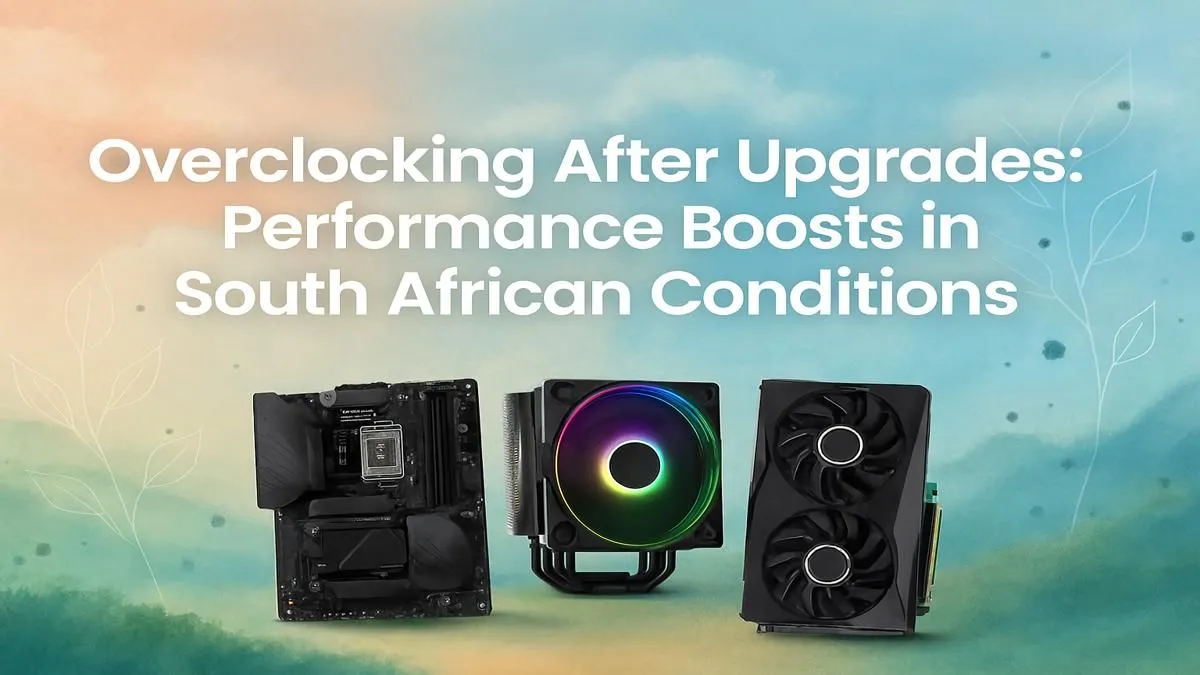
So, you’ve just dropped some serious Rands on a shiny new PC upgrade. The frames are higher, the load times are shorter, and everything feels snappy. But what if we told you there’s even more performance hiding inside your rig, waiting to be unlocked for free? Welcome to the world of overclocking. This overclocking guide for South Africa will walk you through the basics of pushing your hardware to its limits… safely. 🚀
What is Overclocking, Really?
At its core, overclocking is the process of manually setting a component, like your CPU or graphics card, to run at a higher frequency (or "clock speed") than its official factory rating. Think of it as tuning a car engine. The manufacturer sets a safe, reliable speed that works for everyone. But with a bit of careful tweaking, you can squeeze out extra horsepower. This translates to higher frames-per-second in games, faster video rendering, and a more responsive system overall.
The trade-off? More speed generates more heat and uses more power. This is why a proper overclocking journey always starts with the right hardware.
Is Overclocking Right for Your Rig?
Before you dive into your PC’s BIOS, ask yourself: is this for me? If you’re a competitive gamer chasing every last FPS, a content creator who wants to cut down render times, or just a tech enthusiast who loves to tinker, the answer is a resounding yes. The performance gains can be significant, often turning a good PC into a great one.
However, it requires patience and the right gear. You can't just overclock any old processor. You'll need a CPU with an unlocked multiplier, like Intel’s "K" series or most of AMD’s Ryzen chips. To get started, you can explore a wide range of unlocked CPU processors to see what fits your budget and performance goals.
The Pre-Flight Checklist for Safe Overclocking 🔧
Jumping in blindly is a recipe for a blue screen. A successful and safe overclock depends on a solid foundation. Here’s what you need to check before you start tweaking any settings.
Cooling is King
This is non-negotiable, especially in the South African climate. Your CPU's stock cooler is designed for stock speeds. When you increase frequency and voltage, heat output skyrockets. A powerful aftermarket air cooler or an All-in-One (AIO) liquid cooler is essential to keep temperatures in a safe range (ideally under 85°C during stress tests).
A Capable Motherboard & Power Supply
Your motherboard’s Voltage Regulator Module (VRM) is responsible for delivering clean, stable power to the CPU. Cheaper boards have weaker VRMs that can overheat and throttle performance. Similarly, your Power Supply Unit (PSU) needs enough headroom to handle the increased power draw. Building with a quality foundation from the start makes this much easier. For a hassle-free start, consider exploring well-balanced customisable Intel barebone kits that pair the right components from the get-go.
Essential Software
You'll need a few free tools to monitor your progress:
- CPU-Z: To verify your clock speeds and voltage.
- HWMonitor or HWiNFO64: To keep a close eye on temperatures and power usage.
- A Stability Test: Prime95, AIDA64, or Cinebench R23 are great for putting your CPU under 100% load to ensure your overclock is stable. For those on Team Red, expertly matched pre-configured AMD barebone kits can provide a reliable starting point for your overclocking adventure.
The Golden Rule of Overclocking ⚡
Always change one setting at a time. Increase your CPU multiplier by a small increment (e.g., 100MHz), then boot into Windows and run a stability test for 15-20 minutes. If it's stable, repeat the process. If it crashes, you've found your current limit. This slow, methodical approach is the key to finding your hardware's sweet spot without causing issues.
Pushing Your Performance Further
This overclocking guide for South Africa is just the beginning. Once you’re comfortable with the basics, you can explore GPU overclocking with tools like MSI Afterburner, or even RAM tuning to tighten timings for extra responsiveness. It’s a rewarding hobby that teaches you a massive amount about how your PC truly works.
By taking a careful, step-by-step approach, you can unlock the hidden potential in your gaming rig and get the satisfaction of knowing you’re getting every bit of performance you paid for. Happy tweaking! ✨
Ready to Build Your Overclocking Beast?
A successful overclock starts with quality hardware. If your current setup isn't up to the task, we've got you covered. Explore our huge range of PC components and build the powerful, tweakable rig you've always wanted.