


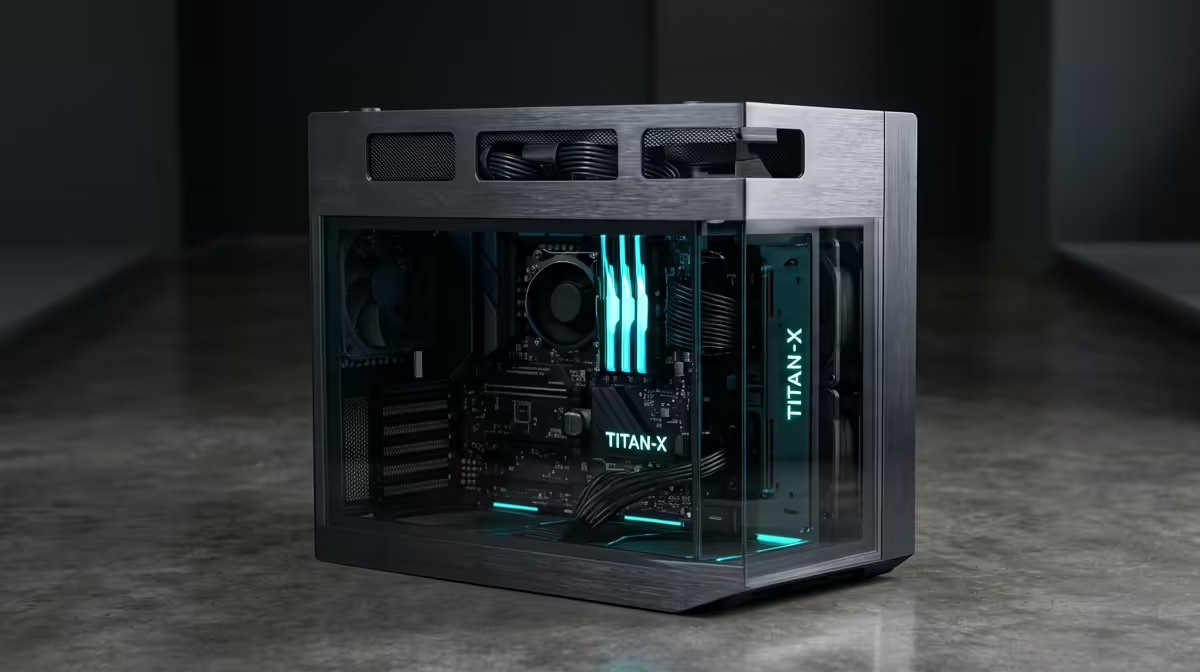
Dreaming of buttery-smooth 4K video editing, but your bank account is screaming? You're not alone. In South Africa, a high-performance rig can feel out of reach. But what if a powerful PC for 4K video editing under R30k isn't a myth? It's entirely possible to build a machine that slices through timelines and renders without breaking a sweat... or your budget. We've crunched the numbers to show you how. 🚀
Core Components for Your R30k Editing Rig
Building a capable 4K editing PC is all about balance. You need to invest your budget where it counts most: the CPU, GPU, and RAM. Skimp on any of these, and you'll feel it in every dropped frame and long export time.
The CPU: Your Rig's Brain
For video editing, more cores and threads are your best friends. They handle the heavy lifting of encoding and rendering. In the sub-R30k bracket, look for an AMD Ryzen 5 or Intel Core i5 with at least 6 cores and 12 threads. This provides the multi-threaded performance needed to chew through 4K footage without choking. A solid processor is the foundation of any good editing machine.
The GPU: The Visual Powerhouse
While the CPU is crucial, the Graphics Processing Unit (GPU) accelerates effects, playback, and colour grading. For software like DaVinci Resolve and Adobe Premiere Pro, a GPU with plenty of VRAM (at least 8GB) and CUDA cores (for NVIDIA) is essential. An NVIDIA GeForce RTX 3060 or 4060 often hits the sweet spot, delivering incredible performance that also makes it a fantastic gaming card. In fact, the specs for a great editing rig often overlap with some of the best gaming PC deals, giving you incredible value for both work and play.
RAM & Storage: Speed and Space
For 4K workflows, 16GB of RAM is the absolute minimum, but 32GB is the real sweet spot. It allows you to run your editing software, a browser, and other apps smoothly. For storage, a dual-drive setup is king: a fast NVMe SSD (at least 500GB) for your operating system and software, and a larger SSD or HDD for your project files and footage. This ensures snappy performance where you need it most.
Pre-Built vs. Custom: Finding the Best Value in SA
So, should you build it yourself or buy a pre-built machine? While building can be rewarding, sourcing parts at the right price in South Africa can be a challenge. Pre-built systems often offer better value, a single warranty, and are ready to go straight out of the box. 🔧
You don't always need to spend a fortune to get started. Looking at the component lists on some budget gaming PCs can give you a great idea of what's possible at a lower price point. While many excellent starter machines exist in our PCs under R20k category, the R20k-R30k bracket is where performance truly takes off for demanding tasks.
For a PC for 4K video editing under R30k, you'll find the perfect balance of power and price in the PCs above R20k range. Better yet, keeping an eye on Evetech's pre-built PC deals can land you a professionally assembled and tested rig with the exact specs you need, often at a fantastic price.
Workflow Pro Tip ⚡
To dramatically improve 4K playback performance, even on a budget rig, use proxies! Most editing software (like Premiere Pro and DaVinci Resolve) can create low-resolution copies of your high-res files for editing. You edit with the smooth, smaller files, and the software automatically switches back to the original 4K files for the final export. It's a non-destructive process that saves you from endless stuttering.
Optimising Your 4K Editing PC for Peak Performance
Once you have your machine, a few software tweaks can make a huge difference. Ensure your GPU drivers are up to date, allocate plenty of RAM to your editing application in its settings, and set up a dedicated scratch disk on your fastest drive (your NVMe SSD) for cache files. These small optimisations ensure your new 4K editing PC runs as efficiently as possible, saving you valuable time. ✨
This kind of focused build isn't just for content creators. The powerful components required for a smooth 4K editing experience make for an absolutely phenomenal gaming machine, ready to tackle the latest titles at high settings. It’s the ultimate two-for-one powerhouse.
Ready to Render Without the Wait? A powerful PC for 4K video editing under R30k is within your reach. Stop letting lag kill your creative flow. Explore our massive range of customisable PCs and find the perfect machine to bring your vision to life in stunning ultra-HD.









