


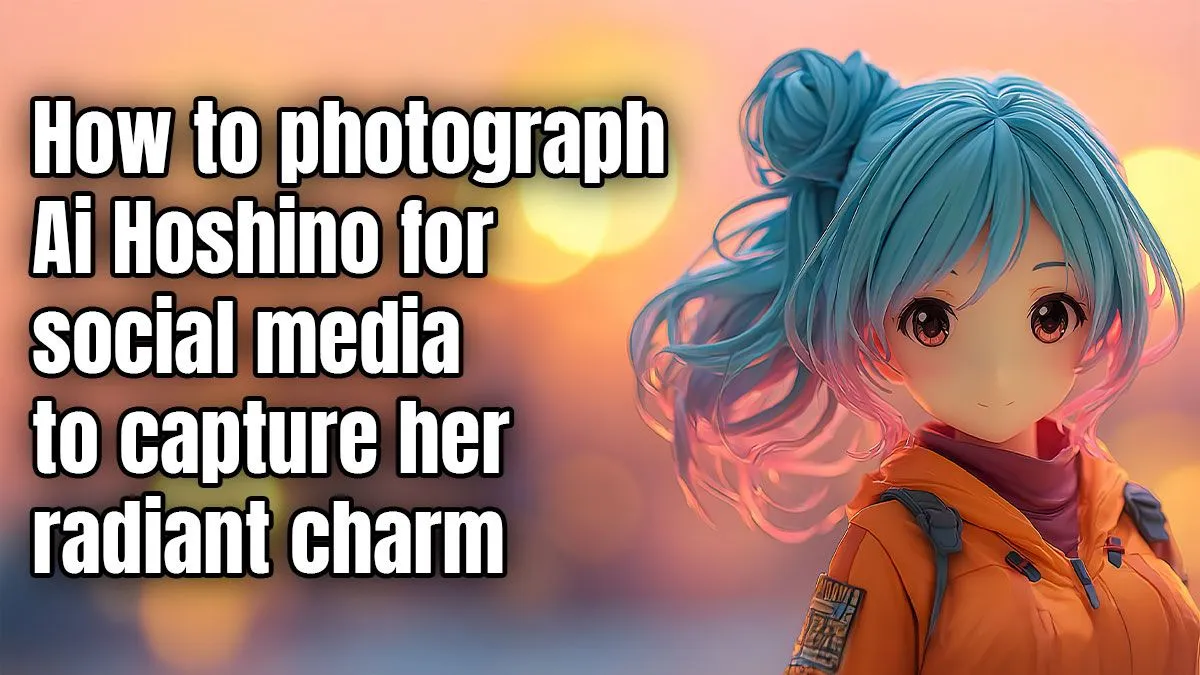
So, you’ve finally unboxed her… the legendary idol Ai Hoshino from Oshi no Ko, in all her glory, right on your desk. But getting that perfect shot for your Instagram feed feels trickier than it looks, right? Don't stress, we've got you. Learning how to photograph Ai Hoshino for Instagram is all about making her vibrant personality pop, and with a few simple tricks, you can capture her radiant charm like a pro. ✨
Mastering the Basics of Figure Photography
Before you even point your camera, let's talk about the most crucial element: light. You don't need a fancy studio setup that costs thousands of ZAR. Often, the best light is free. Position your Ai figure near a window during the day for soft, natural light that beautifully highlights the contours and colours of her outfit.
If natural light isn't an option, a simple desk lamp with a piece of white paper taped over it can diffuse the light, preventing harsh shadows. The goal is even, gentle illumination. This simple technique works wonders whether you're shooting high-end Premium Figures or just starting your collection.
Setting the Stage for Ai Hoshino's Instagram Debut
Your background can make or break your photo. A cluttered desk will distract from Ai's star power. Keep it simple! A plain sheet of coloured A4 paper, a clean mousepad, or even your PC monitor displaying a soft, out-of-focus image can create a professional-looking backdrop.
Think about the story you want to tell. Are you showcasing her idol persona? A bright, colourful background works best. Capturing a more dramatic moment? A darker, moodier setting might be perfect. Experimentation is key when photographing Ai Hoshino.
Pro Tip: Use Portrait Mode
Most modern smartphones have a 'Portrait' or 'Live Focus' mode. Use it! This feature artificially blurs the background, creating a beautiful 'bokeh' effect that makes your figure the undeniable centre of attention. It’s a fast way to get professional-looking Ai Hoshino Instagram photos.
Smartphone Camera Tricks to Capture Her Charm 📸
Your phone's camera is a powerful tool if you know how to use it. Forget 'point and shoot'—let's get tactical.
Find Your Focus
Tap your screen directly on Ai's face, specifically her eyes. This tells your phone what the most important part of the image is, ensuring her expressive features are crystal clear. This is especially important for capturing the unique aesthetic of Kawaii Figures, where the eyes are everything.
Adjust the Exposure
After tapping to focus, you'll usually see a small sun or lightbulb icon. Slide your finger up or down to manually adjust the brightness. This little tweak can prevent your photo from being too dark or washed out, helping you perfectly capture the figure's vibrant colours. This is a great skill to practise on affordable Prize Figures before moving to more detailed models.
Posing, Angles, and Those All-Important Details
The final step to truly capture her radiant charm is getting the angle right. Don't just shoot from above. Get your phone down to the figure's "eye level." This creates a more dynamic and realistic shot, making Ai feel less like a static object and more like the superstar she is.
Take a moment to appreciate the craftsmanship. The way her hair flows, the intricate details on her dress… these are what make collecting so rewarding. Take some close-up shots to highlight these elements, especially on detailed Scale Figures where the artistry is on full display. You can even add some fun props like cute Plushies & Accessories to create a playful scene.
Now get shooting, and get ready for those likes to roll in! 🚀
Ready to Build Your Collection? Inspired to add a new star to your shelf? Explore our massive range of anime figures and pop culture goodies. Shop all Collectables at Evetech and find your next centrepiece today.









