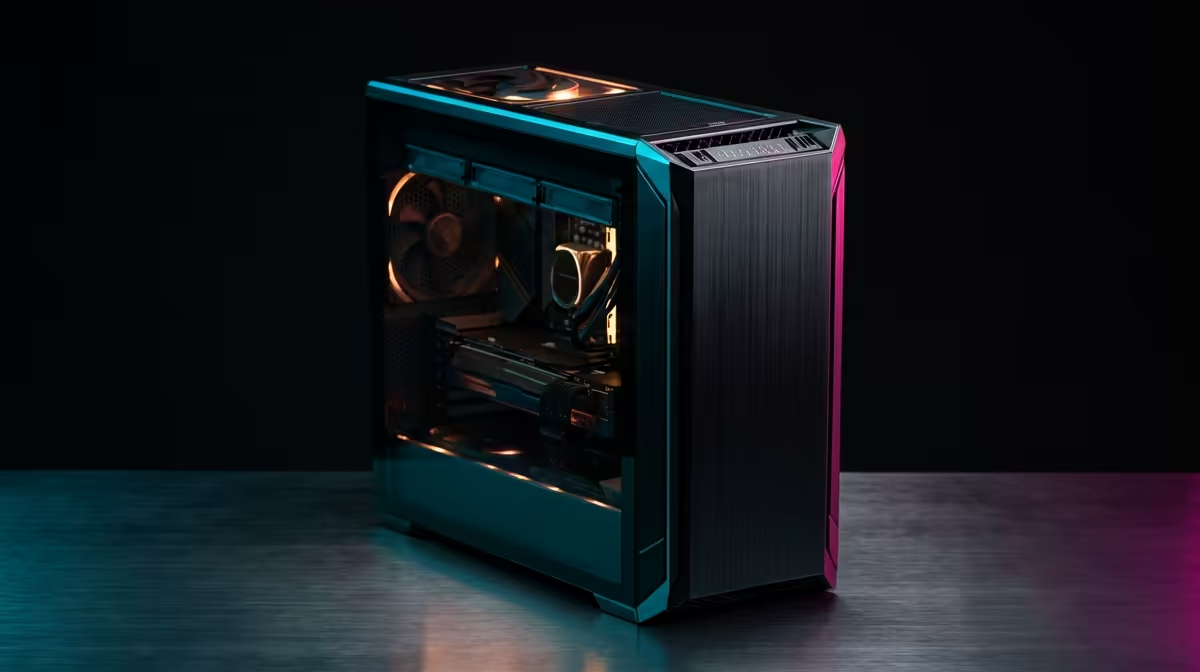
Is your PC choking on large PSD files? That dreaded lag when you apply a complex filter can kill your creative flow. You might think a powerful rig for Adobe Photoshop is out of reach, but what if you could get a beastly Photoshop PC build under R30,000 right here in South Africa? It’s not just possible; it’s the smart move for any serious designer or digital artist looking for maximum performance without emptying their wallet. Let's get into the specifics.
Optimising Your Photoshop PC Build for Performance
Before we talk parts, it's crucial to understand what makes Photoshop tick. It's not just about having the most expensive CPU or a top-tier graphics card. A truly effective PC for Photoshop under R30k is a balanced system where the components work in harmony.
Photoshop uses your hardware differently depending on the task:
- CPU (Processor): Handles most active tasks like painting, transforming layers, and running general filters. Strong single-core speed is king here.
- RAM (Memory): Acts as your active workspace. The more layers and the higher the resolution of your projects, the more RAM you need to prevent slowdowns.
- GPU (Graphics Card): Accelerates over 30 features, including the Blur Gallery, Liquify, and canvas rotation. A decent GPU makes the experience feel fluid. 🚀
- SSD (Storage): Determines how quickly the app launches, files open, and your scratch disk performs. A fast NVMe SSD is essential.
Neglecting any one of these can create a bottleneck, holding back the potential of your entire R30,000 Photoshop PC.
Core Components for Your R30000 Photoshop PC Build
Building a PC is about making smart choices to maximise your budget. For a creative workstation focused on Adobe's suite, here’s where you should invest your Rands.
### The Processor (CPU): The Brains of the Operation
For a Photoshop-centric build, you want a CPU with high clock speeds for snappy single-threaded performance. Modern processors like the Intel Core i5 or AMD Ryzen 5 series offer a fantastic blend of speed and multi-core power for this price point. These chips can handle demanding filters and exports without a fuss, making them the heart of a great Photoshop PC build under R30000. You'll find CPUs like these in many of our powerful PCs in the R20k+ range, which are expertly balanced for performance.
### Memory (RAM): Your Digital Canvas Size
Ever seen the "Scratch Disks are Full" error? It's often a sign of insufficient RAM. While 16GB is the absolute minimum, for a budget of R30,000, aiming for 32GB of DDR4 or DDR5 RAM is the sweet spot. This allows you to comfortably work on high-resolution images with dozens of layers, run other apps like Chrome or Spotify, and keep your workflow smooth. More RAM means Photoshop relies less on the slower scratch disk, directly boosting performance.
Check Your RAM Usage ⚡
While working on a typical project, press Ctrl+Shift+Esc to open the Task Manager. Click the "Performance" tab and select "Memory". If your usage is consistently hitting 90% or more, it’s a clear sign that a RAM upgrade will significantly speed up your workflow.
### The Graphics Card (GPU): More Than Just for Gaming
You don't need a top-of-the-line RTX 4090 for Photoshop, but a capable GPU is non-negotiable. The GPU's VRAM and processing cores accelerate visual tasks, making zooming, panning, and using tools like the Liquify filter feel instantaneous. An NVIDIA GeForce RTX 3060 or RTX 4060 provides an excellent price-to-performance ratio, offering more than enough power for creative work and even high-end gaming. Many of our best gaming PC deals feature these exact cards, making them fantastic dual-purpose machines.
### Storage (SSD): The Speed You Can Feel
This is one of the most impactful upgrades you can make. Your primary drive, which holds your operating system and Photoshop, must be a NVMe M.2 Solid State Drive (SSD). These are multiple times faster than older SATA SSDs and lightyears ahead of traditional hard drives. A 1TB NVMe SSD provides ample space for your apps and active projects. You can pair this with a larger, more affordable hard disk drive (HDD) for long-term storage and archives. You'll often see this smart storage combination in well-configured budget gaming PCs, as it delivers speed where it counts.
South African Benchmarks: What Performance Can You Expect?
So, what does this all mean in the real world? While exact performance varies, a well-balanced R30000 Photoshop PC built with the components above will be a massive leap from older or off-the-shelf machines.
You can expect:
- Lightning-fast app launch and file opening times.
- Smooth, lag-free editing on 4K and even 6K canvases.
- Near-instant results from GPU-accelerated filters like Radial Blur.
- Faster export and save times, getting your work delivered quicker.
This level of performance is a significant step up from what you'd typically find in PCs under R20,000, which often have to make compromises on RAM or GPU power. For a serious creative professional, the investment pays for itself in saved time and reduced frustration. ✨
The Pre-Built Advantage for Your Creative Workflow
Building a PC can be rewarding, but it also comes with risks like component compatibility and troubleshooting. For a mission-critical creative workstation, opting for a professionally assembled system is often the smarter choice. When you get a pre-built PC from Evetech, you're not just getting a box of parts. You get a machine that has been built, tested, and benchmarked by experts to ensure stability and performance from the moment you turn it on. Plus, it’s all covered by a single, straightforward warranty. Check out our latest pre-built PC deals to see how much power you can get for your budget, hassle-free.
Ready to Build Your Creative Powerhouse?
A custom-tuned PC offers unbeatable power and value for creative work in South Africa. Stop waiting for progress bars and start creating. Explore our professionally assembled PC deals and find the perfect machine to bring your vision to life.