


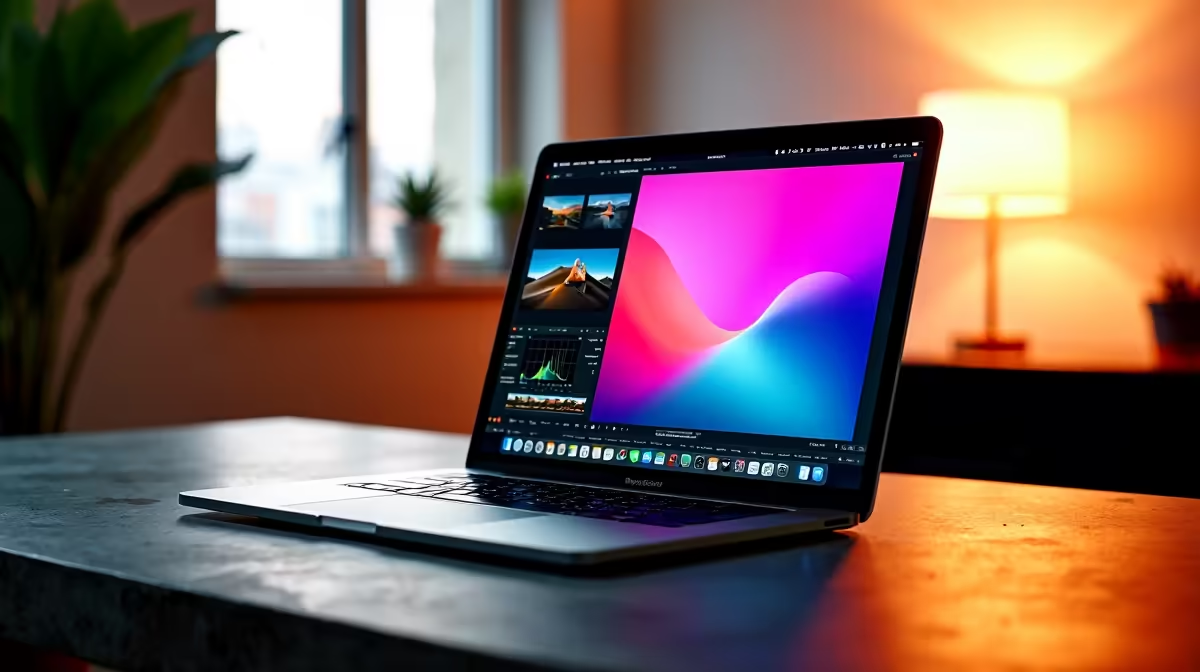
Editing RAW Photos on MacBook: Choosing the Right Software 🔧
South African creatives love shooting in RAW for ultimate quality, but editing these files on a MacBook can be tricky. Which tool fits your workflow: Lightroom, Capture One, or Apple Photos? Each offers distinct advantages, but your choice depends on speed, detail control, and usability. Whether you’re refining a landscape or perfecting portraits, understanding these options can transform your edits from good to exceptional.
Check out the latest notebooks for sale in South Africa to ensure your MacBook matches your editing demands.
Lightroom: The Trusted All-Rounder for RAW Photo Editing
Adobe Lightroom remains popular among photographers worldwide, including SA pros. Its intuitive interface speeds up RAW photo editing on MacBook with excellent presets and batch editing features. Lightroom handles colour corrections and lens profiles efficiently, giving you consistent results even on large photo libraries.
It supports seamless cloud syncing if you shoot across devices, a great plus for those on the go. However, it does require a paid subscription, so factor that into your budget.
Capture One: Precision and Power for Colour and Detail 🎨
Capture One is where serious colourists and professionals lean in. It specialises in RAW handling, delivering deeper colour accuracy and detail than many rivals. MacBook users who want granular control over masks, layers, and colour grading will appreciate its interface, designed for power-users.
Though it has a steeper learning curve, Capture One supports tethered shooting and offers a localised interface for South Africans shooting commercial or event work. Its one-time purchase model can be more cost-effective than subscriptions.
Explore pre-built PC deals to complement your MacBook with powerful editing setups for hybrid workflows.
Apple Photos: Lightweight, Free, and Integrated
Apple Photos may surprise you with its growing RAW editing capabilities. It’s free, pre-installed, and perfect for beginners or anyone who wants quick edits without extra noise. It doesn't offer the same depth of control found in Lightroom or Capture One, but its integration with macOS and iCloud makes managing and syncing your RAW files effortless.
South African creators shooting casually or starting out should not overlook this convenient option, especially when paired with a solid MacBook.
Want a gaming or editing rig for heavier tasks? Browse best gaming PC deals for powerful alternatives.
Matching Editing Software with Your MacBook Specs ⚡
Editing RAW photos smoothly depends heavily on hardware. MacBooks with stronger CPUs, more RAM, and better graphics handle Lightroom or Capture One without lag. Ensure your laptop has at least 16GB RAM and SSD storage for fluid edits and quick exports.
GPU acceleration is a bonus for real-time previews. If you crave desktop-level power, check the latest graphics cards for external GPU setups or configuring a secondary editing station.
Optimise Your Editing Setup
Boost editing performance by keeping your MacBook’s software up-to-date and clearing cache regularly. Consider external SSDs for faster access to RAW files.
Final Thoughts: Which RAW Editor Fits Your Style?
Lightroom offers versatility and cloud syncing ideal for most South African photo enthusiasts. Capture One suits pros needing ultimate colour fidelity and control. Apple Photos works well for beginners or quick edits without fuss.
No matter your choice, pairing the software with the right hardware helps maximise your RAW photo editing on MacBook. For exclusive tech deals, keep an eye on Evetech Specials.
Elevate Your Photo Editing Performance Ready for better RAW photo editing? Shop now at Evetech to find MacBooks and accessories designed to bring your creativity to life.









