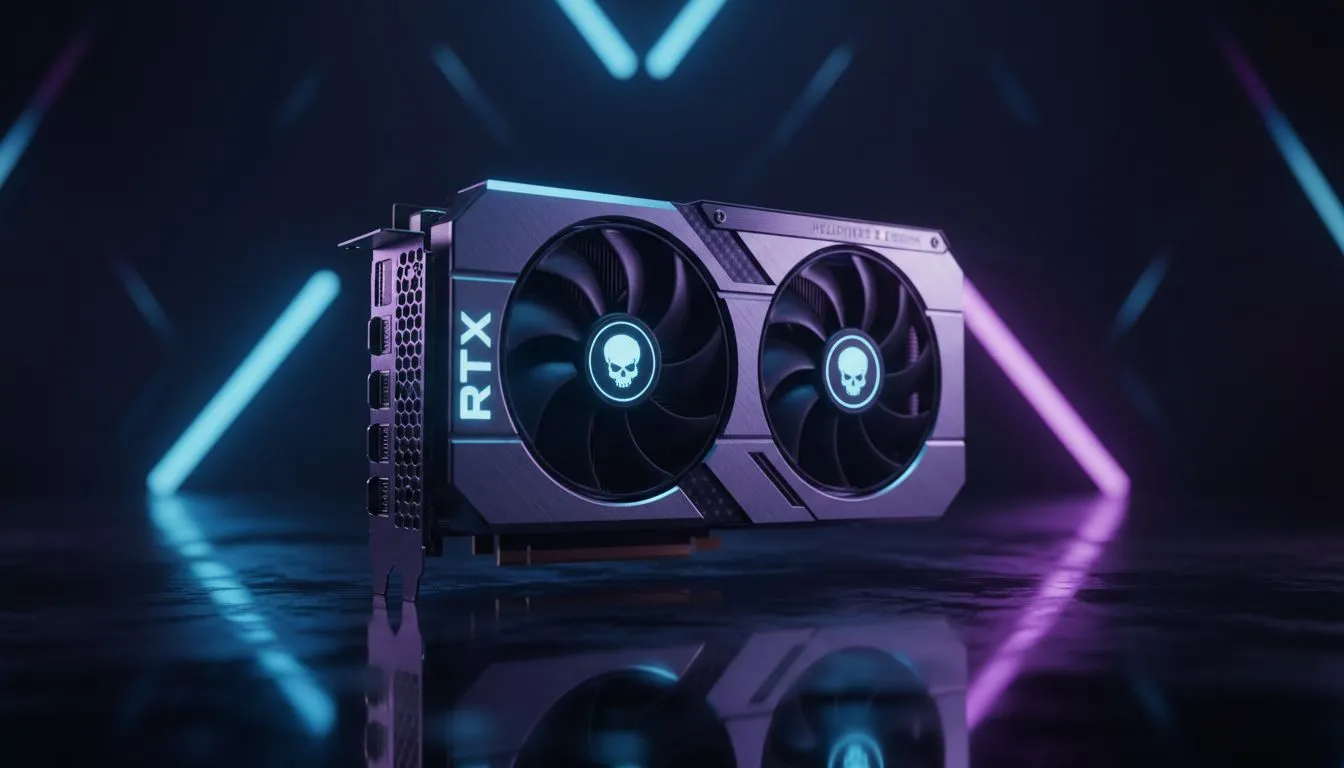
Democracy in High Definition: The 1440p Challenge
Spread democracy without the stutter. If you’re eyeing the RTX 5060 Ti for Helldivers 2 at 1440p, you’re likely looking for that sweet spot between visual fidelity and high frame rates. In South Africa, where every Rand counts, choosing between native resolution and upscaling is crucial. Let’s dive into how this new mid-range champion handles the chaos of Super Earth. 🚀
Performance Breakdown: RTX 5060 Ti Helldivers 2 1440p Review
When running Helldivers 2 at a native 1440p resolution, the RTX 5060 Ti shows its true grit. On "High" settings, we observed a steady average of 75 FPS during heavy bug breaches. This is a significant step up for anyone browsing the latest NVIDIA graphics cards looking for a reliable upgrade. The card maintains excellent thermal headroom... even when the stratagems start flying and the screen is filled with fire and bile.
Helldivers 2 Optimisation ⚡
Turn down "Volumetric Fog Quality" and "Global Illumination" to "Medium" in the settings menu. This simple tweak can provide a 15% FPS boost at 1440p without sacrificing the cinematic atmosphere of the game.
Native vs Upscaled: The DLSS 4 Advantage
The real magic happens when we move away from native rendering. In our RTX 5060 Ti Helldivers 2 1440p Review: Native vs Upscaled tests, enabling DLSS 4 Frame Generation pushed the frame rate well into the 120 FPS territory. For those using premium MSI models, the cooling efficiency allows the card to maintain these boost clocks for longer sessions. Native 1440p looks slightly crisper in still shots... but the fluid motion of upscaling is far superior when you are dodging a Charger.
Comparing the Mid-Range Landscape
While the 5060 Ti is a powerhouse, it is worth looking at the broader market. Some gamers might consider AMD Radeon graphics cards for their raw VRAM capacity. Others might be curious about the value proposition of Intel Arc graphics cards for budget-conscious builds. However, for Helldivers 2, NVIDIA’s software suite remains the most polished experience for South African players wanting hassle-free performance. 🔧
More Than Just a Gaming GPU
It is easy to forget that these cards are versatile tools. While we focus on gaming, the architecture here is excellent for creative work. If you are also dabbling in 3D rendering or video editing, these specs rival some high-end workstation graphics cards in specific entry-level tasks. The RTX 5060 Ti isn't just about killing bugs... it is about maximising your entire digital workflow. ✨
Ready to Upgrade Your Arsenal?
Whether you want the raw power of native 1440p or the smooth frames of DLSS, the right GPU makes all the difference. Explore our massive range of NVIDIA graphics cards and find the perfect match for your Helldivers 2 setup today.