


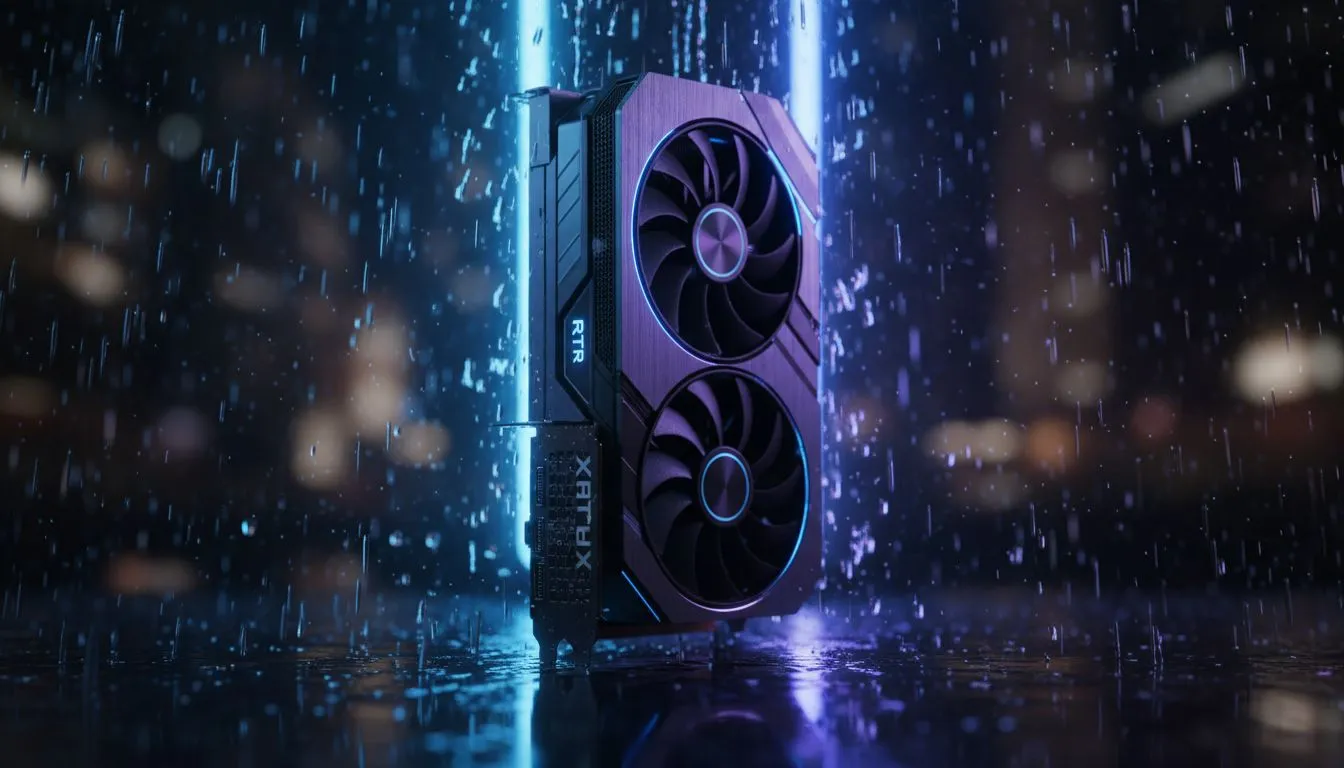
Master Atmospheric Immersion with the RTX 5070
There is nothing quite like a thunderstorm in Night City or the moody drizzle of the Cape... except when your frame rate tanks. The RTX 5070 is a performance beast, but rain effects are notorious for eating resources. Getting the RTX 5070 settings: Best rain & weather tweaks right ensures your gameplay stays fluid while looking spectacular. Let's dive into how you can optimise your visuals. ⚡
Fine-Tuning Reflections and Particle Density
Weather effects in modern titles rely heavily on reflections and complex particle systems. If you are currently browsing the latest NVIDIA graphics cards, you likely know that ray tracing is the star of the show for wet surfaces. For the best balance, set your "Weather Quality" or "Rain Detail" to High rather than Ultra. This preserves the atmospheric depth while saving vital VRAM for those intense combat sequences.
Rain Reconstruction Pro Tip ⚡
When playing titles like Alan Wake 2 or Cyberpunk 2077, always enable DLSS Ray Reconstruction. It specifically targets the 'denoising' process of reflections on wet surfaces, making rain look like actual liquid droplets rather than grainy digital noise. It is a free visual upgrade for your RTX 50 series card.
Thermal Headroom and Brand Choice
South African summers can be brutal on hardware. Enthusiasts who prefer the MSI GPU range often benefit from superior cooling designs that allow for higher sustained boost clocks during heavy weather rendering. If your GPU temperature starts creeping up while rendering heavy fog, consider lowering "Volumetric Clouds" by one notch. The visual difference is often negligible, but the performance gain is substantial.
Comparing the Competition
While NVIDIA remains the leader in ray-traced weather effects, some gamers might still consider AMD Radeon graphics cards for pure rasterization value in traditional weather rendering. However, the RTX 5070 holds a distinct advantage with Frame Generation. If you find your frames dipping below 60fps in high-end titles that cost upwards of ZAR 1,200, turning on Frame Gen can effectively double your perceived smoothness during heavy downpours.
Beyond Standard Gaming
Not every user is chasing the ultimate ray-traced storm for leisure. Some might be looking at the entry-level value of Intel Arc graphics cards for secondary streaming PCs. Others might require the precision of workstation graphics cards for architectural visualisations involving weather simulations. For the standard RTX 5070 user, keeping "Screen Space Reflections" set to High while enabling "Long-Range Shadows" will provide the most realistic horizon during stormy weather without stuttering. 🚀
Ready to Upgrade Your Visual Experience? Finding the right balance between beauty and performance shouldn't be a struggle. Whether you are hunting for the latest RTX power or incredible value, Evetech has the hardware to bring your games to life. Explore our massive range of graphics card specials and find the perfect GPU to conquer any storm.









