


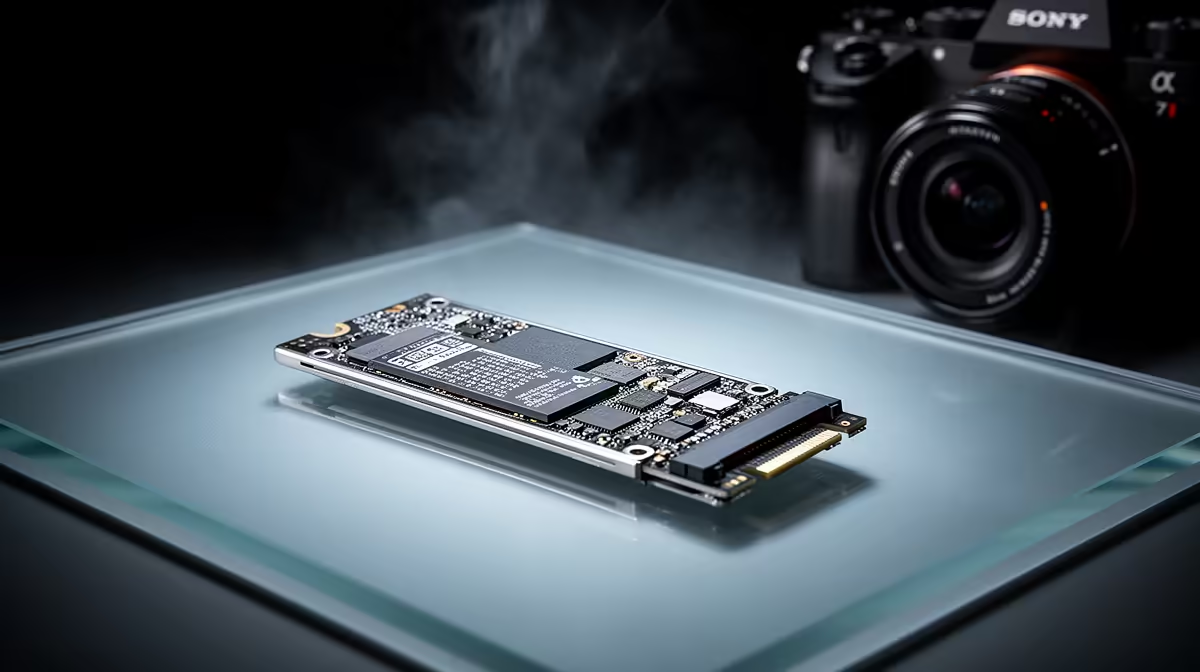
Staring at that Adobe Photoshop loading bar again? As a South African creative, every second counts... That sluggish performance might not be your processor's fault. The classic SSD vs HDD for graphic design debate is more than just tech jargon; it’s a critical choice that directly impacts your workflow, deadlines, and sanity. Let's settle it and find the best drive for ZA creatives.
The Core Difference: Speed vs. Capacity
At its heart, the choice between a Solid-State Drive (SSD) and a Hard Disk Drive (HDD) is a trade-off. Think of it like this:
- HDDs (Hard Disk Drives): These are the old-school workhorses. They use a spinning platter and a mechanical arm to read and write data. They’re brilliant for storing massive amounts of data cheaply. Think terabytes of archived projects, stock photos, and videos for a few thousand Rand. Their weakness? That mechanical movement makes them slow. 🐌
- SSDs (Solid-State Drives): These are the modern speed demons. They use flash memory—like a massive, sophisticated USB stick—with no moving parts. This means they can access data almost instantly. Opening huge PSD files, scrubbing through video timelines, or booting up your PC happens in a flash. The only catch is they typically offer less storage for the same price.
For creatives, the speed an SSD provides is not just a luxury; it's a fundamental workflow enhancement.
Why SSDs Are Essential for Graphic Design Workflows
When considering an SSD vs HDD for graphic design, the benefits of solid-state technology are impossible to ignore. Your daily tasks rely on reading and writing large, complex files, and that’s where an SSD truly shines.
Here’s how it helps your creative process:
- Lightning-Fast Application Loading: Launching Adobe Creative Suite apps like Photoshop, Illustrator, and After Effects can take ages on an HDD. An SSD cuts that time down dramatically.
- Seamless File Operations: Opening a 2GB multi-layer Photoshop file? Saving a complex vector illustration? An SSD handles these tasks in seconds, not minutes. This responsiveness keeps you in the creative flow.
- Real-Time Previews & Rendering: Working with high-resolution assets and complex effects becomes smoother. You'll experience less stutter and lag when applying filters or rendering previews.
- Improved System Responsiveness: Your entire operating system feels snappier. From booting up to switching between apps, everything is more fluid, making multitasking a breeze. For designers who live in their creative software, this is a massive quality-of-life improvement. Many of the best gaming laptop deals now come standard with fast NVMe SSDs for this very reason.
Scratch Disk Pro Tip ⚡
For peak Adobe performance, set your primary Scratch Disk to your fastest SSD. In Photoshop, go to Edit > Preferences > Scratch Disks and ensure your NVMe or SATA SSD is at the top of the list. This gives the application a high-speed temporary workspace, drastically reducing lag when working with large files and complex edits.
When Does an HDD Still Make Sense?
So, is the HDD obsolete for designers? Not quite. While an SSD should be your primary drive for the operating system and active projects, an HDD still has a vital role to play: archiving and backup. 🗄️
Your completed projects, massive stock asset libraries, and system backups don't need instant access. An affordable, high-capacity HDD is the perfect solution for long-term storage. A common and highly effective setup for South African creatives is a dual-drive system:
- A primary SSD (500GB - 2TB): For your OS, applications, and current projects.
- A secondary HDD (2TB - 8TB+): For backups and deep storage.
This hybrid approach gives you the best of both worlds: blistering speed for your daily grind and cost-effective capacity for your archive.
Beyond the Drive: Building Your Ultimate Design Rig
Choosing the right storage is a huge step, but it's part of a bigger picture. A powerful processor is crucial for rendering and multitasking. Whether you're looking at the multi-core power of the latest AMD laptops on special or the excellent single-thread performance found in many Intel laptops on special, pairing it with an SSD unlocks its full potential.
The verdict in the SSD vs HDD for graphic design showdown is clear. For your main work drive, an SSD isn't just better... it's essential for any serious creative in South Africa. The speed boost translates directly into more efficient work, less frustration, and more time spent creating. ✨
Ready to Turbocharge Your Creativity? Stop waiting and start creating. An SSD is the single biggest performance upgrade you can make. Explore our massive range of laptop specials and find the perfect, SSD-powered machine to bring your visions to life.









