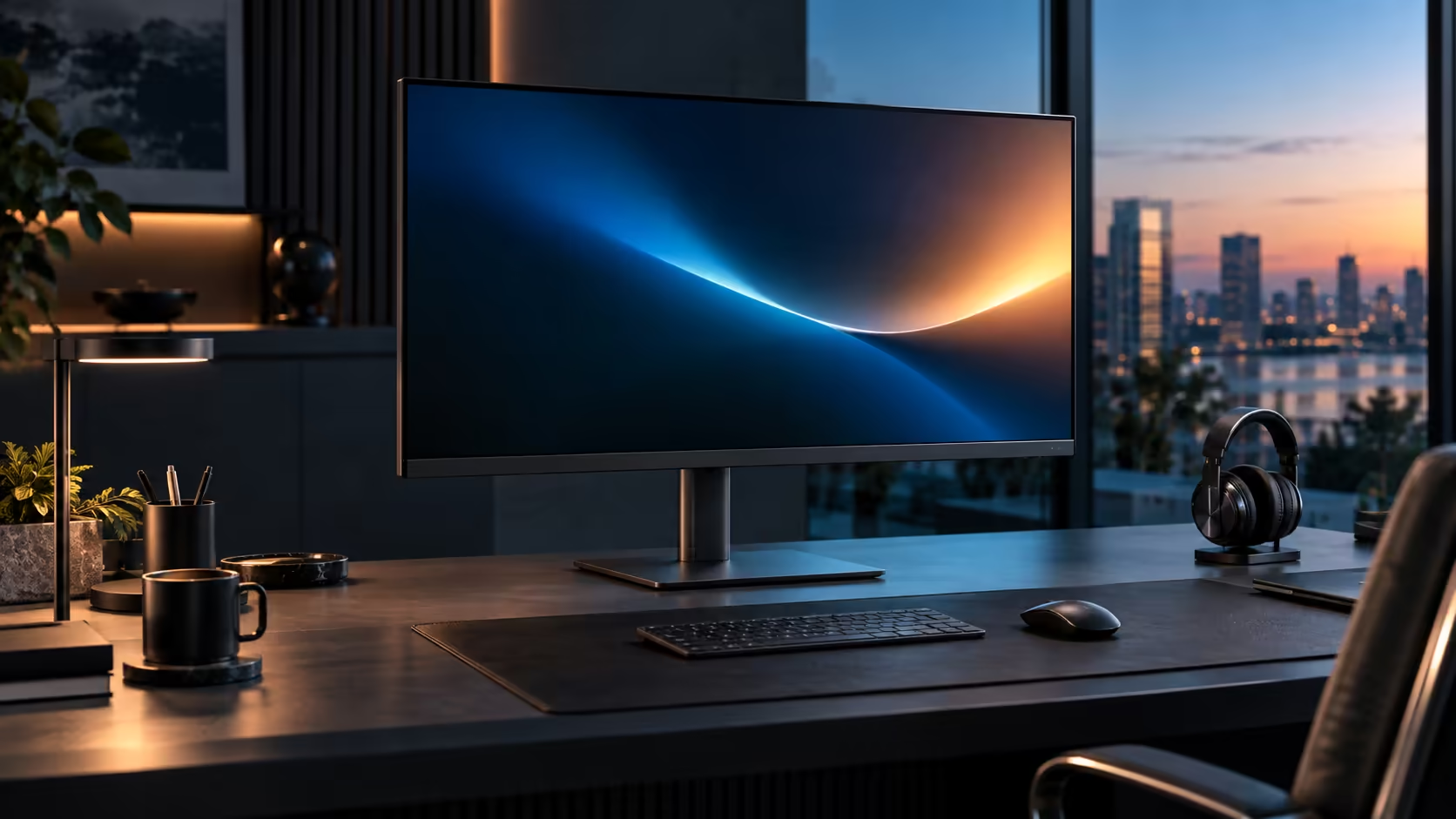
A refresh rate jump from 60Hz to 100Hz sounds like a gaming spec that has wandered into an office monitor by mistake, but the effect it has on ordinary scrolling and window dragging is real and measurable, not marketing. The Dell Pro 32 Plus P3225DE runs it at R8,799 without charging a premium for the higher rate.
Quick Answer
At 100Hz a fresh frame lands every 10 ms instead of every 16.7 ms, so scrolling text and dragged windows stay legible. The gain is comfort rather than speed, and it adds nothing to the R8,799 asking price of Dell's Pro 32 Plus P3225DE.
⏱️ What the millisecond difference actually means
Ten milliseconds against 16.7 does not sound like much until you translate it into what your eyes actually perceive.
At 60Hz, the screen redraws 60 times a second, meaning 16.7 milliseconds pass between each new frame. At 100Hz, that gap shrinks to 10 milliseconds, a jump of roughly 67 percent more frames per second. During anything moving on screen, scrolling a long document, dragging a window, or the mouse cursor tracking a fast hand movement, that extra frame rate reduces the faint smear or blur your eyes perceive as content moves past, particularly noticeable on a wide 31.5-inch panel where more content is moving across a larger field of view at once.
📄 Where the difference actually shows up on a large screen
Being specific about where 100Hz matters avoids overselling a spec that has no effect on most of the screen most of the time.
Scrolling a long report, dragging a window from one side of the wide panel to the other, or moving the cursor quickly across the full 31.5-inch width all look measurably smoother at 100Hz. A static page you are reading without scrolling, or a spreadsheet you are simply looking at without moving anything, looks identical at 60Hz and 100Hz, since nothing is actually being redrawn differently in that moment.
🖥️ Why a larger screen makes the difference more noticeable
Refresh rate and screen size interact in a way that makes 100Hz feel like a bigger upgrade on this panel than it would on a smaller one.
Dragging a window across a wider 31.5-inch screen means the content travels a greater physical distance across your field of view for the same drag gesture, compared with a smaller monitor. That greater travel distance gives more opportunity for the smear a lower refresh rate produces to become visible, which is part of why the comfort benefit of 100Hz is arguably more noticeable on a large panel than on a compact one.
💻 Confirming Windows is actually using 100Hz
A monitor rated for 100Hz does not guarantee the connection is running at that rate, and this is worth checking once rather than assuming.
Dig into the display settings yourself rather than trusting the panel's own claim: Settings, System, Display, Advanced display shows what refresh rate is genuinely active, and it reverts to 60Hz surprisingly often after a Windows update, a cable swap, or a change of port. The cable carrying the signal has its own bandwidth ceiling too - a USB-C or DisplayPort lead has to be genuinely built for 2560 x 1440 at 100Hz, and a weaker one throttles everything back to 60Hz without so much as a warning on screen.
🖱️ Who gets the most day-to-day value from this
Not every desk uses this feature equally, and being honest about that helps set the right expectation before buying.
Anyone spending hours scrolling through long reports, spreadsheets or documents gets a genuine, repeated comfort benefit from 100Hz. Anyone whose work is mostly reading fixed pages or typing without much scrolling will notice the improvement far less, since the screen rarely moves in that pattern of use. Current options sit in the office monitor range, the dedicated gaming monitors shelf covers anyone chasing a rate beyond 100Hz, and best-selling monitors shows what other buyers are picking.
Frequently Asked Questions
Is 100Hz worth it on a large monitor specifically?
The comfort benefit during scrolling and dragging is arguably more noticeable on a large panel, since content travels further across your field of view during the same motion.
Does 100Hz require more powerful graphics hardware than 60Hz?
For office applications, no. Running a QHD panel at 100Hz places a modest extra load on integrated graphics compared with gaming or video editing workloads.
Why might my monitor run at 60Hz even though it supports 100Hz?
An update or cable change often resets it. Dig back into Advanced display under System, Display in Settings, and pick 100Hz from the dropdown by hand.
Does 100Hz affect colour accuracy or brightness?
No. Refresh rate is entirely separate from colour and brightness performance, which are determined by the panel technology and its calibration.
Ready to feel the difference 100Hz makes on a wide screen?
Confirm Windows is running the full refresh rate, then try dragging a window across the full width.