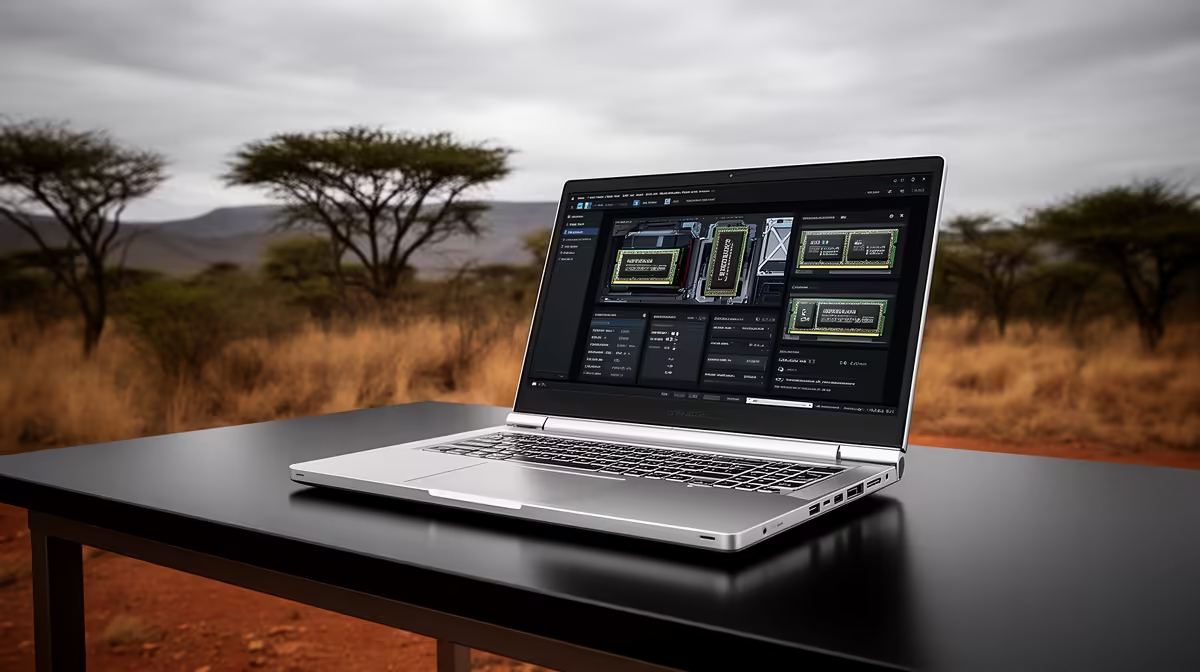
Kingston 16GB current-gen SODIMM at R741 suits field teams that need a practical RAM kit refresh for smoother map layers, site notes, and browser-based admin on a portable work laptop. A 16GB upgrade is worth it when the machine is still otherwise usable, especially for mobile survey work where freezing tabs and slow project switching waste time between stops.
Best first upgrade for mobile mapping laptops
Kingston 16GB current-gen SODIMM at R741 is the sensible starting point for a laptop used in GIS fieldwork, because it targets the common bottleneck without forcing a full platform rebuild. For a technician working between a bakkie, client office, and site cabin, that extra 16GB helps keep mapping software, PDF plans, spreadsheets, and a browser open with fewer slowdowns.
TEAMGROUP VULCAN 32GB current-gen 6000 at R1,460 is the better value pick when the workstation can take desktop memory and the workload includes larger project files. A 32GB memory setup gives more breathing room for heavier layers, cached imagery, and multiple reference documents while staying well below the higher-end kits.
Kingston FURY 32GB current-gen 6400 at R2,300 is a stronger option for a newer desktop used to prep data before teams leave site. The 6400 speed makes sense where the machine is not only viewing maps, but also handling exports, dashboards, and several office apps during the same session.
SA field office reality
A small South African survey or civil team often has one laptop in the vehicle and one desktop back at the office. In that setup, Kingston 16GB current-gen SODIMM at R741 is the field-friendly laptop fix, while TEAMGROUP VULCAN 32GB current-gen 6000 at R1,460 is the cleaner office upgrade for heavier prep work.
Ready to choose the right memory?
For 16gb upgrade fieldwork, put TEAMGROUP VULCAN 32GB current-gen 6000 speed at R1,460 first and judge the setup around its listed spec.