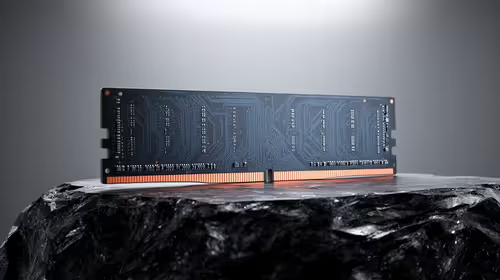
WD Blue SN5000 NVMe at R998 suits a South African coding student who wants quick project loading, a responsive laptop, and enough speed for everyday dev work without jumping to premium pricing. A nvme ssd is worth it when your coding setup must handle IDEs, package installs, browser tabs, local databases, and course files without feeling slow.
Best NVMe SSD picks for coding students
For most learners, the ADATA LEGEND 900 1TB NVMe at R948 is the strongest value call because the 1TB capacity gives room for Windows, coding tools, Git repos, Docker images, datasets, recordings, and assignments. That extra space matters more than chasing the most expensive drive when the laptop is mainly used for study, practice projects, and portfolio work.
The WD Blue SN5000 NVMe at R998 is also a sensible pick if you want a known everyday NVMe drive for a study machine. It keeps the setup simple: fast internal storage, no external cable on the desk, and fewer pauses when opening projects or switching between an editor and browser-based documentation.
Samsung 990 PRO at R4,648 makes more sense for a creator-style dev desk where coding overlaps with heavier local workloads, large project folders, or frequent file movement. It is the premium option here, so the spend is easier to justify when the machine is used for more than beginner lessons.
Student desk in South Africa
On a student desk, 1TB is practical because course folders, downloaded SDKs, local test environments, and media from class projects can grow quickly. The ORICO NVMe M.2 enclosure at R160 is useful if you later repurpose an older M.2 drive for backups or moving projects between machines.
Ready to choose the right SSD?
Use WD Blue SN5000 NVMe at R998 as the nvme ssd shortlist benchmark, then check whether its listed spec matches the space, workload, and upgrade path.