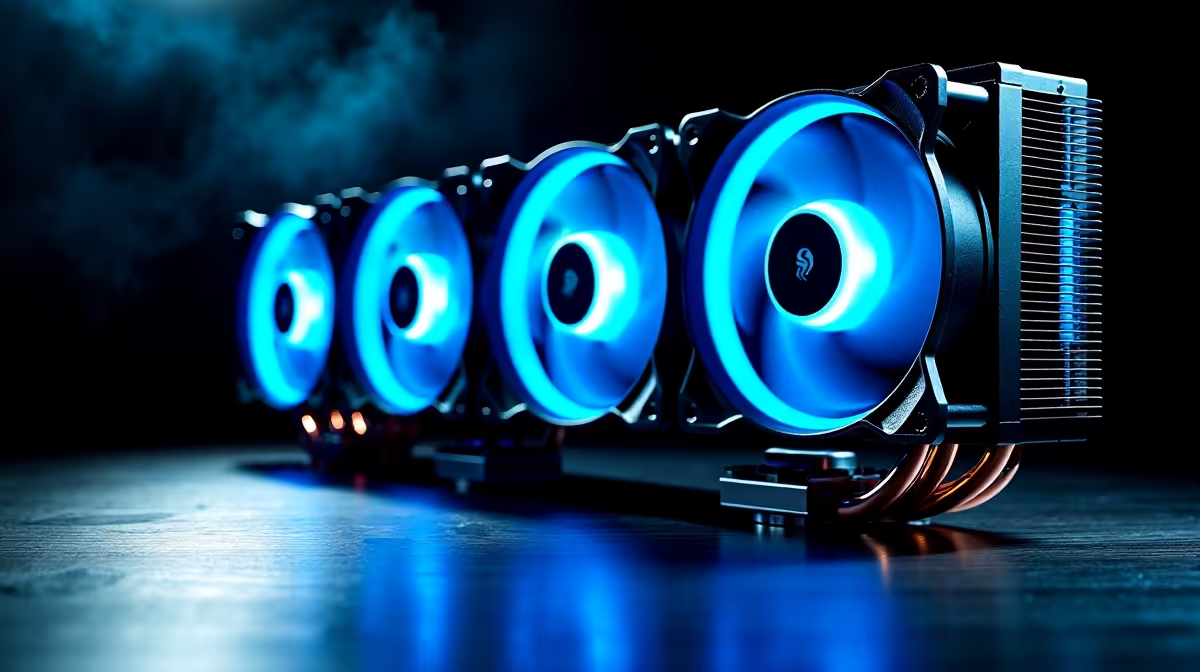
Case fans are worth buying for YouTube editing when measured heat, throttling or noise shows that the existing airflow cannot support long exports. Extra fans do not improve codec support, timeline responsiveness or storage speed by themselves.
Log an entire edit and export before changing cooling
Use a representative project with the normal codec, effects and resolution. Record CPU and GPU temperatures, clocks, fan noise and export time after the system reaches steady load. Clean blocked filters and correct cable obstruction before purchasing more hardware.
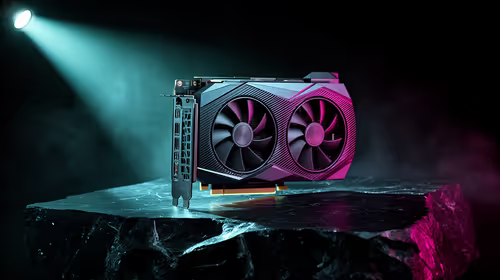
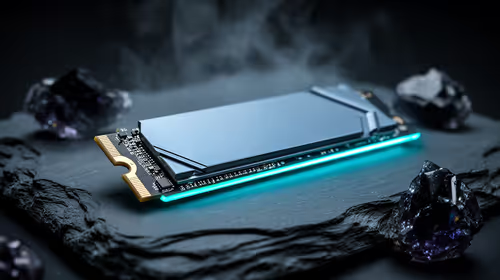
No individual case-fan model or verified fan price appears in the factpacks. The Palit RTX 5060 8GB at R4,800 is a verified graphics-card reference, not a complete editing PC or cooling guarantee. The WD Blue SN5000 2TB at R1,684 is a separate storage reference. Confirm case mounts, fan size, connectors, headers, airflow and warranty.
Plan a clear intake-to-exhaust path, avoid overloading motherboard headers and secure cables away from blades. Tune curves gradually while repeating the same export, because maximum speed can add microphone noise without reducing temperatures meaningfully. Back up projects and presets before rebuilding.
Buy fans only when the thermal evidence justifies them. Codec support, enough memory and responsive media storage often deserve earlier attention.
Repeat the export with the case side panel fitted so the measurement reflects normal use.
Tuning a YouTube editing PC? > Compare Evetech components against the measured project load.