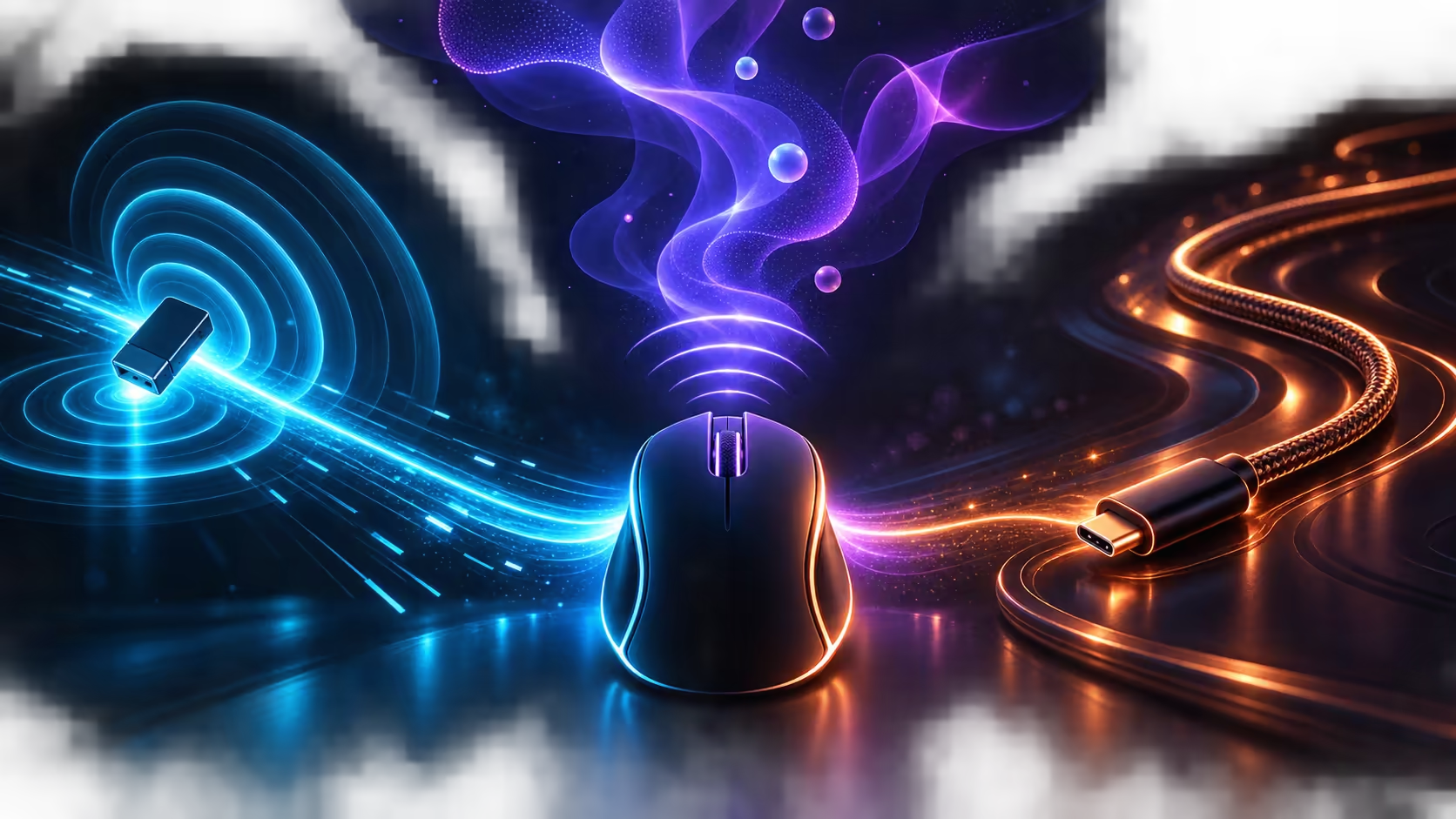
Three connection paths solve three different problems. A 2.4GHz vs Bluetooth vs USB-C gaming connection should be chosen by response needs, device switching and whether a cable is acceptable on the pad. Corsair prices the black IRONCLAW Wireless SE at R1,699 with SLIPSTREAM, Bluetooth and USB-C modes.
Quick Answer
Use SLIPSTREAM for focused wireless gaming, Bluetooth for convenient work or secondary-device use, and USB-C when a stable wired path or charging session makes sense. The R1,699 IRONCLAW Wireless SE includes all three routes, plus ten programmable buttons and a MARKSMAN 26K optical sensor.
📡 Give competitive play the clean radio path
A dedicated 2.4GHz receiver can provide a low-latency connection designed around gaming input. Place the receiver close to the mouse, away from dense cable bundles and noisy USB devices. A short extension can improve placement when the computer sits under the desk.
SLIPSTREAM is Corsair's gaming-focused wireless route on the IRONCLAW. Test it with the receiver in the intended port, then keep that port and pad layout consistent. Evetech's wireless mouse selection helps compare radio options across complete designs.
🔵 Use Bluetooth for flexible everyday pairing
Bluetooth is convenient when a laptop already has a compatible radio and the user wants to keep a USB port free. It suits browsing, documents and general navigation on a secondary device. Pairing and wake behaviour depend on both ends, so remove stale entries and reconnect cleanly if switching becomes unreliable.
Do not assume that one paired mode will automatically move between several computers. Treat device switching as a routine: finish the task, select the intended connection and confirm pointer control before typing or gaming.
🔌 Keep USB-C as the dependable cable route
USB-C provides a direct wired mode and a charging path. Route the cable with enough slack for a full sweep and anchor the excess so it does not pull the mouse sideways. A poor cable arrangement can make a sound wired connection feel heavier than wireless use.
The IRONCLAW Wireless SE combines its three modes with a palm-grip body for larger hands. Compare that physical fit in the gaming mouse category, because connection choice cannot compensate for a shape that strains the hand.
🎮 Assign each mode a clear role
Keep SLIPSTREAM on the main gaming system, Bluetooth on a work or travel computer, and USB-C ready for charging or diagnosis. This division avoids repeated pairing and makes a connection fault easier to isolate.
Connection testing should include the transitions, not only steady use. Wake the computer, switch away and back, reconnect after charging, and confirm that the intended profile remains active. A mode that feels responsive during play but needs repeated repair after sleep may be less convenient for the daily setup.
Also plan receiver storage. A small dongle can be lost when the mouse moves between rooms, while leaving it permanently in a laptop exposes it to impact. Give the receiver one labelled home and carry the USB-C cable separately so either wireless route can be diagnosed without searching for accessories.
Audio and network equipment can crowd the same radio environment. If pointer behaviour changes during a headset call or large transfer, move the receiver closer and separate it from busy wireless adaptors. A clean physical layout should be tested before changing the mouse's performance settings.
For tournament or deadline use, test the chosen mode after a restart and keep the USB-C lead reachable. A prepared fallback is faster than diagnosing radio conditions while the task is already underway.
At R1,699, the Corsair mouse also sits inside Evetech's sub-R2,000 mouse range. Its up-to-285-hour battery rating supports long wireless stretches, while the cable remains a practical fallback.
Frequently Asked Questions
Which mode is best for gaming?
SLIPSTREAM is the gaming-focused wireless route. Use USB-C when a cable is acceptable and Bluetooth for general device convenience.
Does Bluetooth need the USB receiver?
No. It pairs through a compatible Bluetooth radio, leaving the dedicated receiver free for another setup.
Can USB-C be used while charging?
It provides the wired connection and charging route. Arrange the cable so it does not interfere with normal movement.
Why should the receiver sit near the mouse?
Close, clear placement reduces obstacles and potential interference between the mouse and its 2.4GHz receiver.
What does the tri-mode Corsair mouse cost?
The black IRONCLAW Wireless SE costs R1,699 and includes SLIPSTREAM, Bluetooth and USB-C.
Ready to give gaming, work and charging their own connection lane?
Explore Evetech's wireless mouse choices, then assign each mode to the device and situation where it removes the most friction.