


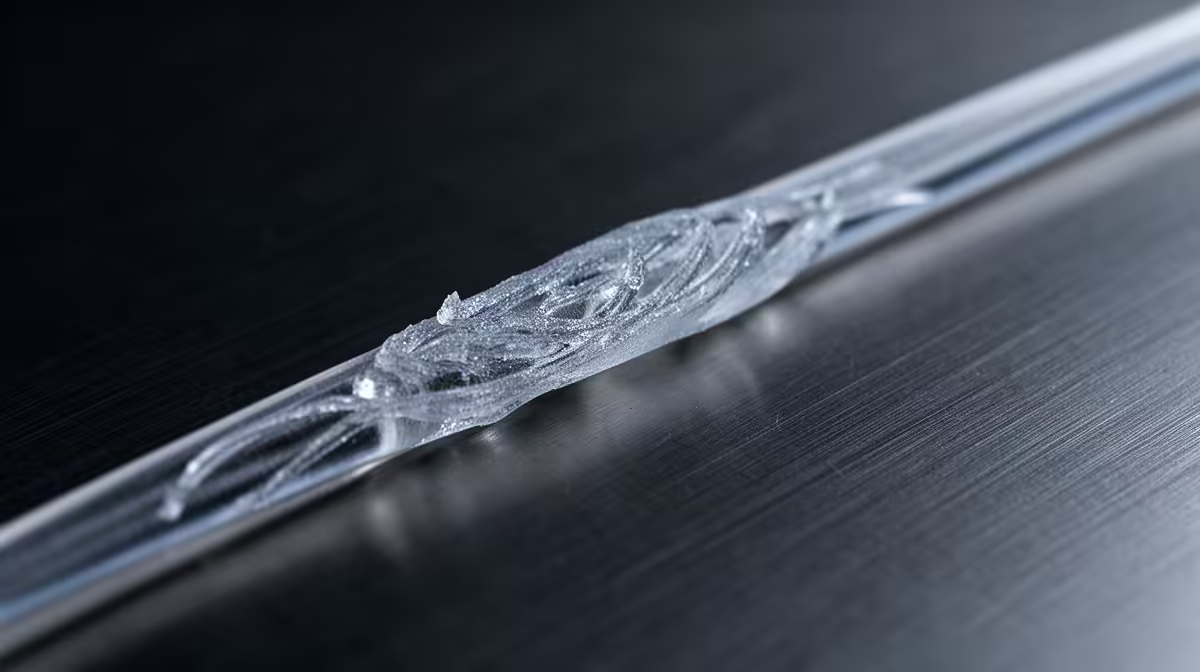
Those fine plastic hairs webbed across your finished model are a travel-move problem, and 3D print stringing almost always comes down to three settings working against each other: how far the filament retracts, how fast that retraction happens, and how hot the nozzle is running. Fix them in that order and most prints come off the bed clean.
Quick Answer
Increase retraction distance (start near 0.5mm on a direct-drive extruder, 4mm on a Bowden setup), raise retraction speed toward 40-60 mm/s, and drop your hotend temperature by 5-10 C. For PLA that usually means moving from 210 C down to about 200 C. Run a stringing test cube after each change so you know which one actually helped.
Why stringing happens
When the print head lifts and travels across open space to start a new section, molten plastic is still sitting in the nozzle under pressure. If nothing pulls it back, it weeps out and drags a thread across the gap. Retraction yanks the filament backwards so the nozzle depressurises before the move. When retraction is too short, too slow, or the melt is too runny from excess heat, those threads form anyway.
Tuning retraction distance and speed
Retraction distance is the first dial to turn. Direct-drive machines, where the extruder motor sits right above the hotend, need very little: begin around 0.5mm and step up in 0.25mm increments. Bowden machines, where filament travels down a long PTFE tube, need much more to overcome that slack, so start near 4mm and add 0.5mm at a time. Too much retraction causes its own trouble (clicking, gaps, jams), so stop the moment the strings disappear.
Retraction speed matters just as much. A faster pull clears pressure quickly and leaves less time for ooze. Somewhere between 40 and 60 mm/s suits most direct-drive setups. Push too high and you grind the filament or skip steps, so raise it gradually and watch for clicking from the extruder.
Getting temperature right
Heat is the quiet culprit. The hotter the melt, the runnier it is and the more it leaks during travel. If retraction tuning alone does not clear the webbing, drop the nozzle 5 C and reprint. PLA generally behaves between 190 C and 210 C, and PETG, which is naturally stringier, often needs settings in the 230-245 C band with slightly higher retraction speed. A temperature tower print shows you the cleanest result across a range of values in one go.
If you are still chasing the perfect first machine or an upgrade, the 3D printer range at Evetech covers entry-level FDM units through to larger-volume models. Stock up on spare nozzles and tools from the most popular accessories right now so a clogged tip never ends a print session early.
Frequently Asked Questions
What is the single most effective fix for stringing?
Lowering nozzle temperature usually delivers the biggest visible improvement, because a cooler melt simply oozes less. Drop it 5-10 C from your current setting and reprint a test before touching anything else.
Does enabling combing help with stringing?
Yes. Combing keeps travel moves inside already-printed walls instead of crossing open gaps, so any ooze lands where it will not show. It pairs well with good retraction rather than replacing it.
Why does PETG string more than PLA?
PETG is more viscous and stickier when molten, so it resists clean travel moves by nature. Expect a little fine webbing even on a well-tuned PETG profile, and clean it off with a quick heat-gun pass.
Can wipe and coasting settings reduce stringing?
They can. Coasting stops extrusion just before the end of a line so residual pressure finishes it, and wipe drags the nozzle over printed plastic to shed any blob. Use them as a final polish after retraction and temperature are dialled in.
My settings are perfect but stringing continues. What now?
Damp filament is the likely cause, and no retraction value fixes that. Dry the spool and store it sealed with desiccant, then retest.
Dialled in your retraction and temperature and ready for a machine that holds those settings reliably? Browse the current 3D printer lineup at Evetech and get cleaner prints from the first layer up.







