


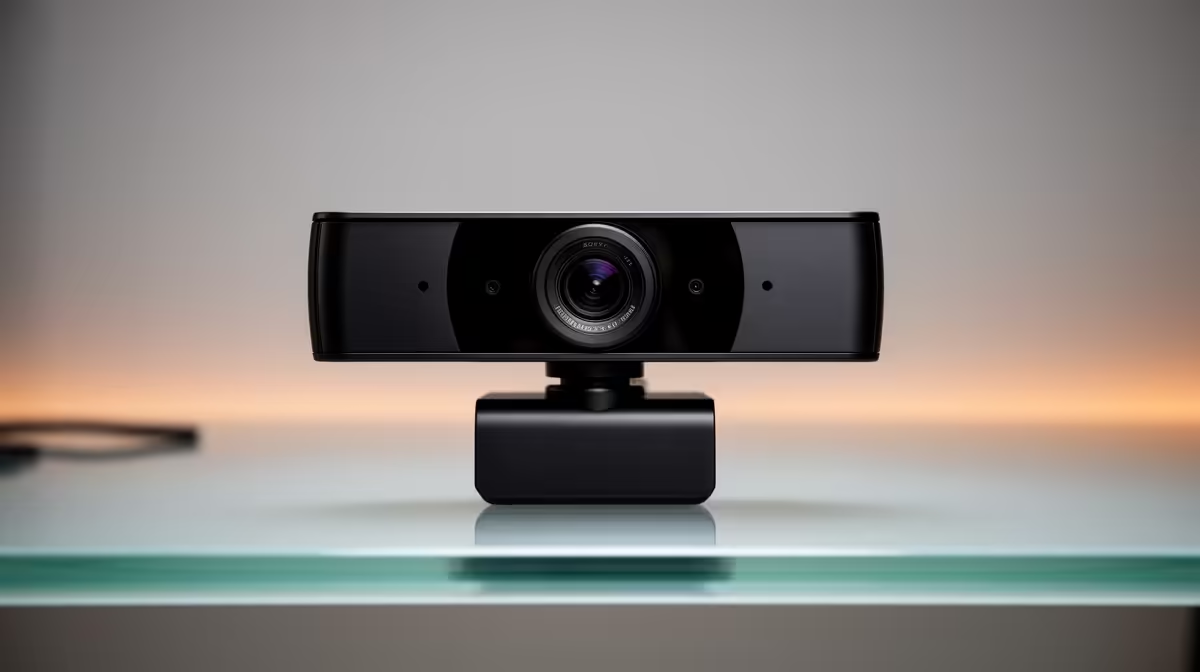
NearStream V08AF 4K at R678 suits South African streamers who want sharper camera detail before spending on bigger lighting or audio upgrades. For most starter channels, a webcam upgrade is worth it when it improves face clarity, but 4K only really matters if your desk lighting, framing, and upload quality can show the difference.
Best webcam picks for local streaming setups
The NearStream V08AF 4K at R678 is the strongest pick here because its 4K spec gives you extra image detail for creator desk shots, product close-ups, and cropped face-cam layouts. If your stream scene places your face in a small corner, the benefit is less dramatic, but the price still makes it an easy step up.
Logitech Brio 100 FHD at R458 is the practical middle choice for a cleaner, simpler setup. Its FHD spec is enough for most face-cam overlays, especially when the stream layout is gameplay-first and the camera window is not full screen.
Logitech C270 HD at R252 makes sense for a first test channel, casual calls, or a budget student desk. Its HD spec is basic, but it lets you start streaming without paying for detail you may not use yet.
Gaming room streaming in South Africa
For a gaming room, the real question is not only resolution, it is how large your face-cam appears on stream. NearStream V08AF 4K at R678 is worthwhile if you want a larger talking-head frame between matches, while Logitech Brio 100 FHD at R458 is a balanced pick for a smaller overlay.
Pro Tip ⚡
Ready to choose the right webcam? Use Logitech Brio 100 FHD at R458 as the webcam shortlist benchmark, then check whether its listed spec matches the space, workload, and upgrade path.










