Sketching how a build should look is the fun part of planning a case. Working out whether the board can actually power it is the part that determines whether that sketch is real, and a connector map built first is what stops a lighting plan from being a drawing rather than a build.
Quick Answer
List every accessory, the connection type it needs, and where that connection actually comes from - before deciding how the lighting should look. Header and SATA counts are finite, and a scheme that needs more addressable connections than the board offers cannot be built as drawn, no matter how good it looks on paper.
🔌 What the map should actually list
A useful connector map has three columns: the accessory, the connection type it needs, and the specific header or port it will draw from. Every AsiaHorse accessory needs one of three things - a 4-pin PWM fan header for speed control, a 5V 3-pin addressable header for lighting sync, or SATA power for the ASH-S1 hub or the Aurora Learn cover's controller. Writing that down for every planned item, before worrying about colours or effects, turns an abstract lighting idea into a list you can check against what the board actually offers.
⚠️ Why the order matters this much
A scheme calling for six separately addressable lighting zones is not buildable on a board offering two ARGB headers, no matter how well it was designed. Discovering that after the accessories have already been ordered is a far more expensive mistake than discovering it on paper first, which is exactly why the connector map needs to exist before the lighting diagram rather than alongside it or after it.
🎛️ How a hub changes the picture
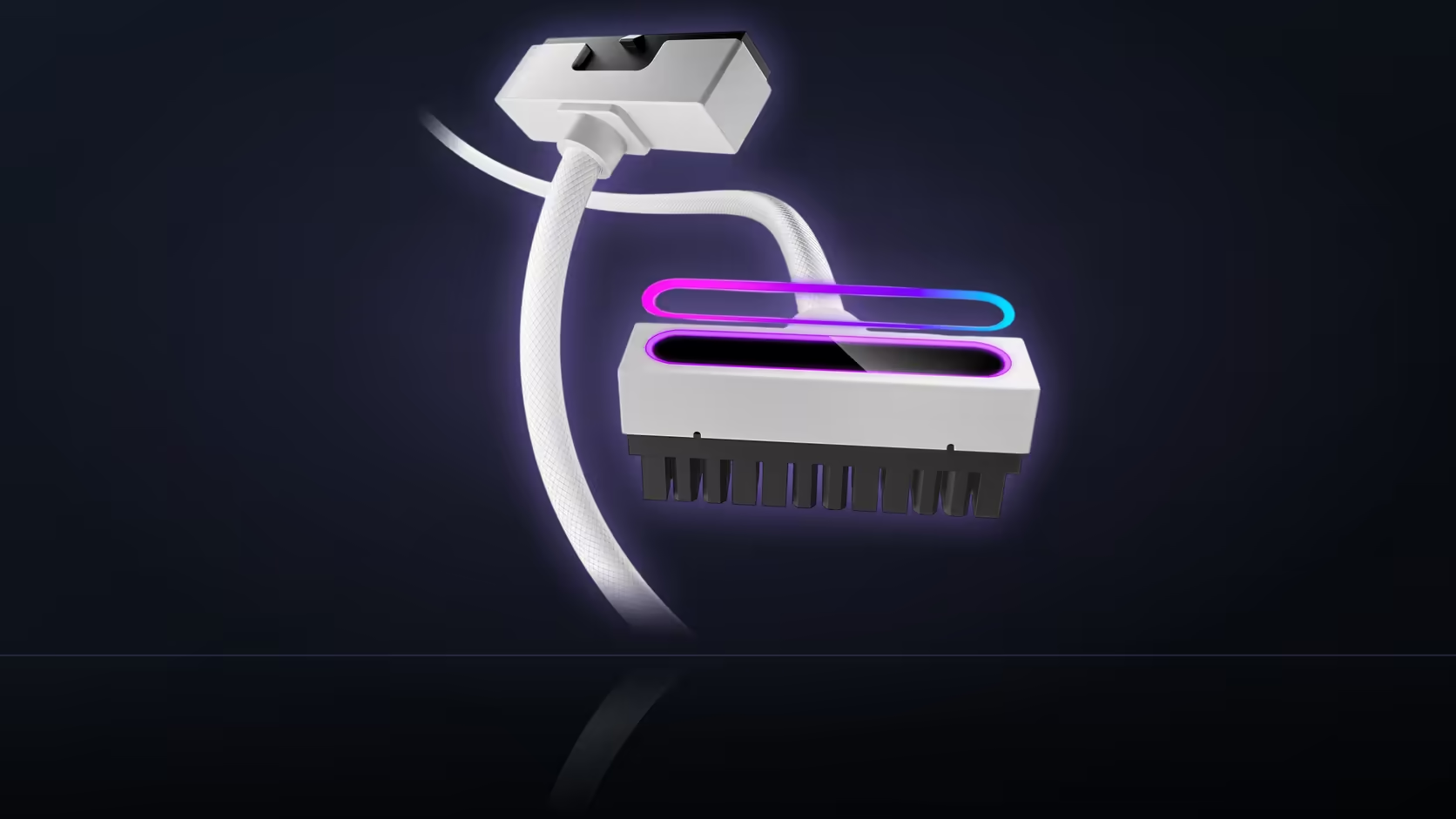
The ASH-S1 hub changes this calculation considerably. Adding nine PWM ports and nine ARGB ports on each side turns a header shortage into a capacity question instead of a hard limit, which is often the simplest fix for a scheme that outgrows what the board alone can drive. It is worth noting on the map as its own line item, since everything downstream of it still needs tracking even once it solves the immediate header problem.
💡 The second limit: total LED count
Alongside the header count, the hub's LED ceiling is a second, separate limit worth tracking on the same map - up to 377 LEDs total across every device plugged in, regardless of how many physical ports are still free. A scheme that fits comfortably within the port count can still exceed the LED total if enough high-density fans from the case fan range are chained onto it, so both numbers deserve their own row rather than assuming one implies the other.
🔗 Recording chained devices properly
Devices that daisy-chain share a single header connection while still drawing from the same LED total, and that distinction is worth capturing explicitly on the map. A chain of three memory covers looks like one line on the header count but three lines on the LED total, and conflating the two is an easy way to under-count how close a scheme actually sits to the hub's rated ceiling.
📝 How much detail the map actually needs
A simple list is usually enough - it does not need to be a wiring diagram to do its job. Every planned accessory should appear on it with its connection type and target named, and that alone is enough to catch most of the shortfalls before a single item gets ordered. Once the map balances against what the board and any planned hub can offer, the lighting design itself can move ahead against the case accessories range with far less risk of hitting a wall halfway through the build.
Frequently Asked Questions
What should the connector map actually list?
Every planned accessory, the connection type it needs, and exactly where that connection comes from on the board or the hub.
Which connection types show up across this range?
Four-pin fan headers for speed, 5V 3-pin addressable headers for lighting, and SATA power for the hub or the Aurora Learn controller.
Why does the map need to come before the lighting design?
Because a scheme needing more addressable connections than the board offers cannot be built as drawn, and it is cheaper to find that out on paper.
Does a hub change what the map needs to show?
Considerably - the ASH-S1 adds nine ports on each side, turning a header shortage into a capacity question rather than a hard stop.
What is the 377-LED figure actually for?
It applies across everything connected to the hub, which is a second limit that sits alongside the port count rather than replacing it.
Should chained devices be recorded separately on the map?
Yes, since a chain shares one header connection while each device on it still draws from the shared LED total.
How much detail does the map actually need?
A simple list is usually enough, provided every planned accessory appears on it with its connection type and target clearly named.
Planning a build's lighting before you buy anything?
Browse Evetech's case accessories to see which AsiaHorse products need which connections before finalising the design.