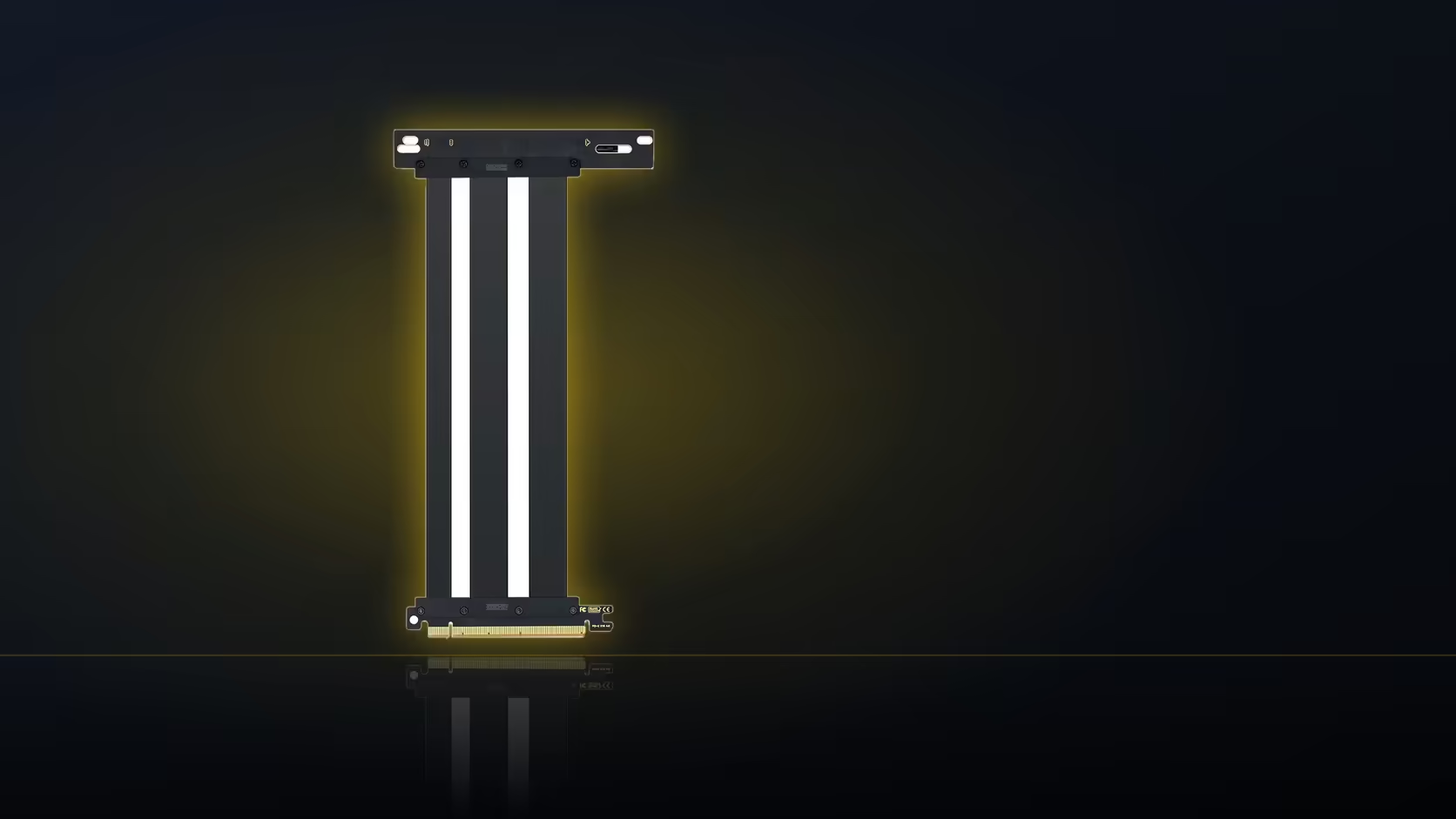
Every so often a build plan starts backwards: pick the riser, compare a few brands, then discover the case never supported a vertical card in the first place. A vertical GPU mount lives or dies on the case, not on which riser you eventually choose.
Quick Answer
Case compatibility comes first, before comparing riser cables. The AsiaHorse riser, at R1,299 including VAT, changes where the card connects electrically, but it cannot create a vertical mounting position a case was never built to support.
🏗️ Why the case decides, not the cable
A riser's job is narrow: it extends the x16 connection from the board slot out to wherever the card ends up. It has no say in whether the chassis actually has somewhere for the card to go. That is a structural question about the case itself, answered by whether it offers a dedicated vertical mounting position, accepts a bracket accessory, and has enough depth behind the side panel to fit a rotated card without pressing against the glass.
Comparing riser cables before that question is settled is effort spent on the wrong step. Two riser cables that both work fine electrically are irrelevant if neither has a chassis to plug into.
What to check on the case first
Most mid-tower and larger cases either advertise vertical GPU support directly or sell a bracket built specifically for that model. Smaller and more compact cases often do not, simply because there is not enough depth between the intended card position and the side panel to accommodate a rotated card and its cooler. Checking the manufacturer's specification for your exact case model, rather than assuming based on its size class, is worth the five minutes it takes.
📐 Depth is the real constraint
Once a case does support vertical mounting, depth is what usually decides whether a specific card fits. Turning a card on its side brings it noticeably nearer the glass than a standard horizontal slot ever would, and a thick modern cooler narrows that already-tight gap further still. A card that clears comfortably in a standard slot can end up pressed against tempered glass once it is turned on its side.
This has a secondary effect worth knowing about: airflow. A card mounted close to the panel draws its intake air from a narrower gap than it would in open air, which can raise temperatures under load compared with the same card mounted normally. It is not a reason to avoid vertical mounting outright, but it is a detail worth weighing alongside the aesthetic appeal.
🔢 The order that actually works
Settle the case's support for vertical mounting first. Then choose or confirm the bracket, since that is what fixes the card's exact position. Only once both of those are known does the 200mm cable length become a meaningful number to check against, because the route can only be measured once the card's final position is fixed.
Settle the case side of this first: case accessories is where the bracket question actually gets answered. Once that is confirmed, graphics card accessories rounds out the shopping list, well before the riser cable itself needs to enter the conversation.
Frequently Asked Questions
What decides whether a case supports vertical mounting?
Whether it offers a dedicated vertical position or accepts a bracket, and whether there is enough depth behind the panel for a rotated card.
Does the riser cable affect case compatibility?
No. It carries the connection to wherever the card is mounted; it does not create a mounting position that was not there already.
Which cases typically support vertical mounting?
Many mid-towers and larger cases do, either built in or as an accessory, while smaller cases often lack the depth for it.
Does vertical mounting affect cooling?
It can. A card close to the side panel draws air from a more restricted gap than it would in a standard horizontal slot.
Should the bracket be chosen before the cable?
Yes. The bracket sets the card's final position, and that position is what determines whether the 200mm cable will reach.
Is the riser in stock to order now?
Not currently. It remains hidden until the first trial shipment arrives, with no confirmed date yet.
Not sure if your case supports a vertical GPU?
Browse Evetech's case range to compare options built with vertical mounting in mind.