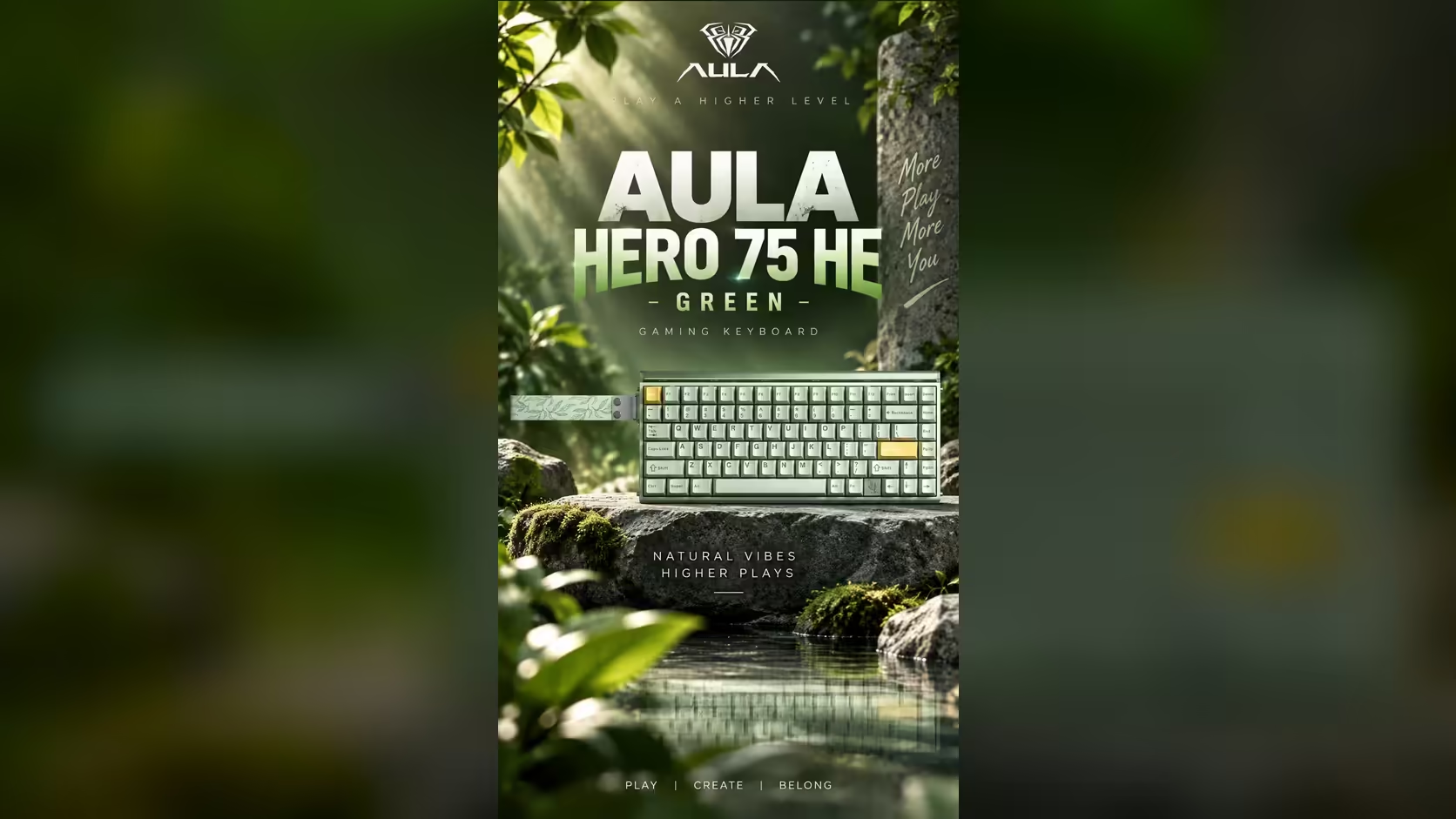
Wireless magnetic keyboards face a problem ordinary wireless boards do not. A mechanical switch only draws attention when it is pressed. A magnetic switch is being watched all the time, because the board has to know how far down every key is at every moment. That constant watching is why the AULA HERO 75 HE carries an 8000mAh battery, a large cell by keyboard standards, and why how you set the board up matters more than usual for how often you charge.
Quick Answer
The AULA HERO 75 HE carries an 8000mAh battery because magnetic sensing never stops: each key's sensor keeps reading its magnet whether you press it or not. AULA publishes no runtime figure for this board, so lighting, connection mode and polling choices decide how often you charge. It is rated at 5V DC and 750mA or less on its USB-C input, and Evetech has it at R899.
🧲 Why magnetic switches keep drawing power
In a mechanical keyboard, the controller can mostly wait for a contact to close. In a Hall Effect keyboard, a sensor under each switch measures the magnetic field continuously so the board can support adjustable actuation, Rapid Trigger and features like DKS that depend on key depth.
The HERO takes that further than most. AULA quotes a scan rate of 48kHz across all keys and up to 128kHz on a single key, and actuation can be set in 0.005mm steps between 0.1mm and 3.4mm. Reading 84 keys that often, that finely, is work, and work takes power. A big battery is the straightforward answer.
🔋 What decides how often you charge
With no published runtime figure, it helps to know what you control:
- Lighting. The HERO has per-key south-facing RGB and a 36-LED light box on top. Bright, animated lighting is usually the biggest single drain you can switch off.
- Connection mode. The 2.4GHz receiver runs at 8000Hz; Bluetooth runs at 125Hz. Sending thousands of reports a second is generally more demanding than sending a hundred or so, though AULA does not publish figures for either mode.
- How you play. Long wireless sessions with everything lit will empty any battery faster than short typing sessions with the lights down.
🔌 Charging and the cable option
The board's USB-C input is rated at 5V DC, 750mA or less, which a standard computer USB port or phone charger can supply. When you are at your desk anyway, the cable is a good default: it runs at 8000Hz just like the receiver, and you stop thinking about charge levels.
To stretch the time between charges when you do go wireless:
- Dim or turn off the light box, which sits along the top edge and is easy to forget.
- Keep per-key lighting static and low.
- Use Bluetooth for typing on secondary devices, and save the receiver for games.
- Plug in during long sessions at the desk.
📏 Is 8000mAh big for a keyboard?
For a keyboard, yes. Many wireless keyboards manage with far smaller cells because mechanical switches ask so little between presses. Within AULA's own range, the L99 also carries 8000mAh and the F87 Pro V2 carries 10000mAh, both boards that power screens or displays. The HERO needs its capacity for a different reason: the always-on sensing that makes it magnetic.
The rest of the board is built for play: 84 keys in a 75% layout, Stormrise switches on the black edition and Spiritcloud on orange and green, SOCD and DKS in the AULA HUB web driver, and an aluminium alloy plate seated in a boat-style frame. Behind all of it, Evetech offers a 2 Years Local Warranty. It sits in the gaming keyboards category, and Evetech's keyboard best sellers give useful context.
Frequently Asked Questions
Why do magnetic keyboards need more battery?
Their sensors read every key's position continuously, rather than waiting for a contact to close.
How long does the HERO 75 HE last per charge?
AULA does not publish a runtime figure, so it depends on lighting, mode and how long you play wirelessly.
Does 8000Hz on the receiver use more charge?
Higher report rates are generally more demanding than low ones, but AULA publishes no per-mode figures.
What is the USB-C input rating?
5V DC at 750mA or less, which a standard USB port or phone charger can supply.
How can I charge less often?
Lower or switch off the lighting, use Bluetooth for light typing, and plug in during long desk sessions.
Is 8000mAh a lot for a keyboard?
Yes. It is large by keyboard standards, sized for continuous magnetic sensing.
Want a wireless board with a battery sized for the job?
Compare the HERO 75 HE with other wireless keyboards in Evetech's gaming keyboard range and pick your setup.