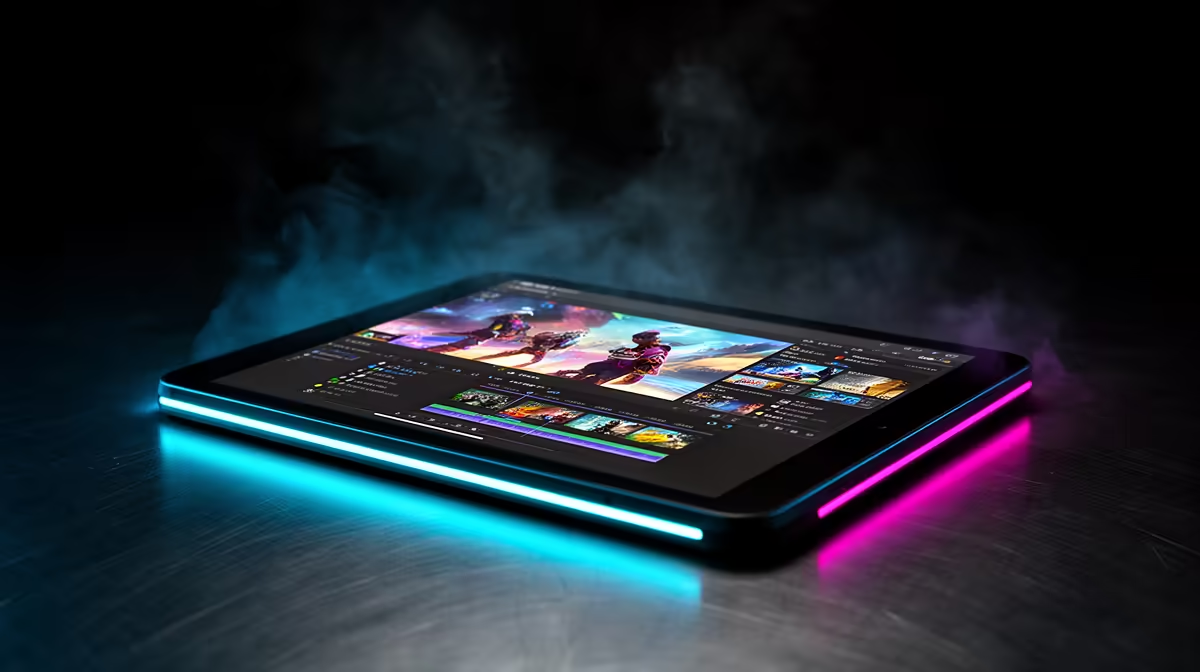
An Android tablet is worth using for YouTube editing when the channel produces straightforward videos and the chosen app supports the camera files, captions, audio and export settings. Touch editing can work well for short pieces and travel, but long timelines, many layers and plug-ins may expose mobile limits. Test a normal episode before replacing a desktop workflow.
Complete one episode on the tablet
No Android tablet carries verified pricing in the supplied factpacks. Compare current Evetech options by processor, memory, internal and expandable storage, screen, USB-C transfer, stylus support, battery runtime, update policy and warranty. Confirm the editing app, camera codec, project resolution and external-drive support on the exact model.
Import a representative set of clips, build the usual intro, captions, audio mix and colour adjustments, then export and upload. Watch preview smoothness, heat, battery drain, storage growth and any feature or watermark limits. Connect the real card reader or SSD and verify safe file copying. Preserve camera originals somewhere else before clearing a card.
Choose the tablet when portability saves time and the finished upload passes quality review. A laptop or desktop remains better for complex episodes, calibrated colour and multiple storage devices. Buy the tablet for a proven mobile production stage rather than an assumption that every desktop project will transfer cleanly.
Planning mobile YouTube editing? > Ask Evetech to compare current tablets and storage accessories for the camera format.