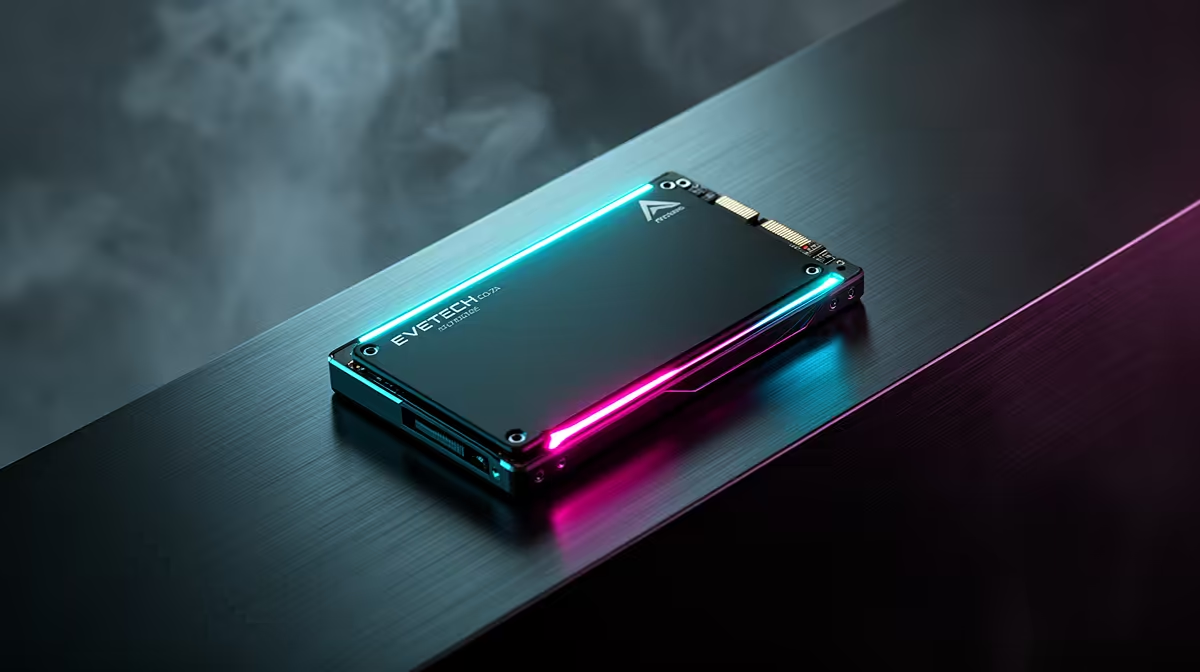
One terabyte still works for a gaming PC in 2026, though it asks you to manage the library. Windows, applications and a few large games can use most of the drive, and updates need spare room to unpack.
Quick Answer
Choose 1TB when you play a focused set of games, uninstall finished titles and can add another drive later. Start with 2TB if you keep several large releases installed, capture gameplay or have only one useful M.2 slot. Storage capacity will not raise frame rate, but enough free space makes the PC easier to live with.
Work from your own library
Open the storage page on your current PC or console and add the games you play each month. Include Windows, launchers, applications and personal files. Then leave a buffer for patches and temporary data. That total is more useful than an average install-size claim.
Large releases can exceed 50GB, while a competitive title or indie game may use far less. Four huge games can crowd a drive; dozens of smaller ones may fit. Your habits settle the question.
Compare the SSD range with the SSD best sellers. The Hiksemi T100 1TB portable SSD was R1,299 as of July 2026. Because it is an external drive, treat that as a dated named storage reference and compare internal SSDs on their own interface and use.
Make 1TB comfortable
Uninstall games you have finished and keep save data backed up through the game's supported method. Move screenshots and recordings to another drive. Avoid filling the SSD to the last gigabyte because updates and normal system work need room.
Check the motherboard before buying. A free M.2 slot makes a later upgrade easy. If the board has one useful slot, buying 2TB now can avoid cloning the system or replacing a healthy drive.
A first build can start at 1TB when the saving protects the graphics card, power supply or memory capacity. Those parts can have a larger effect on daily performance. Add storage after the library grows.
Give updates somewhere to work
Do not plan to use every labelled gigabyte. Large patches can need temporary room while files are replaced, and Windows needs space for normal maintenance. A library that fits with only a few gigabytes left is already too large for comfortable use.
Use folder size rather than the download figure when planning. Installed games can grow through language packs, high-resolution assets and saved capture data.
Frequently Asked Questions
How many games fit on 1TB?
It depends on the titles. Build a total from your own library because install sizes vary by a wide margin.
Is 2TB the safer choice?
Yes, for a large installed library, capture files or a motherboard with limited expansion.
Can I add a second drive later?
Often, yes. Confirm the available slots, supported interfaces and any bandwidth sharing in the motherboard manual.
Add up the games you keep installed, compare current SSD capacities and choose the space that leaves room for updates.