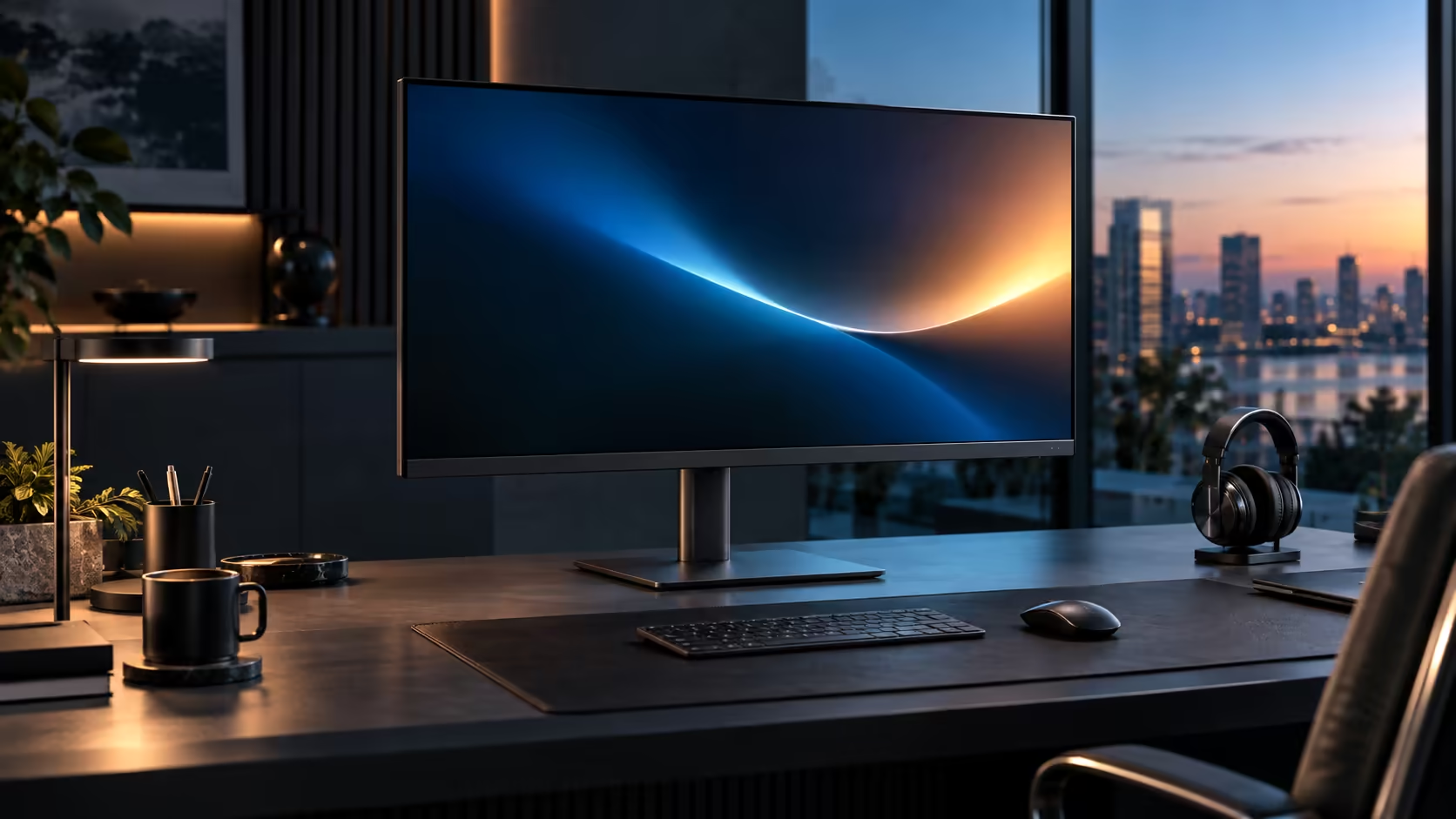
Better is a relative word, and the honest comparison between 100Hz IPS and 60Hz alternatives for productivity work depends on separating two specs that solve completely different problems rather than treating the upgrade as one single feature. The Dell Pro 32 Plus P3225DE bundles both at R8,799.
Quick Answer
Better, though not by as much as ports or stand adjustment. Extra frames ease long reading sessions and make window management feel exact, while IPS keeps tone steady when a colleague leans in. Dell sells the 100Hz Pro 32 Plus P3225DE for R8,799.
🎯 Two separate upgrades bundled into one comparison
Treating "100Hz IPS" as a single feature obscures what is actually two independent improvements over a 60Hz VA baseline.
100Hz improves motion: scrolling, dragging and pointer movement all look smoother than at 60Hz, regardless of panel technology. IPS improves consistency: colour and contrast remain steady across a wider range of viewing angles than VA typically manages, regardless of refresh rate. A 100Hz IPS panel like this one delivers both improvements simultaneously, but they are worth judging on their own separate merits rather than as one combined feature.
🖱️ Where the 100Hz half of the upgrade actually matters
Being specific about motion improvement avoids overselling a spec that has no effect on static content.
Long reading sessions involving scrolling through reports or documents benefit clearly from 100Hz, since the reduced smear during motion eases the visual effort of tracking moving text over hours. Precise window management, dragging panels into exact positions on a wide desktop, also benefits, since the pointer and dragged window track more closely to your actual hand movement. A fixed page you are simply reading without scrolling looks identical at 60Hz and 100Hz.
👥 Where the IPS half of the upgrade actually matters
This half of the comparison matters in entirely different moments than the refresh rate does.
Anyone regularly viewing the screen from a slight angle, whether that is a colleague leaning in to check something or simply not sitting perfectly centred yourself, benefits from IPS's steadier colour and contrast across viewing angles. A VA panel viewed the same way can show a visible colour or contrast shift, particularly noticeable on a wide 31.5-inch screen where the edges sit at a meaningfully different angle from the centre relative to your eyes.
🧮 Whether the combination is worth it for your specific desk
Bringing both halves together into one honest assessment depends on how much your work actually involves motion and shared viewing.
A desk doing long scrolling sessions in solitary use gets most of its benefit from the 100Hz side specifically. A desk regularly viewed by more than one person gets most of its benefit from the IPS side specifically. A desk doing both, which describes most general productivity work, gets genuine value from the combination this monitor bundles at no separate cost for either upgrade. Compare the office monitor range, check best-selling monitors for what other buyers choose, and browse gaming monitors if an even higher refresh rate also interests you.
Frequently Asked Questions
Is 100Hz IPS better than 60Hz IPS for productivity work?
Yes, specifically for anything involving scrolling or dragging, where the extra refresh rate reduces motion smear without any downside.
Is 100Hz VA better than 60Hz IPS?
It depends on your priority: 100Hz VA improves motion but keeps VA's viewing-angle weakness, while 60Hz IPS keeps consistent colour but without the motion improvement.
Do I need both improvements, or is one enough for most people?
Most general productivity desks benefit from both to some degree, though a desk with only one dedicated viewer and little scrolling could reasonably prioritise one over the other.
Does IPS or 100Hz cost more to add individually?
Pricing varies by manufacturer, but this monitor bundles both without treating either as a separate premium feature, which is generally the better value than paying for them individually elsewhere.
Ready to judge which half of this upgrade matters most for your desk?
Think about how much of your day involves scrolling versus shared viewing before weighing the combination.