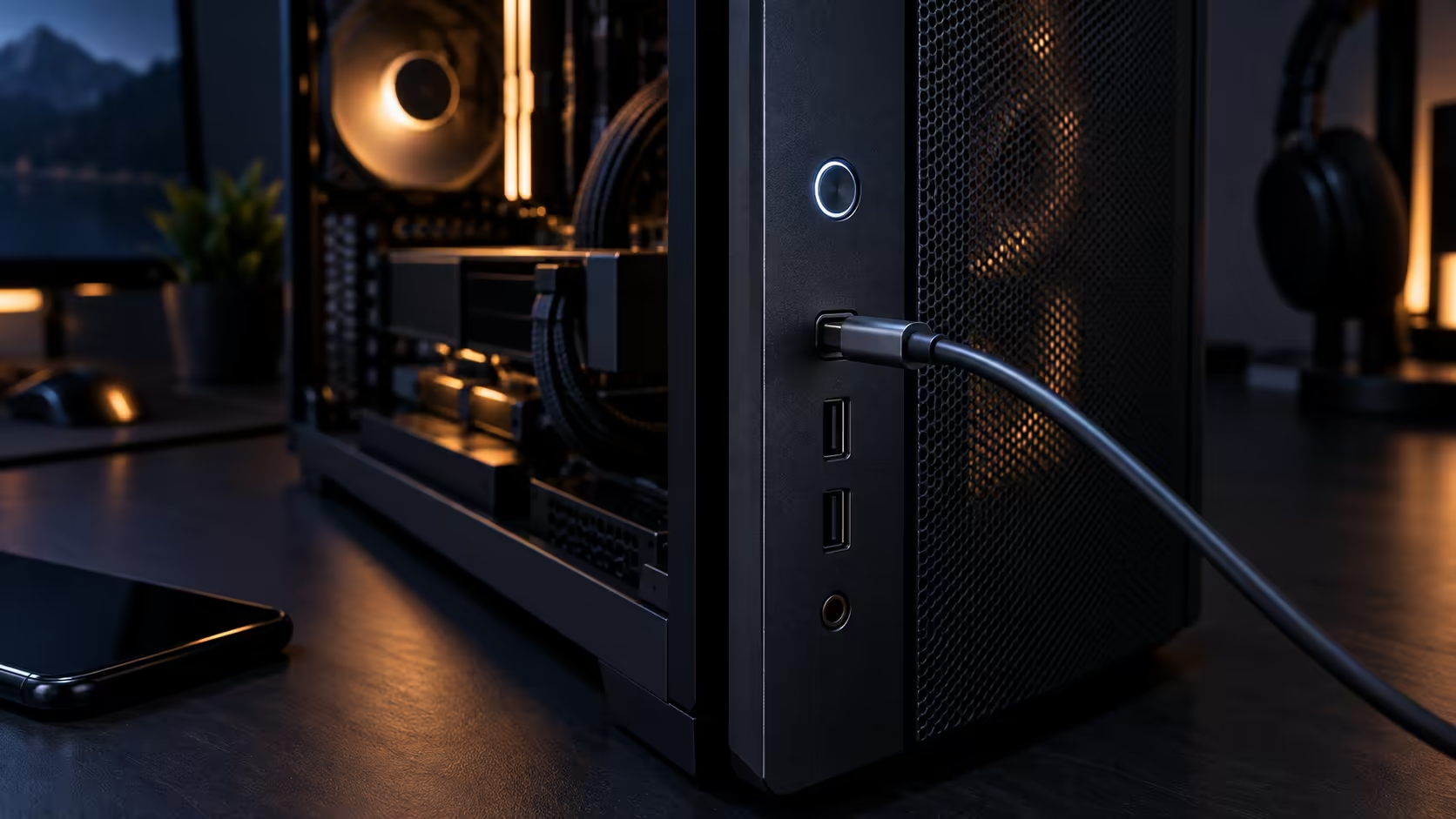
Whether a fast USB-C port on the front of a case earns its keep depends entirely on what you actually plug into it, not on the number printed next to it. 20Gbps and 60W solve two separate daily habits, and neither is universally useful the way a case listing tends to imply.
Quick Answer
Both earn their place if backing up an external drive, docking a handheld, or offloading a capture device is a daily desk habit rather than an occasional one. Neither adds much once every peripheral you own already lives on a permanent hub and a phone charges overnight elsewhere in the house. Read the actual product page for the case in front of you, since this pair of features is far from a given at any particular price bracket.
💾 The daily habit that makes 20Gbps worth having
If backing up to an external drive is a routine rather than an occasional task, the difference between a 20Gbps port and a slower one shows up every single time you do it. A large backup that takes several minutes on a fast port can take considerably longer on a 5Gbps connection, and that gap compounds if the habit is weekly rather than monthly.
If your actual routine involves smaller files, flash drives, or peripherals that never approach that speed regardless of the port, the fast connection sits unused most of the time, and a standard port would have done the same job for less money spent on the case.
🔋 60W charging fits a specific category of device
60W comfortably charges a phone at full speed and most handheld gaming consoles without issue, which makes the front port a genuine substitute for a separate charger sitting on the desk for those specific devices. A gaming laptop is a different story: most want somewhere between 100W and 180W to keep up while running under load, a ceiling this port was never built to reach.
Know which category applies to you before treating this as a general charging upgrade. It replaces a phone charger convincingly; it does not replace a laptop's own power brick.
🎥 Where it genuinely changes a workflow
Anyone streaming, capturing footage, or offloading photos from a camera at the desk benefits from both features together: fast transfer for the footage itself and convenient charging for whatever device is capturing it. That combination is where front USB-C on a mid-tower case earns a permanent place in the daily routine rather than sitting unused most weeks.
For a purely gaming-focused desk with no capture workflow and no daily drive-swapping habit, the same rand spent on cable quality or a proper power bank for mobile use elsewhere in the house often delivers more day-to-day value than the same feature on the case front panel.
🔍 What to actually check before buying
Read the specific case listing's front I/O section rather than assuming a premium case includes either feature, since front-panel connectivity varies significantly between models at similar prices. If you are unsure whether your existing devices even need 20Gbps, check their own spec sheets first, since plenty of common peripherals run happily at far lower speeds. Good cable solutions matter regardless of the port speed, and a dedicated power bank covers mobile charging away from the desk in a way a front case port never will.
Frequently Asked Questions
Is 20Gbps ever wasted?
Yes, on peripherals or drives that cannot use that speed regardless of the port, in which case a standard connection does exactly the same job.
Does 60W cover every device I might plug in?
It comfortably covers phones and most handhelds, but a gaming laptop generally wants more power than a 60W front port has to give.
How can I check if a specific case actually has these features?
Read that case's own product listing's front I/O section directly, since the spec is not guaranteed by price tier or category alone.
Ready to check whether fast front USB-C fits your actual routine?
Match the feature to your real daily habits before paying extra for it.