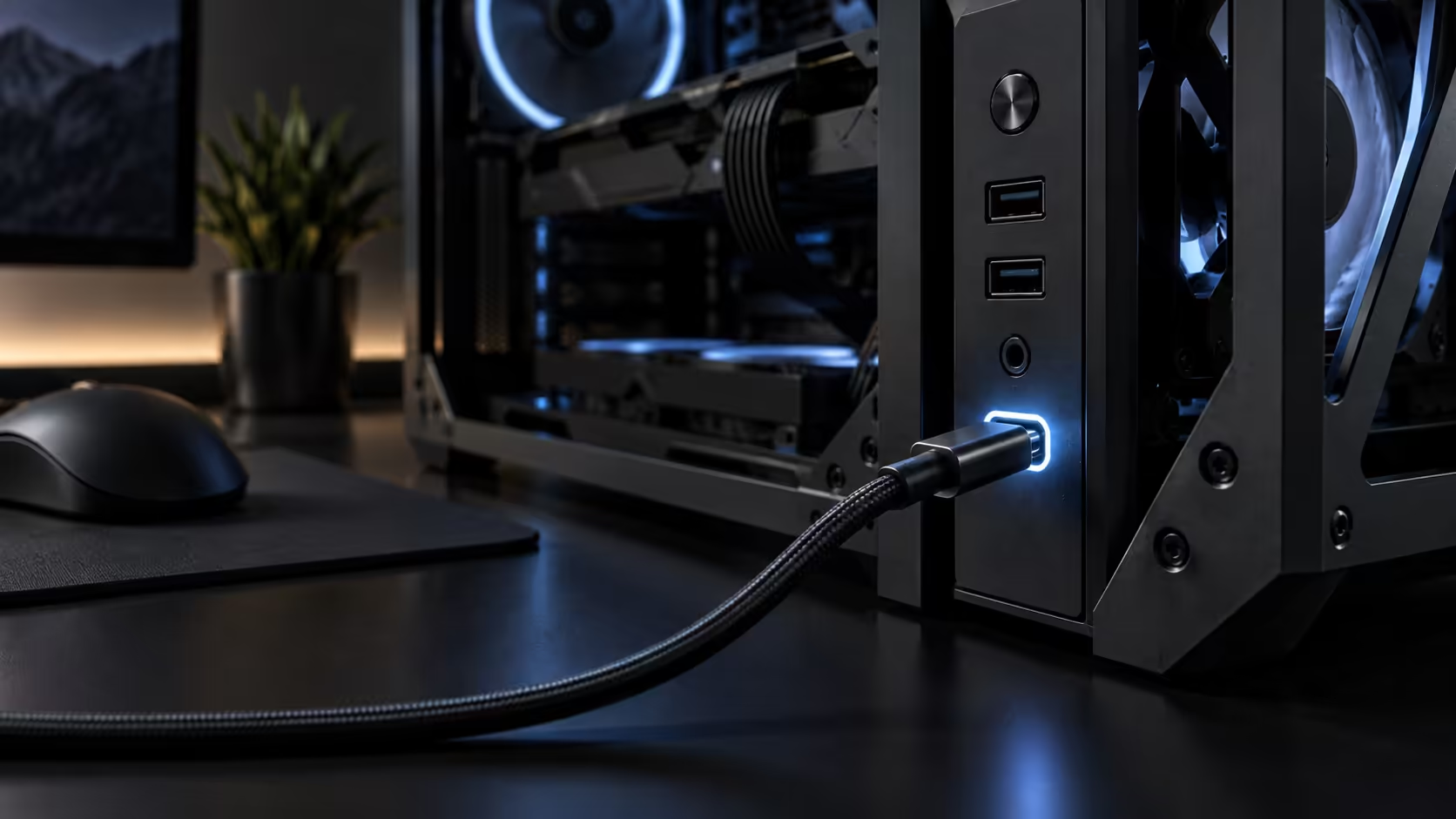
Front-panel connectivity is one of the few case specs that changes daily habits rather than just build day, and it is also one of the easiest specs to overpay for without actually needing it. Front USB-C 20Gbps and 60W charging sound like a single upgrade, but they solve two different problems, and only one of them is expensive to add after the fact.
Quick Answer
USB-C at 20Gbps is worth paying more for if you move external drives, capture footage, or dock a laptop at the desk daily; if everything you own already lives on a permanent desk hub, it adds little. 60W charging covers a phone or a handheld console comfortably but falls well short of most gaming laptop chargers, which commonly need 100W or more. Confirm the exact front I/O spec on the specific chassis you are buying before paying extra for either feature, since case listings vary on this more than most other specs.
⚡ What 20Gbps actually buys you day to day
USB 3.2 Gen 2x2, the technical name behind a 20Gbps port, is roughly double the throughput of the far more common 10Gbps USB-C port, and that difference is only noticeable with a device fast enough to use it. A fast external SSD can genuinely benefit, transferring a large game install or a video project meaningfully faster than a 10Gbps or 5Gbps port would manage.
For anything slower than that, whether a flash drive, a keyboard, or most peripherals, the extra bandwidth changes nothing you will feel. The honest test is whether you already own or plan to own a drive fast enough to need it; if you do not, a cheaper case with a standard USB-C port does the same job for daily use.
🔌 60W charging: useful, with a real ceiling
A 60W front port covers most phones, tablets and handheld gaming consoles at a comfortable speed, and for those devices it genuinely replaces a separate charger sitting on the desk. Where it falls short is a gaming laptop, which commonly wants 100W to 180W to charge at a useful rate under load, well past what a 60W case port can supply.
Know which category your devices sit in before treating this as a laptop-charging feature. It is a phone and handheld feature that happens to also trickle-charge a laptop slowly, not a replacement for that laptop's own charger.
🔍 Why you cannot assume either spec from the case category
Front I/O varies more between individual mid-tower cases than almost any other spec, including within the same price bracket, because the header type and power delivery circuitry cost money that not every manufacturer includes even at a premium price point. A premium or high-end price tag says nothing reliable about its exact front-panel connectivity.
Read the specific product listing's front I/O section before assuming a case has either feature, and if the exact port speed and charging wattage are not stated plainly, treat that as the answer rather than assuming the best case. A docking station or a desk USB hub covers the same daily connectivity need regardless of what the case's front panel offers, and either is a reasonable fallback if the exact case you want does not confirm the spec you were hoping for.
Frequently Asked Questions
Is 20Gbps noticeably faster in daily use?
Only with a device fast enough to use it, such as a high-end external SSD. Slower peripherals see no difference at all.
Will 60W charge a gaming laptop at full speed?
No. Most gaming laptops want well over 60W to charge under load, so this feature suits phones and handhelds rather than laptops.
How do I know if a specific case has these features?
Read the front I/O section of that case's own product listing, since the spec varies significantly between models even at similar prices.
Is a docking station a reasonable substitute?
Yes, particularly if the case's front ports are unconfirmed or modest. A dock or hub delivers the same daily connectivity independent of the case entirely.
Ready to check whether front USB-C is worth the extra spend for you?
Match the port speed and wattage to the devices you actually plug in daily.