


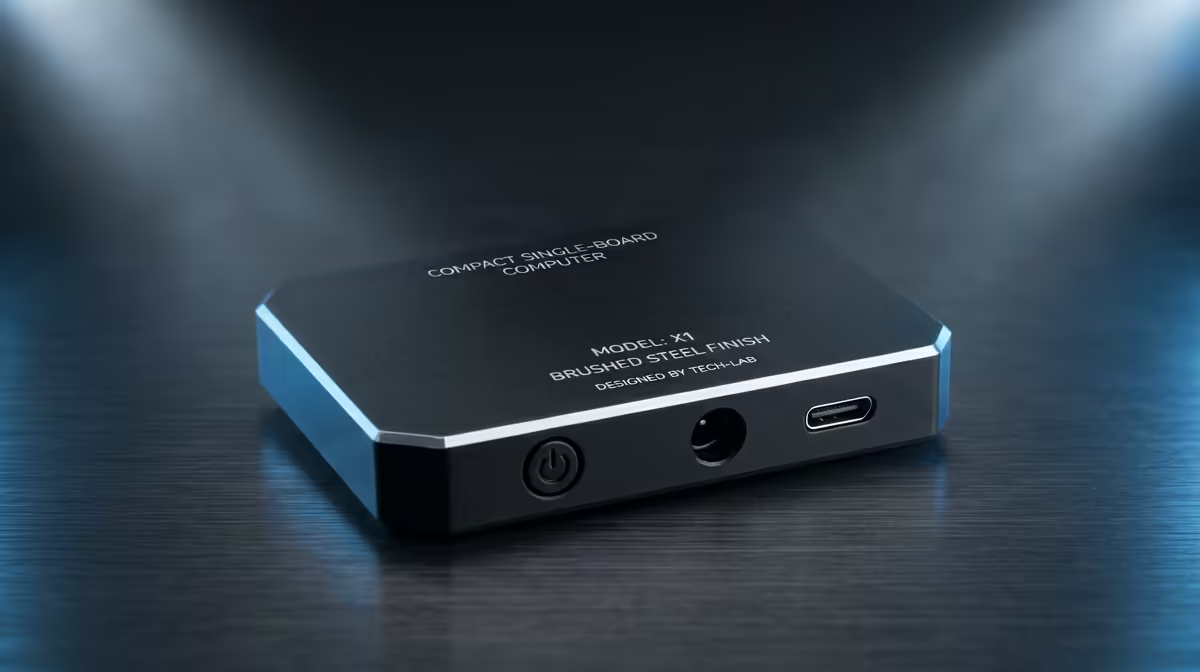
Drop a Raspberry Pi and a Windows laptop on the same desk and they speak two different machine languages at the silicon level. That split is ARM vs x86, and it explains why the Pi sips power while your laptop chews through it, and why some software runs on one but not the other. The Raspberry Pi 5 leans on an Arm chip; most Windows laptops run x86 from Intel or AMD.
Quick Answer
ARM and x86 are two different CPU instruction set architectures. The Raspberry Pi 5 uses Broadcom's BCM2712 with a quad core 64 bit Arm Cortex-A76 at 2.4GHz, while most Windows laptops run x86 Intel or AMD chips. ARM is built around power efficiency, x86 around raw compatibility with the largest software library on the planet.
RISC versus CISC, the root of the difference
The two architectures grew from opposite design philosophies. ARM is a RISC design, a reduced instruction set, built from simpler instructions the chip can execute very efficiently. x86 is a CISC design, a complex instruction set that has accumulated rich, layered instructions over decades. Neither is simply better. RISC tends to deliver excellent performance per watt, while CISC carries the weight of backward compatibility stretching back to software written years ago.
That single philosophical fork is why the same task can feel so different on each chip. The Pi's Cortex-A76 cores do more with less energy, while an x86 laptop chip trades some of that efficiency for the ability to run an enormous existing catalogue of software without translation.
Why the Raspberry Pi uses ARM
Power efficiency is the headline reason. The same RISC traits that let smartphones run all day on a small battery make ARM ideal for a tiny board like the Raspberry Pi 5. The BCM2712 runs cool enough for compact designs, draws little power, and still delivers a real performance jump over the Pi 4 for everyday CPU and input output workloads. For a board meant to run quietly in a corner as a media server, a learning machine, or a home automation hub, low power and low heat matter more than peak compatibility.
ARM's efficiency reaches well beyond hobby boards too. The same per watt advantage is why ARM dominates phones and why cloud providers have rolled out ARM server chips that cut energy use significantly compared with x86 equivalents. Efficiency scales from a credit card sized board all the way up to the data centre. If you want that low power, always on character in a desktop form, the compact systems in the mini PC range at Evetech cover both ARM style efficiency and x86 builds.
Why your laptop still runs x86
Compatibility is the reason x86 holds the laptop and desktop world. Decades of Windows applications, games, and professional tools were compiled for x86, and most still expect it. Running x86 means that vast library works without a translation layer slowing things down or breaking edge cases. You pay for that compatibility with higher power consumption and more heat, which is why x86 laptops need bigger batteries and more cooling than an ARM board ever would.
The lines are blurring as ARM laptops grow more capable and software gets recompiled, but for now, if you need a specific Windows program or a particular game to just work, x86 remains the safe bet. When raw compatibility with the broadest software catalogue is the priority, x86 desktops and laptops like those in the PC best sellers are still the default choice.
Frequently Asked Questions
Can I run normal Windows software on a Raspberry Pi?
Not natively. The Pi runs Arm based operating systems and software compiled for ARM, so standard x86 Windows applications will not run without emulation, which is slow. For Pi projects you use Linux software built for ARM, which covers a huge range of tasks.
Is ARM faster than x86?
It depends on the workload. ARM wins decisively on performance per watt, doing more work for each unit of energy, while high end x86 chips still lead on raw peak performance for demanding desktop tasks. Faster is the wrong frame; efficient versus compatible is closer to the truth.
Why does ARM use less power?
Its RISC design relies on simpler instructions that the chip can execute with less energy, the same trait that lets smartphones last all day. That efficiency is exactly why ARM suits small boards like the Raspberry Pi 5 and large scale cloud servers alike.
Are ARM laptops becoming common?
Yes. ARM based laptops have grown steadily more capable, offering long battery life and quiet operation, and more software is being recompiled to run on them natively. For now x86 still leads on outright compatibility, but the gap is closing.
Curious about a low power, always on machine of your own? Browse the mini PC range at Evetech and pick the architecture that fits how you actually work.










