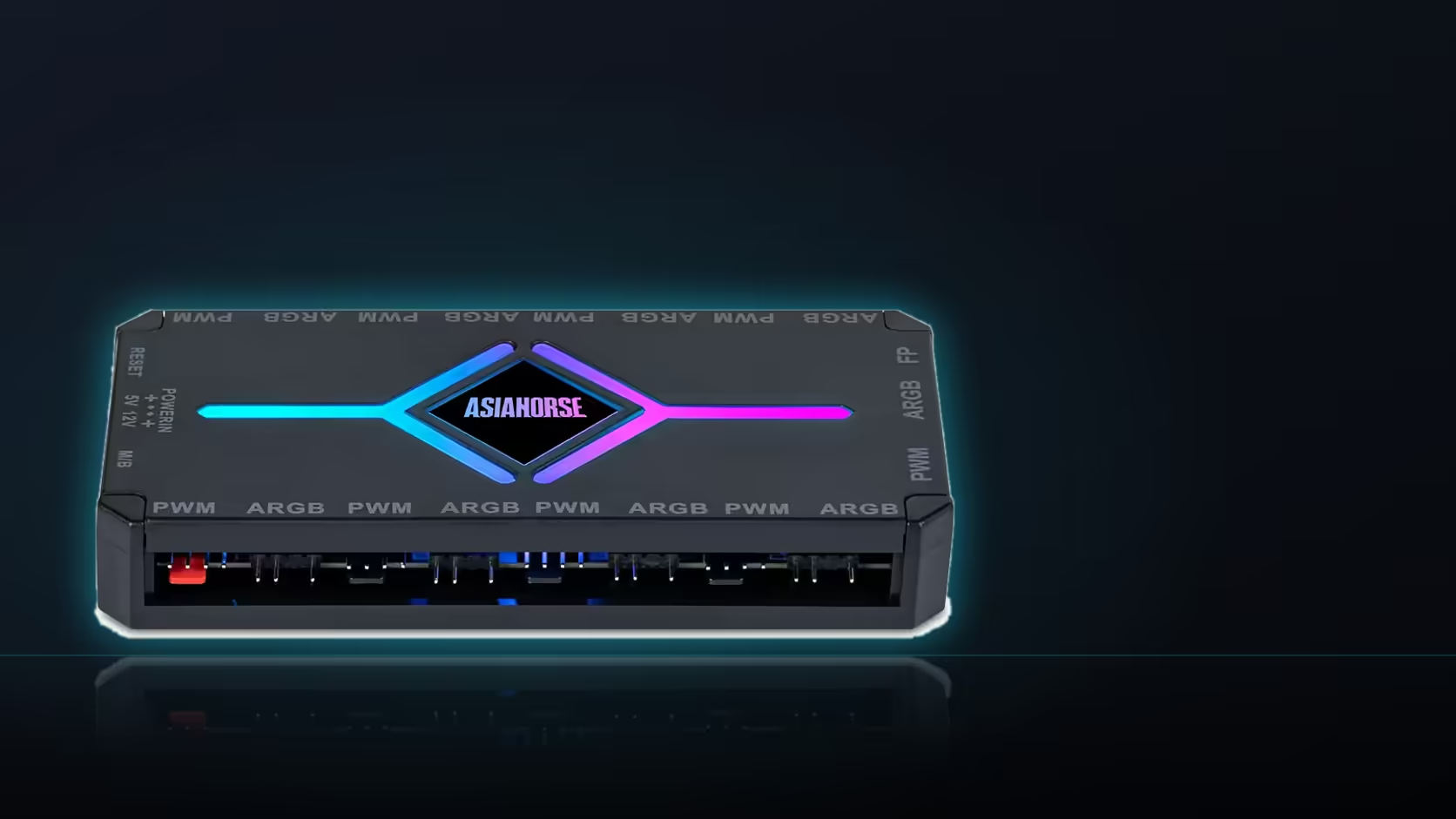
Most cases already ship with some kind of hub inside them, so the question is not whether to add one but whether the one already there is worth keeping around a ASH-S1. Plenty of bundled case hubs are simple addressable splitters with no speed control at all, which is a different job to the one the ASH-S1 does.
Quick Answer
It depends on what the existing case hub actually does. If it is only an addressable lighting splitter with no fan speed control, the ASH-S1 at R349 can replace it outright, since it covers both nine-port banks - PWM fan and 5V addressable lighting - from one SATA-powered unit. Running both is possible where rework is not worth the trouble, though it usually adds cable clutter for no extra capability.
🔍 What case-bundled hubs typically do
A lot of included case hubs exist purely to distribute one addressable signal to several fans or a strip, without touching fan speed at all - speed is left to the motherboard or ignored entirely. That is a narrower job than what a dedicated hub like the ASH-S1 does, which pairs nine PWM fan ports with nine 5V addressable ports and adds a remote with its own speed, brightness and effect control. Worth checking your case's manual or the hub itself for a model name before assuming it can do more than it actually offers.
⚖️ Replace outright, or run both together
Where the case hub is already wired into a working setup for part of the build, ripping it out purely for tidiness is not always worth it. But running two hubs means two power connections, two potential points of lighting failure, and a case interior with more cable in it than either hub alone would need. If the case hub cannot control fan speed and speed control matters to you, replacing it with the ASH-S1 removes a device rather than adding one, since it absorbs both jobs into a single SATA-powered unit with a magnetic mount that needs no screws.
🧩 What moves over if you swap
Every fan and lit accessory currently on the case hub needs a home on the ASH-S1's ports once the old hub comes out, so count what is connected before deciding. Up to 377 LEDs is the ceiling to plan the lighting side against, which covers everything from fan rings to strips once they are all moved across. Checking Evetech's case fan range gives a sense of what a nine-port bank could realistically carry once everything is moved across, while the NZXT fan controller makes a decent second reference point before the swap is finalised.
Frequently Asked Questions
What do case hubs usually do?
Many are addressable lighting splitters, distributing one signal to several devices without any fan speed control at all.
What does the ASH-S1 add over that?
Nine four-pin fan ports alongside nine addressable ports, plus a remote with speed, brightness and effect control.
Is running both hubs ever sensible?
Where the existing hub is already wired and working for part of the build, leaving it can save rework.
What is the downside of two hubs?
More cable, two power connections and two places a lighting fault could originate, which complicates diagnosis.
Does the ASH-S1 need mounting hardware?
No screws. The magnetic mount snaps it to any steel panel, which also makes repositioning easy.
How many LEDs can the new hub carry in total?
Up to 377 in total, which is the figure to plan every connected lighting device against.
Deciding whether to replace your case's bundled hub?
Check Evetech's case fan range to see what a full nine-port bank could add to your build.