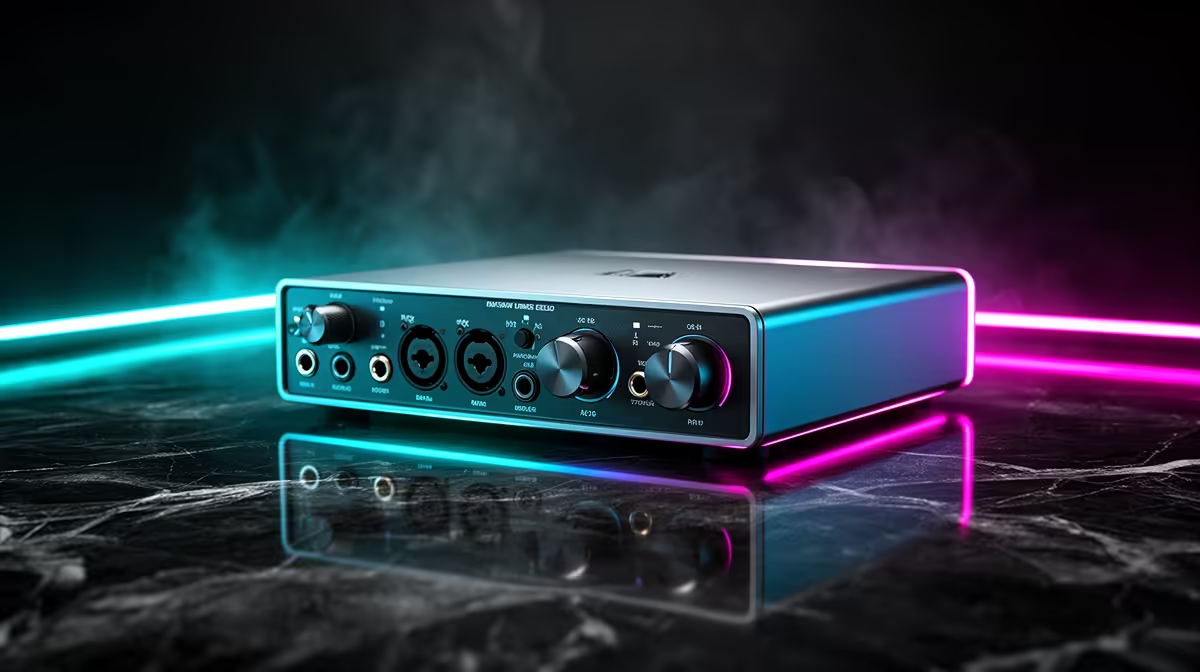
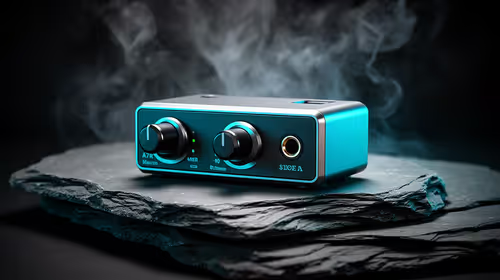
An audio interface is not worthwhile for casual photo editing because image adjustments do not require studio inputs or balanced monitor outputs. It becomes relevant only when the same desk records voice, instruments or professional audio. The supplied factpacks do not verify an audio interface, so no model or price should be attached to a photo-only workflow.
Identify the actual sound requirement
For normal editing, built-in audio or simple speakers are enough for tutorials and background music. The Logitech Z150 speakers at R421 and Logitech Z407 at R1,404 are verified desktop references. Check their exact inputs against the computer. A USB headset may be more useful for occasional calls and prevents speaker echo.
An interface earns its place when an XLR microphone, instrument input, hardware gain control or balanced studio monitors have a defined role. It also adds drivers, cables and another volume stage. Buying one for perceived sound quality without suitable speakers, room acoustics or high-quality media often delivers little practical improvement.
Photo-editing budget should go first to a responsive PC, suitable display and backups. The Dell S2725QC 27-inch 4K USB-C monitor is verified at R6,128, although colour coverage and calibration needs require confirmation. Choose an interface only for a separate audio project and test its drivers with the computer. For casual images, keep the desk simple and spend where the visual workflow is measured to be weak.
Building a casual photo-editing desk? > Compare suitable PCs, monitors and verified speakers with Evetech before considering an interface.