



650W PSU Planning for RTX 5090 Builds in SA
650W for RTX 5090 needs a full-build check, not a simple yes. Review GPU guidance, CPU draw, transient load, connectors, PSU quality, and upgrade plans before deciding.
Read moreAutomatic levelling runs a printer-assisted routine, while manual levelling relies on direct user adjustment. The R7,799 Neptune 4 Plus includes auto bed levelling for its 320 x 320mm build area, but the exact sensing and adjustment method is model-specific.
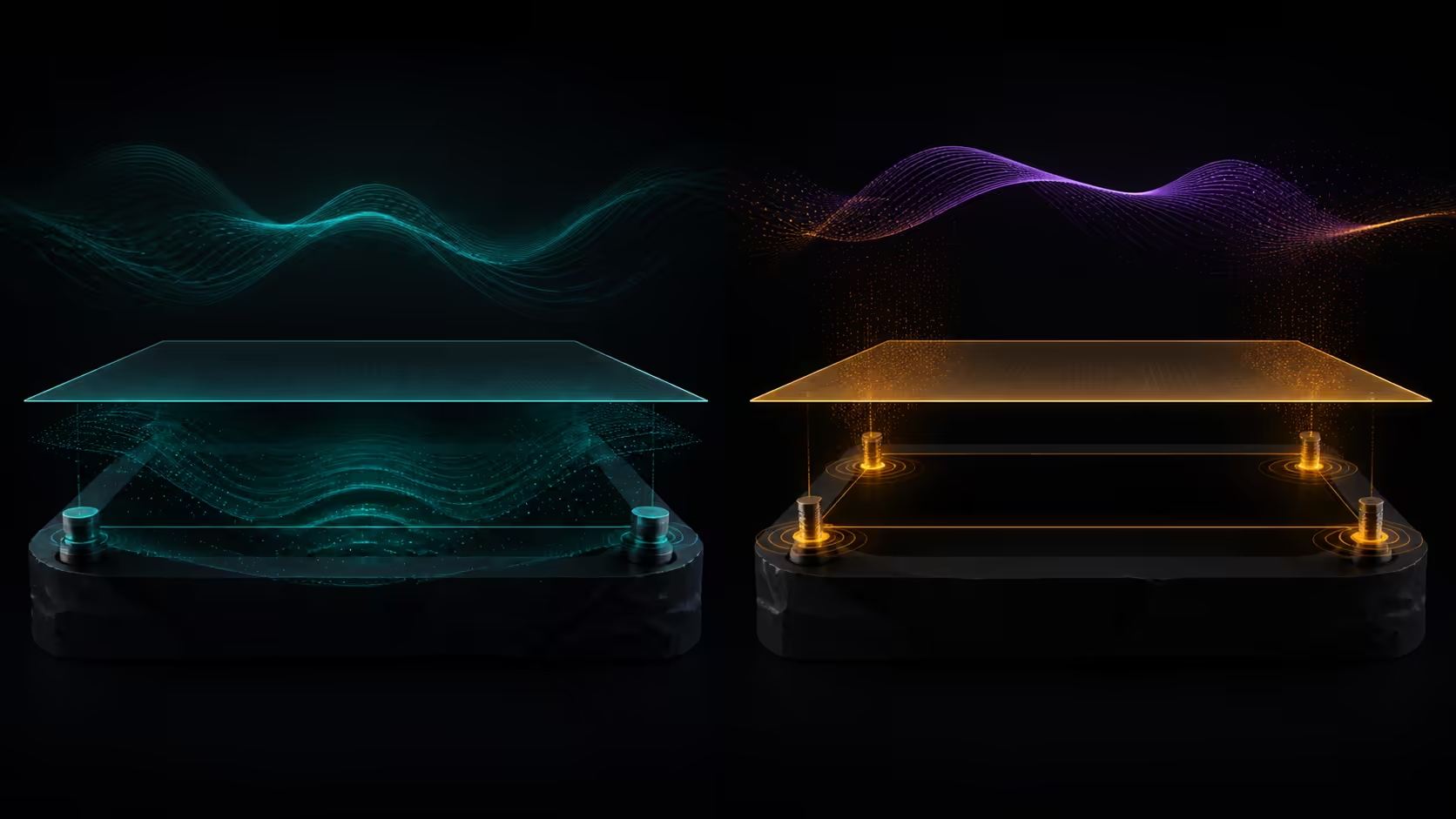
Comparing automatic vs manual bed levelling for FDM 3D printers means separating who performs the adjustment from how the first layer is verified. Automation can run a printer-assisted routine, while manual systems depend more directly on user adjustment; both still need a printed check.
The Neptune 4 Plus automates bed levelling, while manual levelling depends on the operator setting the plane; surface preparation and first-layer offset still matter in both.
The R7,799 Neptune 4 Plus includes automatic bed levelling for a 320 x 320mm build area. Use its exact routine, prepare the surface and approve a broad first layer. Do not assume a probe type, point count or adjustment method from the word automatic.
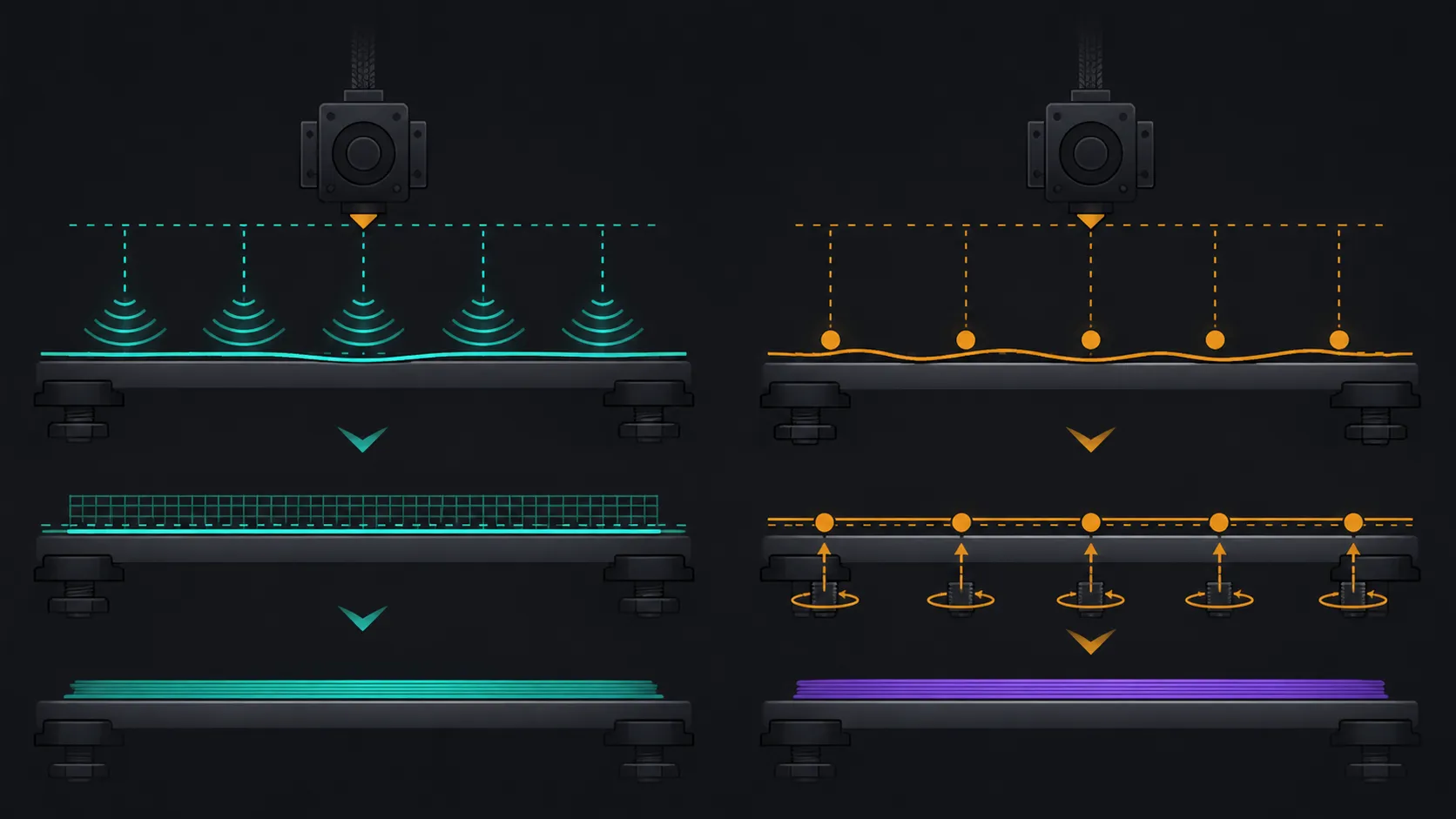
An automatic system uses the printer's own process to assess or compensate for the build surface. The precise sensing hardware, mesh and user inputs vary between models, so follow the Neptune 4 Plus sequence rather than a generic tutorial for another machine.
Automation can reduce repeated manual work, but it cannot clean the plate, choose the filament profile or interpret a poor first layer. The operator remains responsible for preparing and checking the complete setup.
Because this bed spans 320 x 320mm, the verification pattern should reach the regions needed by the next job rather than staying only in the centre.
Manual levelling asks the user to adjust the bed relationship through the particular printer's mechanism. It can make the physical relationship visible, yet consistency depends on careful technique and repeated checking.
Do not assume the auto-levelling Neptune requires or excludes a certain manual adjustment. Confirm what its own operating process asks the user to do before, during and after the routine.
Compare levelling approaches among large 3D printers at Evetech, using exact controls rather than category names alone.
Use one known material and a broad, low first-layer pattern. Inspect line contact, joining and consistency across the relevant surface zones. The result provides comparable evidence whether the setup was automated or adjusted manually.
If the pattern varies, isolate surface preparation, initial height and extrusion before repeating several levelling cycles without diagnosis. A levelling feature cannot identify every cause of uneven material placement.
Select test material through Evetech's filament range after confirming the full compatibility route.
Automatic levelling can suit users who value a printer-assisted setup step. A manual approach may appeal where the exact adjustment process is understood and repeatable. Neither category guarantees perfect output.
Browse 3D printers from Evetech with build space, firmware and extrusion reviewed alongside levelling.
The Neptune's 385mm printable height completes its 320 x 320 x 385mm volume. Capacity matters after the bed baseline is sound; it does not alter how the first layer should be approved.
For shared equipment, give every operator the same preparation and verification card. The automated sequence should begin from the same clean condition and end with the same printed acceptance pattern. Manual intervention should occur only where the exact printer workflow calls for it, so personal habits do not quietly replace a repeatable process.
Date each accepted baseline after the fully completed layer check.
Use the correct face of its double-sided platform before running the automatic cycle. PLA has a dedicated low-temperature side, while textured PEI serves ABS, TPU and carbon-fibre blends. Automation reduces repetitive measurement, but a full-bed test still reveals contamination, offset or extrusion problems.
Automatic levelling is especially helpful across a 320mm square because the routine samples the working plane consistently. Manual intervention still belongs in cleaning, choosing the plate side and setting an appropriate first-layer height. Beginners should save the successful sequence instead of changing bed, nozzle and flow settings simultaneously.
Store the successful first-layer settings with the selected material profile.
Automatic levelling runs a printer-assisted routine, while manual systems depend on direct user adjustment of the bed relationship.
It includes automatic bed levelling across its 320 x 320mm build surface.
Check the exact Neptune 4 Plus operating process rather than estimating probe or mesh details from another model.
No. A printed pattern still verifies surface preparation, initial placement and extrusion together across the required area.
Use any physical or manual checks required by the exact printer process, especially after changes affecting the bed relationship.
The printer provides 385mm of printable height above its 320 x 320mm build area.
Choosing a levelling workflow you can verify? Compare FDM printers at Evetech with the setup routine, first-layer test and operator responsibilities clearly separated.
Automatic levelling runs a printer-assisted routine, while manual systems depend on direct user adjustment of the bed relationship.
It includes automatic bed levelling across its 320 x 320mm build surface.
Check the exact Neptune 4 Plus operating process rather than estimating probe or mesh details from another model.
No. A printed pattern still verifies surface preparation, initial placement and extrusion together across the required area.
Use any physical or manual checks required by the exact printer process, especially after changes affecting the bed relationship.
The printer provides 385mm of printable height above its 320 x 320mm build area.
650W for RTX 5090 needs a full-build check, not a simple yes. Review GPU guidance, CPU draw, transient load, connectors, PSU quality, and upgrade plans before deciding.
Read more
How to fix FPS drops Windows 11 RX 9070 XT starts with GPU drivers, overlays, power plans, and frame pacing checks. For SA gaming PCs, verify chipset updates, HAGS, refresh rate, thermals, and per-game graphics settings.
Read more
How to fix FPS drops on X870E motherboard starts with BIOS, chipset drivers, PCIe settings, and memory stability. SA gamers can check EXPO, resize BAR, thermals, display refresh, and background apps before replacing components.
Read more
RTX 5060 is popular with SA students because it can fit gaming, coursework, and creative app needs in one setup. Compare total system price, cooling, RAM, storage, and screen quality before picking a desktop or laptop.
Read more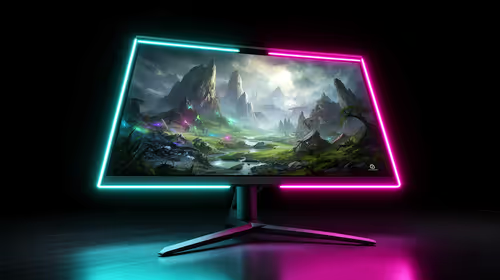
1440p is the sweet spot for SA gamers because it balances sharp visuals, high frame rates, and GPU cost better than 4K. It is a practical monitor target for players who want smoother upgrades without the heavier hardware demands of 4K.
Read more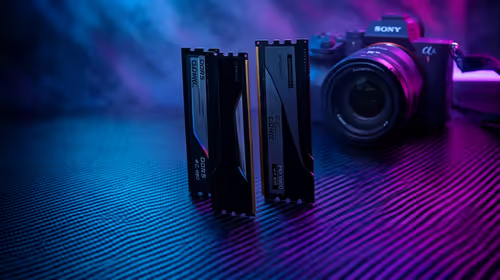
RAM pricing for Midrand gamers can shift with exchange rates, supply, specs, and model tier. Treat the title as a buying prompt, then compare SA warranty, timing, and build priorities.
Read more
From 1 October 2026, WhatsApp Business Platform service replies in South Africa are expected to cost about $0.0076, or 12 cents, per delivered message.

DDR5-8000 RAM Kits pros and cons depend on the build, budget, and workload. Weigh gaming needs, platform fit, power, cooling, warranty support, and South African pricing context before shortlisting it.

Wi-Fi 6E vs Wi-Fi 6 depends on AAA single-player gaming needs, platform limits, and budget fit. Compare compatibility, latency, upgrade path, and real setup constraints before choosing for an SA build.

Ryzen 9 9950X3D dead pixel checks should isolate the panel first. Run colour fills, inspect the monitor menu, test another cable or input, and capture proof before linking it to the SA CPU upgrade.

YouTube will count public views from the first frame across video formats from 24 August, while earnings and eligibility remain tied to engaged viewing.

Canonical expects Ubuntu on WSL users to outnumber native Ubuntu desktop users before the end of 2026. The software is open source and runs inside supported Windows PCs.

Telkom's daily bundles pair WhatsApp access with 10 all-network voice minutes. The R15 option includes 300MB, while the R17 option uses a fair-use threshold.

A 10,000-hour test found similar image retention across older and newer OLED TVs, while newer panels were brighter and more efficient. Local OLED monitors started at R9,999.

Windows 11 update KB5121003 is linked to crashes in several multiplayer games on versions 24H2 and 25H2. Check the build, report the fault and avoid risky file or update changes unless the problem is confirmed on your PC.

Comsol's standalone 5G network covers about one million Gauteng homes and starts commercial ISP service in September. Early packages range from R275 to R875 a month, but coverage and fair-use rules still decide the real value.

Sennheiser's Momentum True Wireless 5 adds user-replaceable batteries, 12-hour playback and a $299.95 launch price. There is no confirmed South African date, so compare longevity with live earbuds from R199 to R2,999.

AVerMedia's GC531 and GC535 are professional HDMI capture devices for continuous streaming, with RGB24 capture up to 2K30 and 4K30. South African creators should compare them with live 4K capture cards from R2,099.