



650W PSU Planning for RTX 5090 Builds in SA
650W for RTX 5090 needs a full-build check, not a simple yes. Review GPU guidance, CPU draw, transient load, connectors, PSU quality, and upgrade plans before deciding.
Read morePhotoshop work can justify a B650 motherboard when the PC is being built for consistent creative use in South Africa.
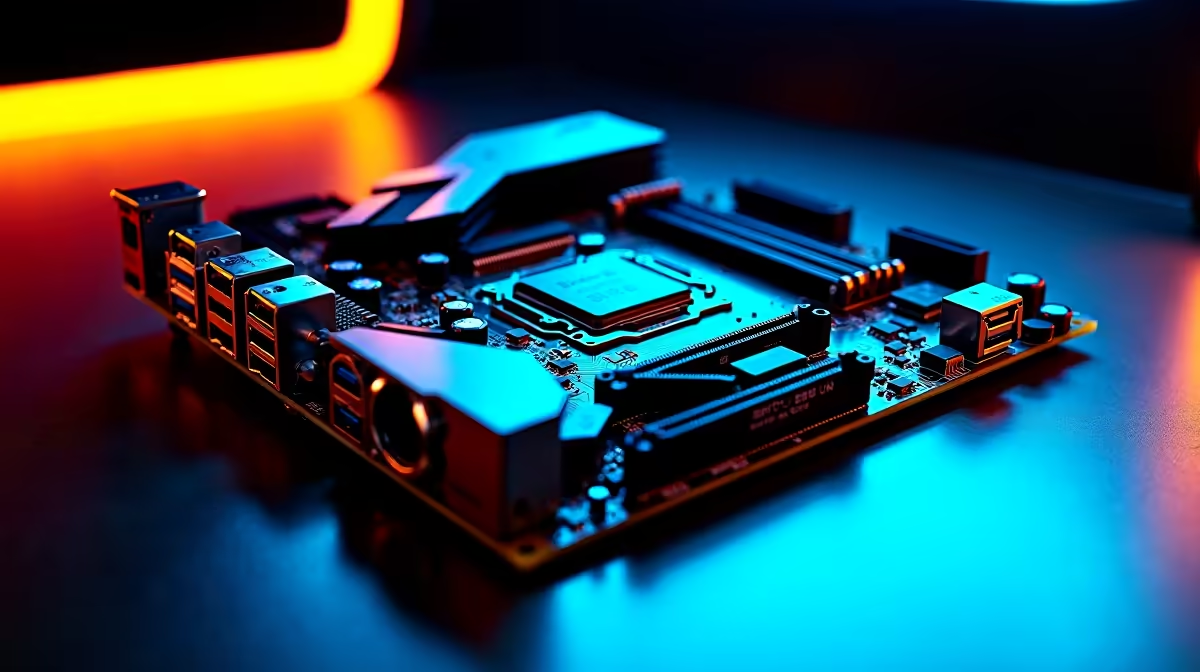
ASUS Prime B850M-F WiFi at R2,300 suits a South African creator desk that needs a sensible, current board with built-in WiFi for photo-editing work. For most users, a B650-class choice only makes sense if the price is clearly better, because this motherboard gives you a newer B850 platform without jumping into premium pricing.
MSI A520M-A PRO at R700 is the budget fallback, but its A520 platform is better suited to a basic office tower or light home PC than a serious editing machine. It keeps the spend low, yet the lower-tier board makes less sense if the rest of the build is meant to handle heavier creative work.
ASROCK B850 Pro RS at R2,850 is the stronger middle pick if you want a newer B850 board and a little more room in the budget. MSI B850 Gaming Plus at R2,900 sits very close in price, so it becomes a practical alternative when the build is leaning toward a fuller desktop setup rather than the cheapest workable option.
For a local creator desk, the ASUS Prime B850M-F WiFi at R2,300 is the cleanest answer because the WiFi spec reduces cable clutter and the B850 platform keeps the build feeling current. ASUS TUF Z890-Pro at R5,000 is a much higher-end Z890 option, but that price is harder to justify for this workload unless the whole system is being built around a premium platform.
Ready to choose the right motherboard? Match b650 motherboard running photoshop to MSI A520M-A PRO at R700, then let its listed spec decide whether it belongs on the desk.
Photoshop use makes board stability important, especially with the Ryzen 5 5500 and the named ASUS Prime B850M-F WiFi option.
For image work, the motherboard should support the planned parts without forcing compromises around power, cooling, or layout.
The practical question is whether the board suits the existing Photoshop build, including the RM850e and cooling choice.
A low-cost route is fine only if Photoshop sessions stay stable with the selected processor and motherboard combination.
For Photoshop, give more weight to dependable creative work than to small savings on the board alone.
The motherboard is worth it when it leaves room for the listed components to run as a coherent Photoshop PC.
650W for RTX 5090 needs a full-build check, not a simple yes. Review GPU guidance, CPU draw, transient load, connectors, PSU quality, and upgrade plans before deciding.
Read more
How to fix FPS drops Windows 11 RX 9070 XT starts with GPU drivers, overlays, power plans, and frame pacing checks. For SA gaming PCs, verify chipset updates, HAGS, refresh rate, thermals, and per-game graphics settings.
Read more
How to fix FPS drops on X870E motherboard starts with BIOS, chipset drivers, PCIe settings, and memory stability. SA gamers can check EXPO, resize BAR, thermals, display refresh, and background apps before replacing components.
Read more
RTX 5060 is popular with SA students because it can fit gaming, coursework, and creative app needs in one setup. Compare total system price, cooling, RAM, storage, and screen quality before picking a desktop or laptop.
Read more
1440p is the sweet spot for SA gamers because it balances sharp visuals, high frame rates, and GPU cost better than 4K. It is a practical monitor target for players who want smoother upgrades without the heavier hardware demands of 4K.
Read more
RAM pricing for Midrand gamers can shift with exchange rates, supply, specs, and model tier. Treat the title as a buying prompt, then compare SA warranty, timing, and build priorities.
Read more
From 1 October 2026, WhatsApp Business Platform service replies in South Africa are expected to cost about $0.0076, or 12 cents, per delivered message.

DDR5-8000 RAM Kits pros and cons depend on the build, budget, and workload. Weigh gaming needs, platform fit, power, cooling, warranty support, and South African pricing context before shortlisting it.

Wi-Fi 6E vs Wi-Fi 6 depends on AAA single-player gaming needs, platform limits, and budget fit. Compare compatibility, latency, upgrade path, and real setup constraints before choosing for an SA build.

Ryzen 9 9950X3D dead pixel checks should isolate the panel first. Run colour fills, inspect the monitor menu, test another cable or input, and capture proof before linking it to the SA CPU upgrade.

YouTube will count public views from the first frame across video formats from 24 August, while earnings and eligibility remain tied to engaged viewing.

Canonical expects Ubuntu on WSL users to outnumber native Ubuntu desktop users before the end of 2026. The software is open source and runs inside supported Windows PCs.

Telkom's daily bundles pair WhatsApp access with 10 all-network voice minutes. The R15 option includes 300MB, while the R17 option uses a fair-use threshold.

A 10,000-hour test found similar image retention across older and newer OLED TVs, while newer panels were brighter and more efficient. Local OLED monitors started at R9,999.

Windows 11 update KB5121003 is linked to crashes in several multiplayer games on versions 24H2 and 25H2. Check the build, report the fault and avoid risky file or update changes unless the problem is confirmed on your PC.

Comsol's standalone 5G network covers about one million Gauteng homes and starts commercial ISP service in September. Early packages range from R275 to R875 a month, but coverage and fair-use rules still decide the real value.

Sennheiser's Momentum True Wireless 5 adds user-replaceable batteries, 12-hour playback and a $299.95 launch price. There is no confirmed South African date, so compare longevity with live earbuds from R199 to R2,999.

AVerMedia's GC531 and GC535 are professional HDMI capture devices for continuous streaming, with RGB24 capture up to 2K30 and 4K30. South African creators should compare them with live 4K capture cards from R2,099.