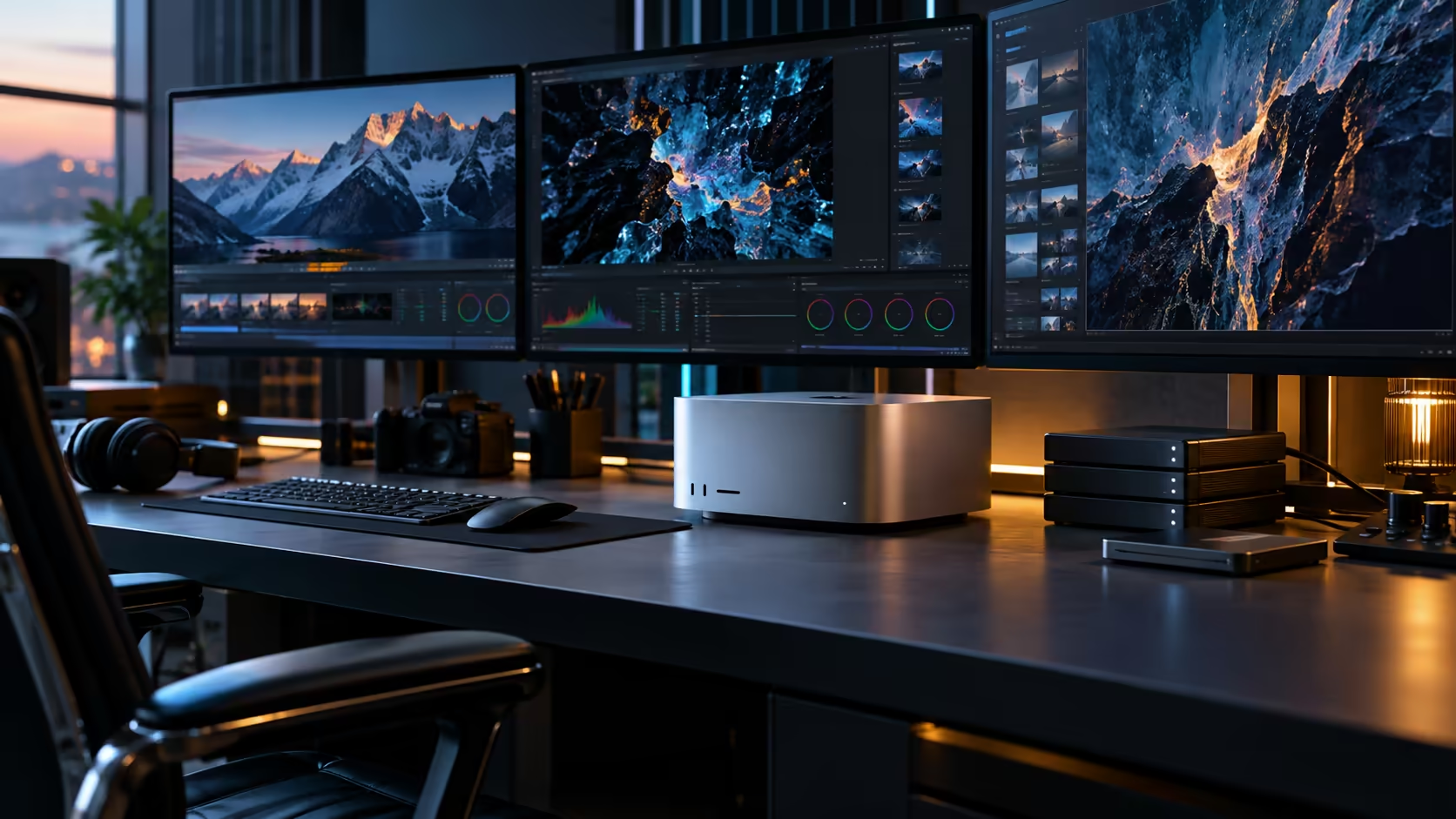
Eight monitors is the number that gets attached to this machine in searches, and it's worth separating fact from headline before buying a single panel. The Mac Studio M5 Ultra genuinely offers two more Thunderbolt ports than the M5 Max, and that difference matters more for what a desk can hold than for hitting any specific screen count.
Quick Answer
Six Thunderbolt 5 ports plus HDMI give seven physical connectors, two more than the M5 Max's five. That extra pair is real and useful for a bigger desk, but whether every connector drives an independent screen at once is set by the chip's own display engine, not by the port count, so treat "eight" as unconfirmed until checked against your specific resolution. The machine is R108,999.
🧮 Where the "eight" figure actually comes from, and why it isn't the whole answer
Marketing shorthand and a confirmed engineering limit are two different things, and only one of them is provable from what Evetech's own listing carries.
The Mac Studio M5 Ultra carries six Thunderbolt 5 ports and one HDMI output, so seven connectors can carry a video signal. Whether the chip's display engine drives all seven independently, and at what resolution, is a separate figure that Apple documents per chip generation. Buy toward the port count you can verify, then check the simultaneous ceiling before ordering panels toward any specific higher number.
⚖️ Two extra ports over the M5 Max, in practical terms
This is the comparison worth making before assuming "more screens" is the actual benefit.
Five connectors on the Max cover a solid two-screen desk with a port to spare for storage. Seven on the Ultra, over R59,500 more expensive, stretch comfortably to three screens with two ports still free for a dock and fast storage, real headroom for a busier desk rather than a marginal upgrade. That's a meaningfully different desk, independent of whether you ever chase a maximum screen count at all.
🛒 Buying against what's confirmed, not against a round number
A specific screen count target should come from your own checked figure, not from a headline.
Confirm your intended layout's resolution and refresh rate against the chip's stated display engine limit first. Then check each candidate panel from the monitor range or the monitor best-seller range against its own input type, since a panel with the wrong connector standard costs you a return shipment regardless of how the port-count math worked out.
Frequently Asked Questions
Will the Mac Studio M5 Ultra actually drive eight monitors?
Evetech's listing confirms six Thunderbolt 5 ports and one HDMI output, seven connectors. Whether all seven drive independent screens at once depends on the chip's display engine and your chosen resolution, which is worth confirming directly rather than assuming from the headline figure.
How many more ports does the M5 Ultra have than the M5 Max?
Two more: seven video-capable connectors against the Max's five, six Thunderbolt 5 ports plus HDMI against four plus HDMI.
What's the practical benefit of the extra two ports if I don't need more screens?
They free up capacity for storage and a dock without touching your display connections, which matters even on a two or three-screen desk that never approaches a maximum count.
Should I buy monitors before or after checking the exact simultaneous display limit?
After. Confirm the chip's stated ceiling at your intended resolution and refresh rate first, since ordering toward an unconfirmed number risks buying panels the setup can't actually run together.
Ready to plan a display setup against confirmed numbers rather than a headline?
Check the port count and display ceiling, then shop panels sized to match.