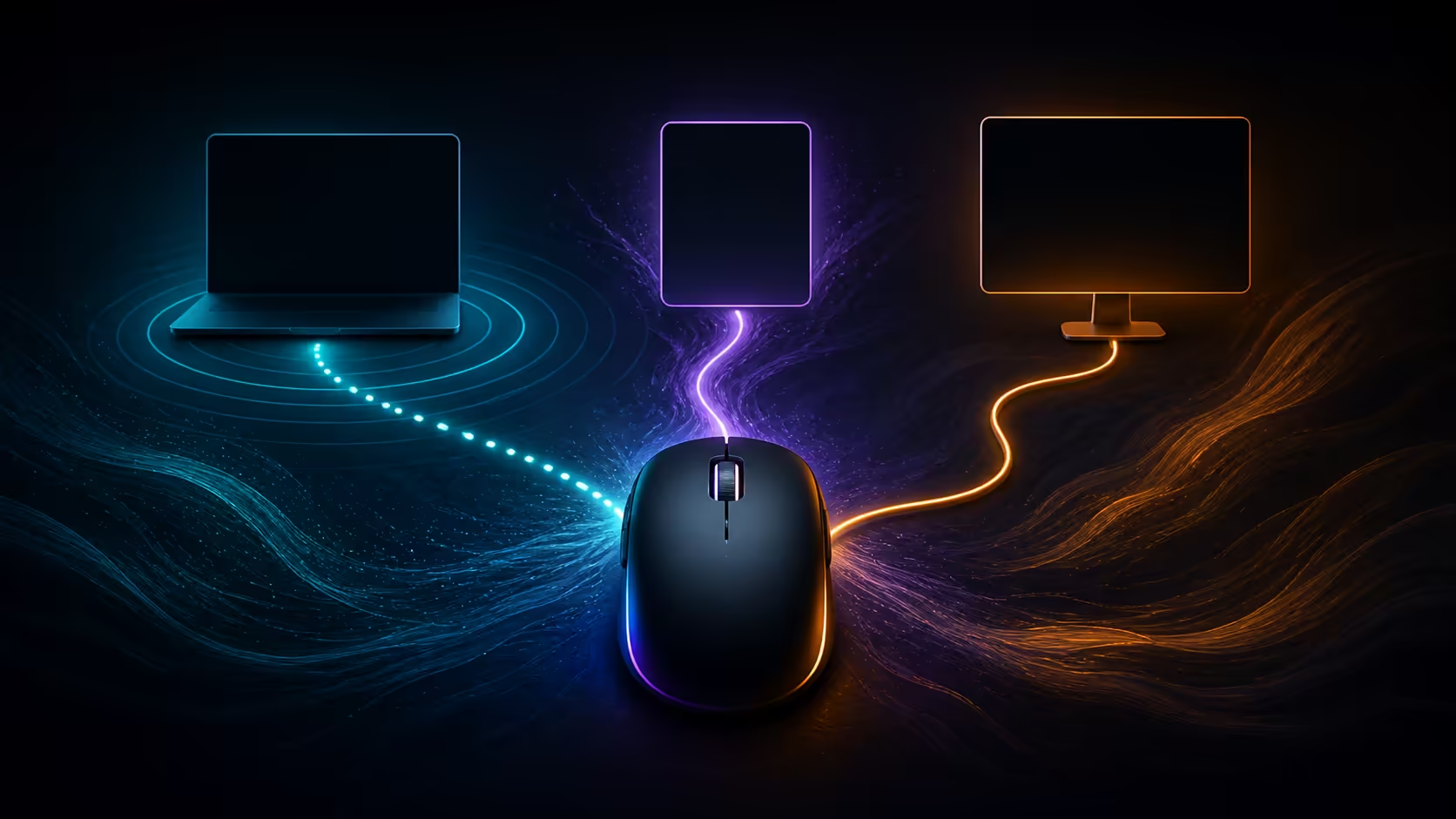
Tri-mode gives one mouse three routes, but the user still decides which machine receives each route. A tri-mode mouse on different devices can keep 2.4GHz with a gaming tower, Bluetooth with a laptop and USB-C ready for a third wired host or charging. The R1,299 HARPOON v2 supports precisely those three connection types.
Quick Answer
Yes, the HARPOON v2 can use 2.4GHz, Bluetooth and USB-C with compatible devices, switching modes as the active computer changes. Tri-mode does not inherently mean simultaneous control of three screens. At R1,299, the mouse also includes six programmable buttons, a 140-hour battery and a 26K sensor.
🖥️ Reserve 2.4GHz for the main PC
Place the receiver in the gaming computer and keep it there. A permanent assignment reduces setup time and avoids losing a small dongle between devices. Position it near the mouse when possible, then test the usual game at a fixed sensitivity.
Evetech's full gaming mouse range lets buyers compare which models provide the routes their desk actually needs.
💻 Pair Bluetooth with the portable device
Bluetooth is convenient for a compatible laptop because it preserves a USB port. Pair the mouse, test the main buttons and switch mode before interacting with the laptop. A predictable receiver-PC and Bluetooth-laptop map prevents accidental input on the wrong screen.
Set a distinct profile name on the laptop and choose readable pointer scaling for its display. The same physical DPI can feel different across screens, so adjust the computer's environment once rather than continually changing the mouse whenever a mode is selected.
Explore Evetech's wireless mouse category when direct pairing is a priority. The connection should fit the laptop's port and travel routine.
🔌 Decide how USB-C will serve the desk
USB-C can provide wired operation while charging or connect the mouse to another compatible host. Keep the cable accessible and route enough slack for normal movement. It is the dependable fallback when the wireless battery needs attention.
Test that cable path before a trip or important work block. A lead trapped behind the gaming tower cannot support the laptop at another location, and a tight route can tug on the 80g shell during precise movement. Pack it as part of the device map.
Across every device, the user handles the same 80g Corsair body with a directional right-hand contour. Its six-button profile may change by application, but consistent physical positions make each role easier to remember.
Do not force every computer to use all six mappings. A travel profile may need only navigation and mute, while the gaming system uses communication and an ability. Smaller role-specific maps reduce accidental commands during switching.
Label the routes where switching happens
Place a small note near the mode selector during the first week: receiver PC, Bluetooth laptop, cable fallback. Use the assigned route, move the pointer once and name the active device aloud before clicking. The habit sounds deliberate because it is designed to prevent input mistakes while two screens are visible. Remove the note after the sequence becomes automatic. A successful multi-device setup is measured by confident handoffs, not by how quickly three pairings can be created.
Frequently Asked Questions
Which device should use the 2.4GHz connection?
Assign it to the main gaming PC, where a responsive wireless route has the clearest purpose.
Why pair a laptop through Bluetooth?
Bluetooth avoids using a laptop USB socket and leaves the receiver attached to the gaming system.
Where does USB-C fit in a multi-device arrangement?
It provides wired operation and charging, and can serve a compatible host when the cable route is useful.
Can all three devices be controlled at exactly the same time?
Tri-mode describes three available connections, not automatic simultaneous control. Switch to the route assigned to the intended device.
Does the HARPOON v2 include all three modes?
Yes. At R1,299, the available routes are a 2.4GHz receiver, direct Bluetooth pairing and USB-C.
What should be checked before changing between devices?
Pause the current task, select the correct mode and test pointer movement before clicking. This prevents input landing on the wrong screen.
The model sits inside Evetech's gaming mice below R2,000, providing a clear budget reference for multi-device planning.
Ready to give every device a deliberate route instead of juggling receivers?
Browse Evetech's tri-mode mice and sketch the 2.4GHz, Bluetooth and USB-C assignments before choosing your next model.