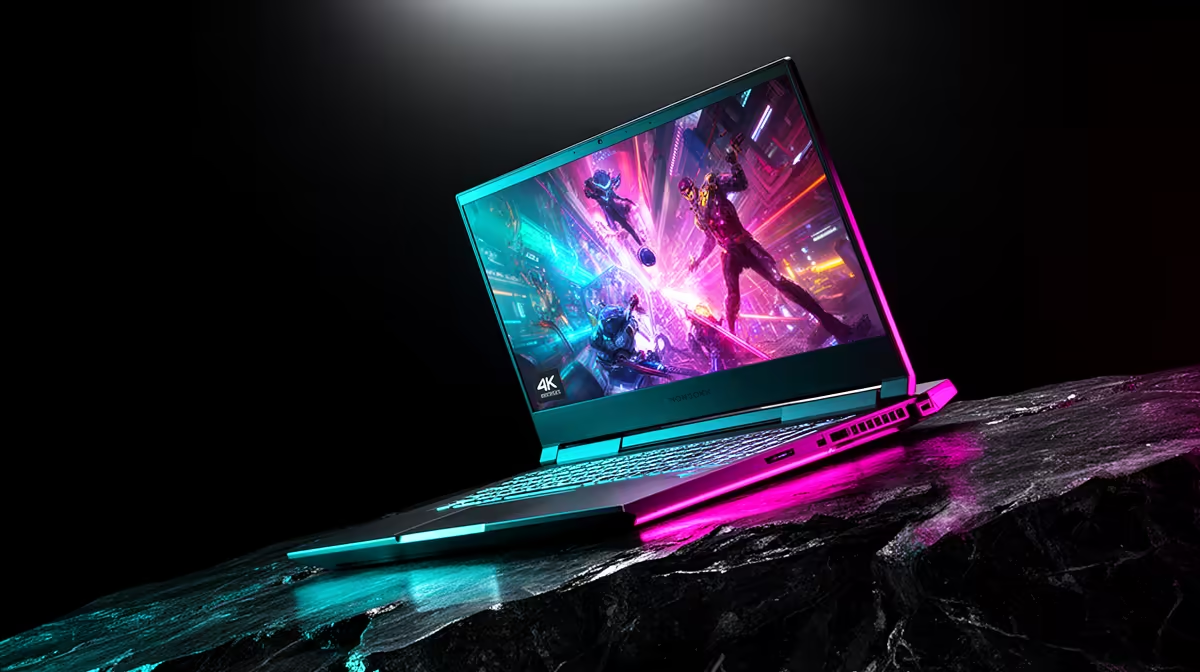
Yes, a gaming laptop can drive a 4K 144Hz external monitor. That sentence only describes the signal. Holding 144fps in a new game at native 4K is a much harder job, reserved for powerful laptop GPUs and carefully chosen settings. Most buyers will see a changing mix: full 4K sharpness on the desktop, high refresh in lighter games and DLSS-assisted performance in heavy releases.
Quick Answer
Check two limits before buying: the laptop GPU's measured 4K performance and the maximum display mode on its HDMI or USB-C output. A top-tier gaming laptop can make good use of 4K 144Hz across a broad library. Midrange machines can still use the monitor for work and selected games without filling its refresh ceiling everywhere. In Evetech's July 2026 monitor price snapshot, R4,499 was the in-stock category median; 4K high refresh belongs above that dated baseline, so the connection check matters before you spend.
🔌 Confirm 4K 144Hz from the port
Read the exact laptop manual. HDMI 2.1 or a suitable DisplayPort connection over USB-C can carry high-refresh 4K, but implementations differ. Display Stream Compression may be part of the supported mode. The monitor input and cable have to support it too.
Connect directly, then open Windows Advanced display. Select 3840x2160 and check whether 144Hz appears. If it stops at 60Hz or 120Hz, swap to the documented high-bandwidth output before blaming the GPU.
Evetech's monitor range lets you compare the input specifications on current 4K models.
🎮 Separate a game target from the panel ceiling
Competitive and older titles may reach high frame rates at 4K. A dense ray-traced game may run far lower even on premium laptop hardware. VRR keeps those changing rates useful, so a 144Hz panel can still feel excellent at 85fps or 110fps.
Use DLSS Quality as a starting point in supported games. Keep the monitor at native 4K and inspect fine detail in motion. Frame generation can improve displayed smoothness, while base FPS still shapes response.
🧳 Check the desk and power arrangement
Full laptop performance normally requires the main charger. A monitor's USB-C power delivery may run office work yet fall short in the gaming profile. Leave room around the chassis exhaust and test after it has warmed up.
Use Evetech's monitor best-sellers to compare current screen sizes after the signal and performance questions are settled.
Frequently Asked Questions
Which laptop GPUs can hit 4K 144Hz?
Top laptop GPU tiers have the best chance, especially in lighter games. No mobile GPU guarantees 144fps in every modern title.
Does HDMI 2.1 support 4K 144Hz from a laptop?
It can, depending on the laptop implementation, monitor input and compression support. Check both specifications.
Can DLSS help a laptop reach 4K 144Hz?
Yes. Upscaling reduces the internal render load, and supported frame-generation modes can use more of the panel's refresh headroom.
Is 4K 144Hz worth it over 1440p for a gaming laptop?
It is compelling for a large mixed-use screen. A 1440p high-refresh monitor usually gives midrange laptop GPUs an easier gaming balance.
Does USB-C DisplayPort handle 4K 144Hz on laptops?
Some USB-C DisplayPort outputs do. Confirm the DisplayPort version, compression support and available bandwidth on the exact laptop.
Will older laptop GPUs bottleneck a 4K 144Hz monitor?
They may render demanding games far below 144fps, while still driving the desktop and lighter titles at the monitor's native mode.
Checking whether 4K 144Hz belongs beside your gaming laptop?
Compare high-refresh 4K monitors at Evetech, then confirm the exact laptop output and benchmark one demanding game at 3840x2160.