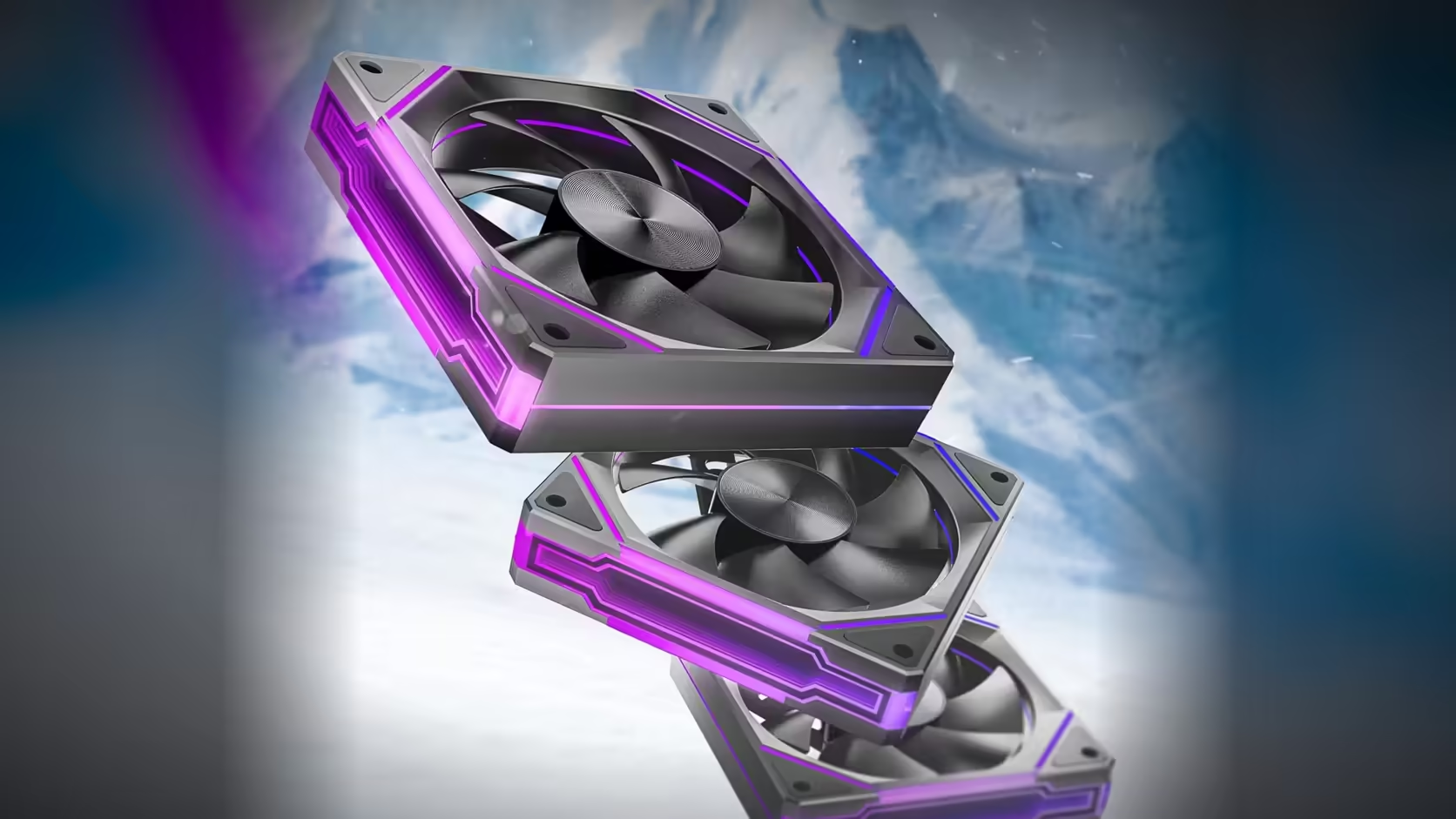
Two entirely separate systems run inside a single Amici Pro fan, and understanding that split answers a question that comes up often - can the ring go dim without the fan itself slowing down? Yes, and knowing why makes tuning a build's lighting and cooling independently far more straightforward.
Quick Answer
The Amici Pro's ring lighting and fan speed are driven by entirely separate connections - the fan sells as a 3-pack at R399 including VAT, a price that is not locked in and can move - so motherboard software can dim or brighten the ring while the PWM fan curve continues running exactly as configured. Nothing about brightness has any bearing on how fast the fan spins.
🔌 Two connections, two jobs
The ring connects over a 5V 3-pin addressable header, carrying only lighting signal and power for the LEDs. The motor runs on a separate four-pin PWM connection to a standard fan header, carrying the speed control signal entirely independently. These are genuinely different physical connections on the fan, which is exactly why one can be adjusted without touching the other.
Which software controls which
Your motherboard's RGB application handles the addressable header and therefore the ring's brightness, colour, and effects - the fans sync over a standard connection rather than needing a dedicated AsiaHorse utility. Fan speed, meanwhile, is set through your board's fan control panel or BIOS curve settings, entirely separate software from whatever runs the lighting.
🔋 Does dimming save meaningful power?
Marginally, though addressable lighting draws a genuinely small load compared to the rest of a build, so the real reason to dim the ring is appearance rather than any meaningful power saving. If a build is chasing a subtler look, dimming through the RGB app is the right lever, not something that meaningfully changes overall system consumption.
Can the ring be switched off completely?
Where your motherboard's RGB software offers an off state, yes - and the fan continues spinning at whatever speed the PWM curve dictates, completely unaffected by the lighting being disabled. This confirms just how separate the two systems genuinely are.
🛠️ Troubleshooting a dark ring
If the ring goes dark unexpectedly, check the RGB software's chosen effect first, since some effects genuinely include an off phase by design rather than indicating a fault. If that rules it out, the 5V 3-pin connection at the fan is the next thing to check - a partially seated connector is a common cause of no lighting signal reaching the fan. Genuine hardware failures within the covered period fall under the 1 Year Local Warranty, once connection issues have been ruled out. Browse case fans for the full range, and case accessories for extension cabling if your build needs a longer run to the header.
Frequently Asked Questions
Are the ring lighting and fan speed really independent on this fan?
Yes - the ring connects over a 5V 3-pin addressable header while the motor runs on a separate four-pin PWM connection.
Which software controls the ring's brightness?
Your motherboard's RGB application, since the fan syncs over a standard addressable connection rather than a dedicated utility.
Does dimming the ring meaningfully reduce power draw?
Only marginally - addressable lighting is a small load, so the reason to dim it is appearance rather than consumption.
Can I switch the ring off entirely without affecting the fan?
Yes, where your RGB software offers an off state, and the fan continues running exactly as the PWM curve dictates.
Does fan speed change the ring's appearance at all?
No, the two are driven separately, so a fan at full speed and one at idle look identical in terms of lighting.
What should I check if the ring goes dark unexpectedly?
First the chosen RGB effect for an off phase, then the 5V 3-pin connection itself for a partially seated plug.
Want to tune your build's lighting and cooling separately?
Browse Evetech's case fan range to find fans that let you control each independently.